ALIEN MEGA/MAX USER MANUAL
107
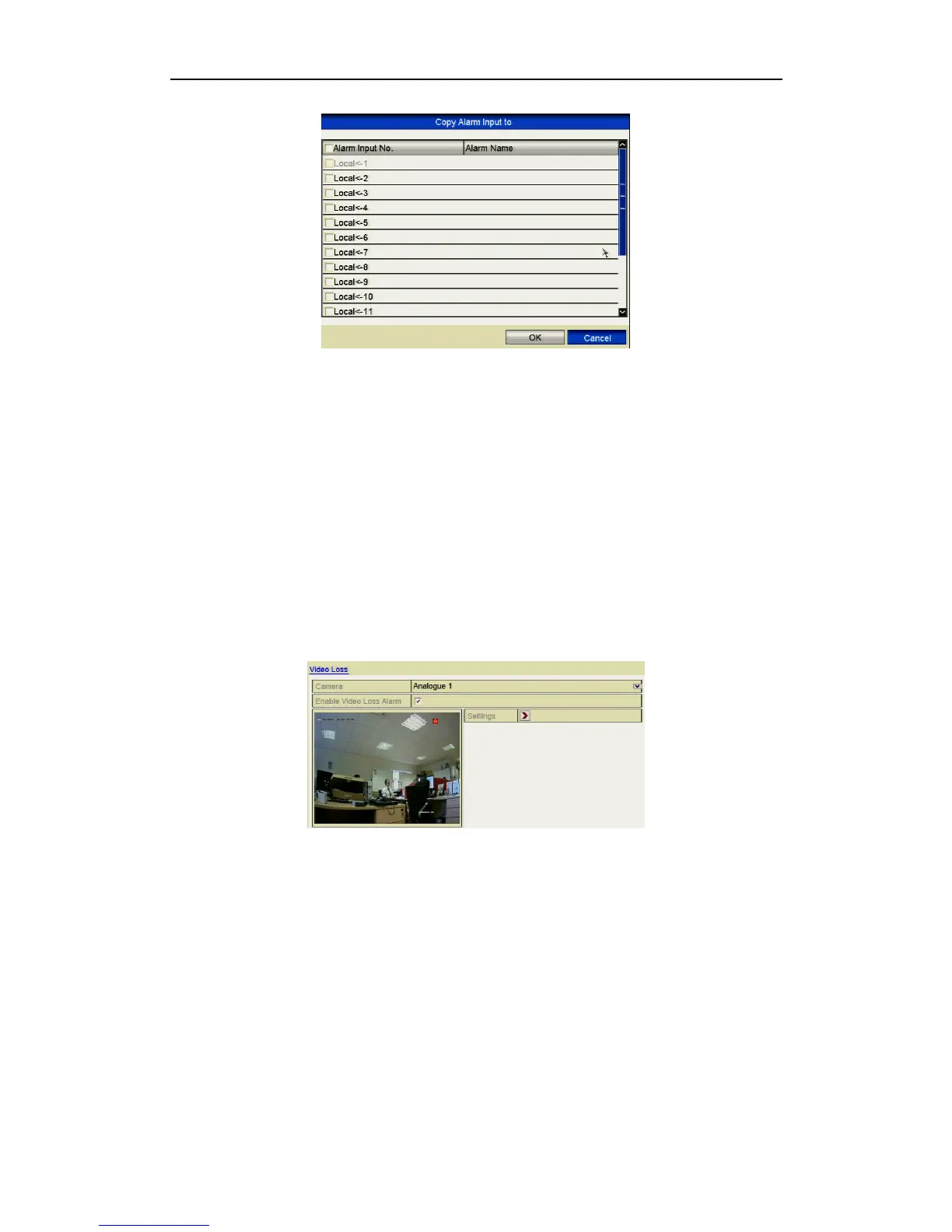
Figure 8.2.5 Copy Settings of Alarm Input
8.3 Detecting Video Loss
Purpose:
Detect video loss of a channel and take alarm response action(s).
Steps:
1. Enter Video Loss interface in Camera Management and select a channel you want
to detect.
Menu> Video> Video Loss
Figure 8.3.1 Video Loss Setup Interface
2. Set up handling method for video loss.
Click the checkbox “Enable Video Loss Alarm”.
Click Settings button to set up handling method of video loss.
3. Set arming schedule for the channel.
Select Arming Schedule tab to set the channel’s arming schedule.
Choose one day of a week and up to eight time periods can be set within each day.
You can click the Copy button to copy the time period settings to other day(s).
Time periods must not be duplicated or overlap.



 To Next Page