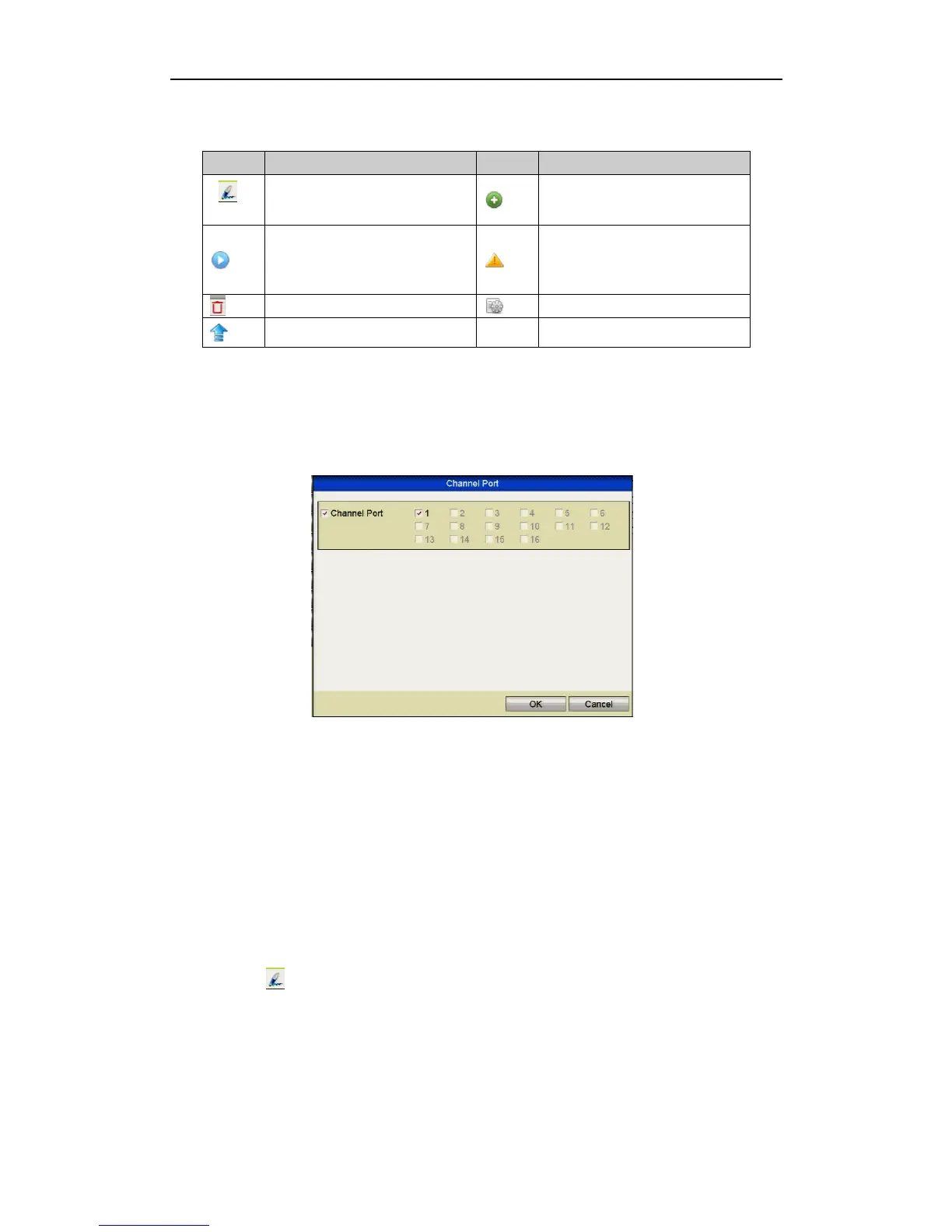
3. (For the encoders with multiple channels only) check the checkbox of Channel
No. in the display window, as shown in the following figure, and click OK to
finish adding.
Figure 2.3.1.6 Selecting Multiple Channels
2.3.2 Editing the Connected IP Cameras and Configuring Customised
Protocols
After the adding of the IP cameras, the basic information about the camera can be
configured. These are listed on the configuration settings page.
Steps:
1. Click
the icon to edit the parameters; you can edit the IP address,
protocol and other parameters.



 To Next Page