ALIEN MEGA/MAX USER MANUAL
37
2) You can edit the IP address, protocol, port, and other information of the IP
camera to be added.
3) Click Add to add the camera.
OPTION 2:
Steps:
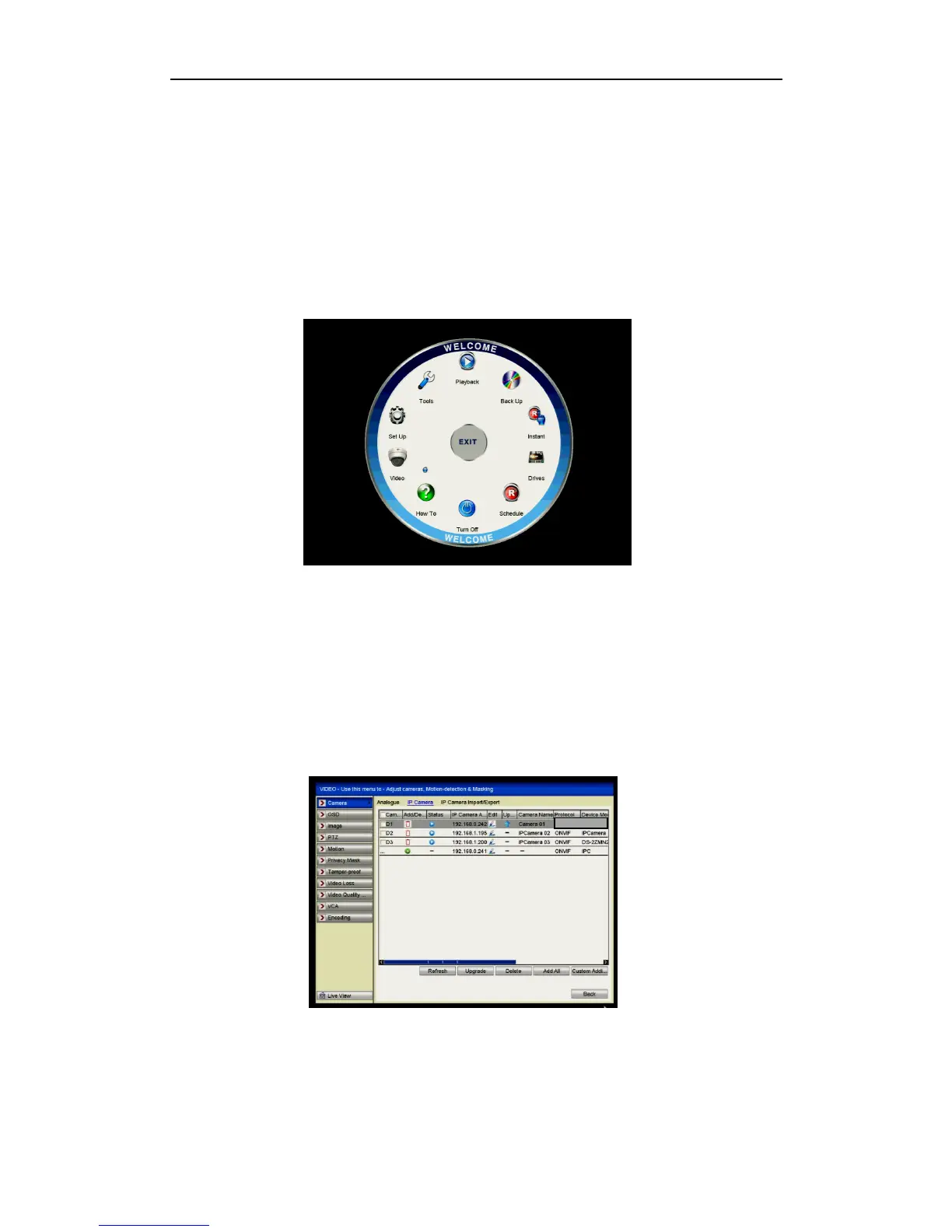
1. Enter the Camera Management interface.
Menu> Video> Camera> IP Camera
Figure 2.3.1.4 Main Menu
2. Repeat step 3 and 4 in OPTION 1 to add the camera.
Figure 2.3.1.5 IP Camera Management Interface



 To Next Page