ALIEN MEGA/MAX USER MANUAL
14
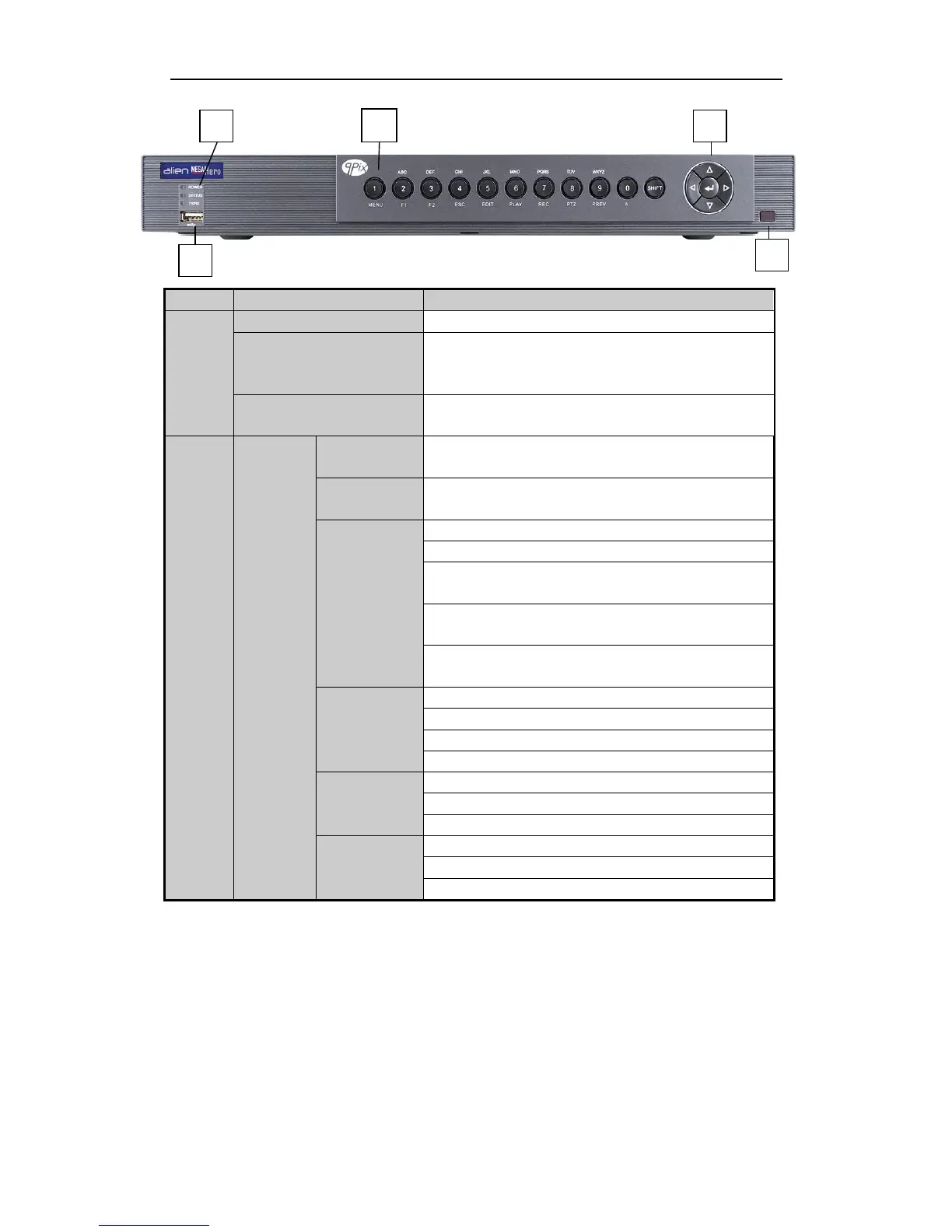
Figure 1.1.3 Front Panel of MEGA216
Power indicator turns yellow when the device s running.
Status indicator blinks red when data is being read from or
written to HDD, and turns yellow when the SHIFT function is
pressed.
Tx/Rx indictor blinks yellow when network connection is
functioning properly.
Switch between the numeric or letter input and functions of the
composite keys.
Enter numeral “1”;
Access the main menu interface.
The F1 button when used in a list field will select all items in
the list.
In PTZ Control mode, it will turn on/off PTZ light and when
the image is zoomed in, the key is used to zoom out.
In live view or playback mode, the F1 button can be used to
switch between main and spot video output.
The F2 button is used to change the tab pages.
In PTZ control mode, it zooms in the image.
Exit and back to the previous menu.
Delete characters before cursor;



 To Next Page