ALIEN MEGA/MAX USER MANUAL
141
Chapter 10 HDD Management
10.1 Initialising HDDs
Purpose:
A newly installed hard disk drive (HDD) must be initialised before it can be used with
your DVR.
Steps:
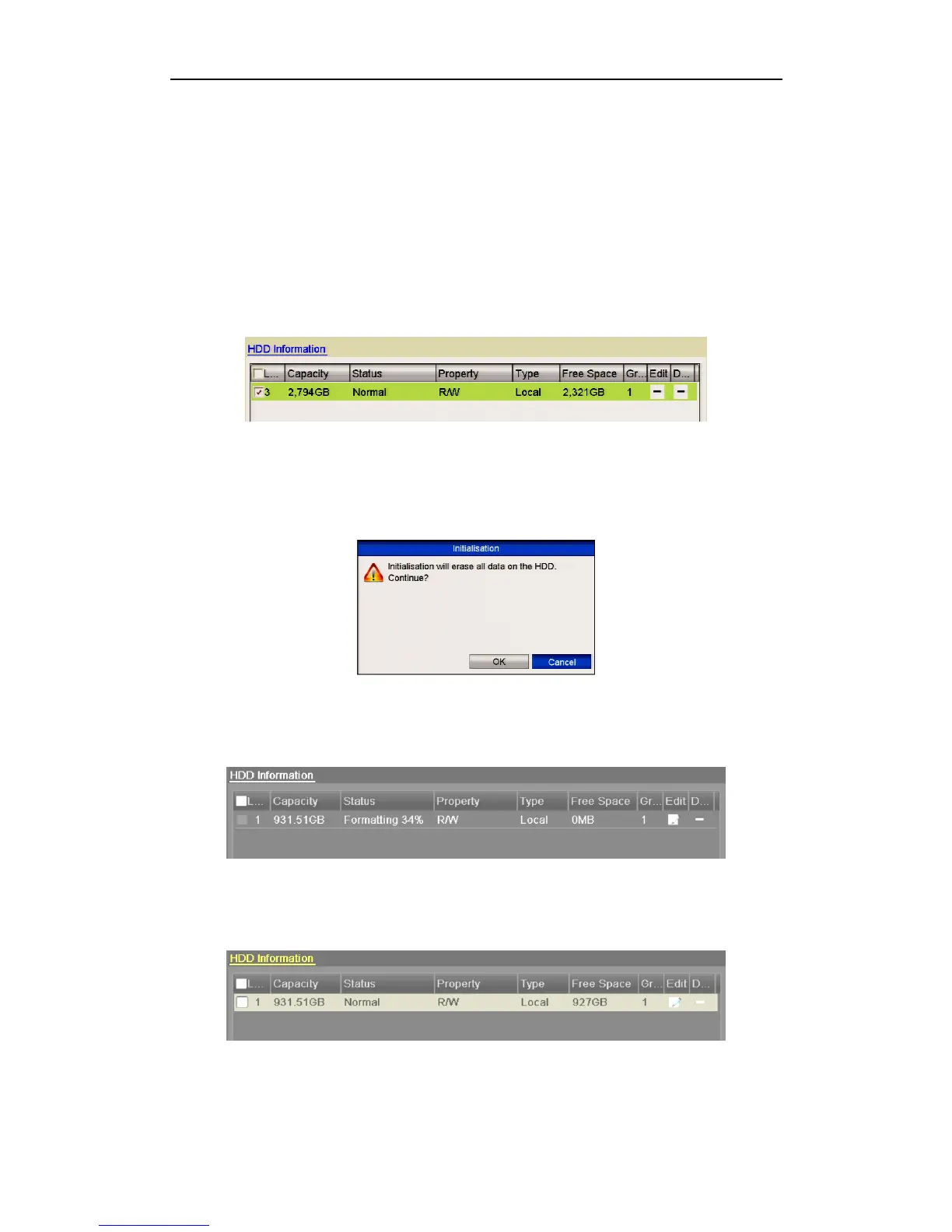
1. Enter the HDD Information interface.
Menu > Drives>General.
Figure 10.1.1 HDD Information Interface
2. Select HDD to be formatted.
3. Click the Format button.
Figure 10.1.2 Confirm Initialisation
4. Select the OK button to start initialisation.
Figure 10.1.3 Start Initialisation
5. After the HDD has been initialised, the status of the HDD will change from
Uninitialised to Normal.
Figure 10.1.4 HDD Status Changes to Normal
Note that initializing/formatting the HDD will erase all data on it.



 To Next Page