ALIEN MEGA/MAX USER MANUAL
150
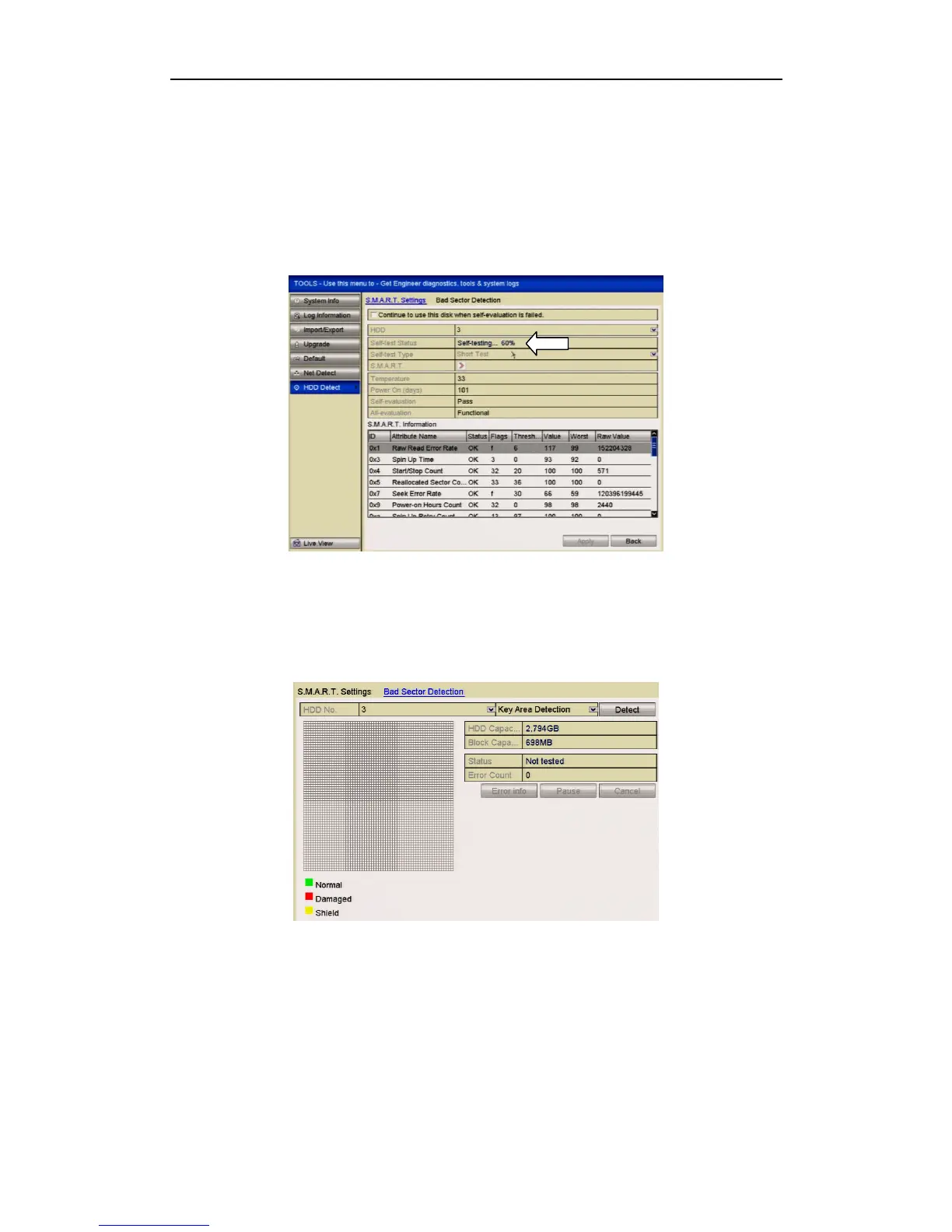
10.7 Detecting Bad Sector
Purpose:
You can detect bad sectors on the HDD to check the status of the HDD.
Steps:
1. Enter the HDD Detect interface.
Menu>Tools>HDD Detect
Figure 10.7.1 SMART Test
2. Click the Bad Sector Detection tab to enter the interface.
3. Select a HDD and click the Detect button to start detecting.
Figure 10.7.2 Bad Sector Detecting
4. You can click the Pause button to pause the detection and click the Resume
button to resume the detection.
5. If there is error information about the HDD, you can click the Error Info button
to view the information.



 To Next Page