ALIEN MEGA/MAX USER MANUAL
108
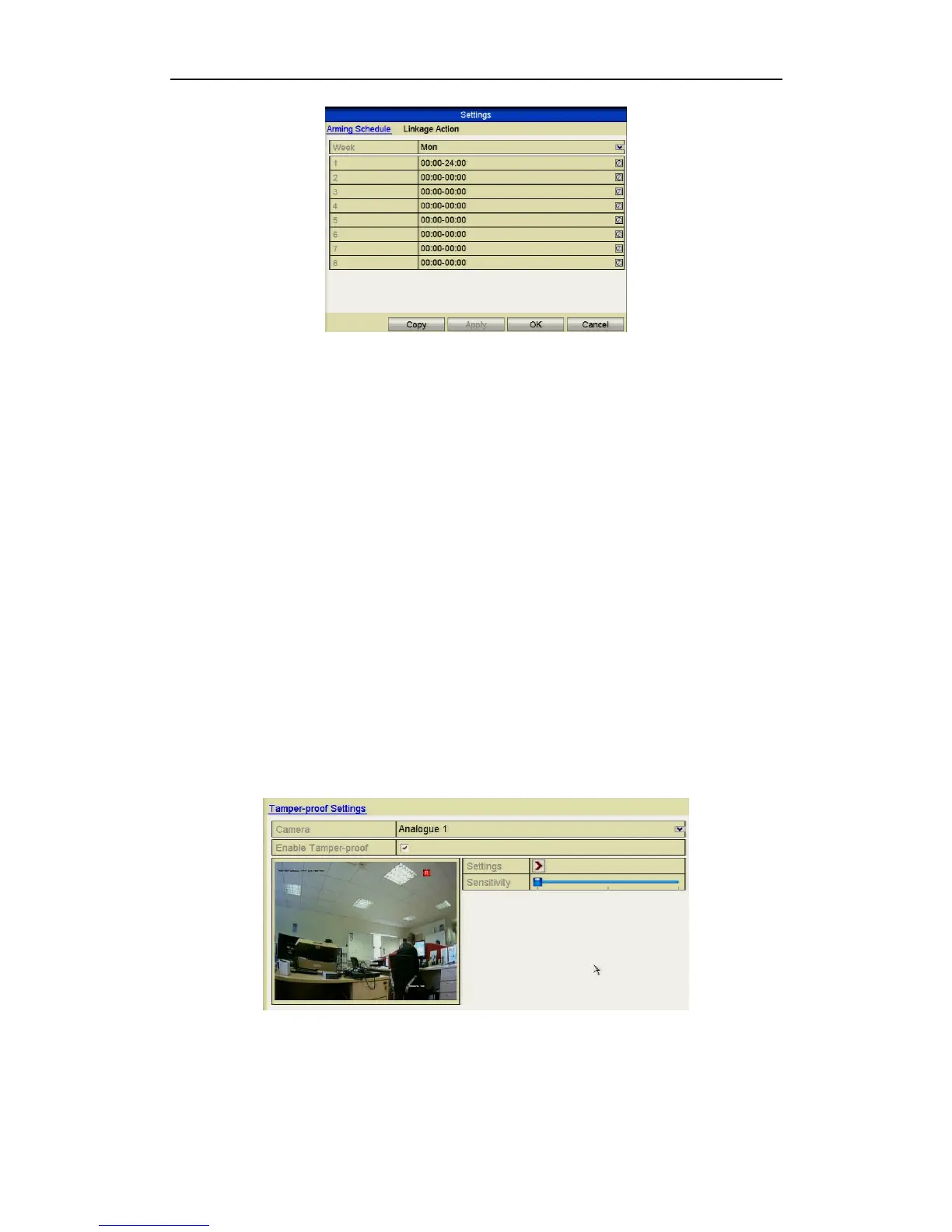
Figure 8.3.2 Set Arming Schedule of Video Loss
Repeat the above steps to set arming schedule of other days of a week. You can
also use Copy button to copy an arming schedule to other days.
4. Select Linkage Action tab to set up alarm response action of video loss (please
refer to Setting Alarm Response Actions later in this chapter.
5. Click the OK button to complete the video loss settings for the channel.
Repeat the above steps to finish settings of other channels, or click the Copy
button to copy the above settings to them.
8.4 Detecting Video Tampering
Purpose:
Trigger alarm when the lens is covered and take alarm response action(s).
Steps:
1. Enter Video Tampering interface in Camera Management and select a channel
you want to detect for video tampering.
Menu> Video> Tamper-proof
Figure 8.4.1 Video Tampering Interface



 To Next Page