ALIEN MEGA/MAX USER MANUAL
148
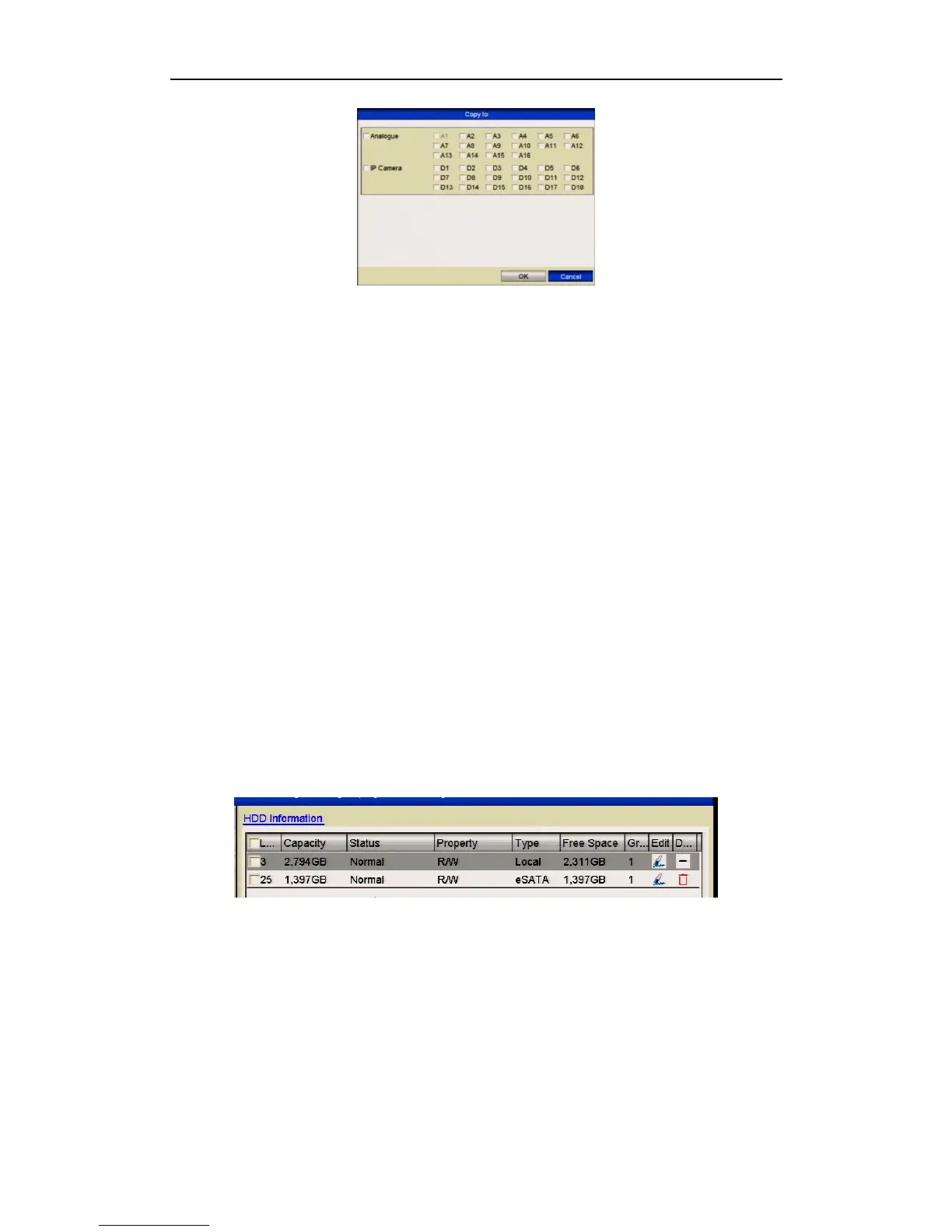
Figure 10.4.2.3 Copy Settings to Other Camera(s)
6. Select the camera (s) to be configured with the same quota settings. You can also
click the checkbox of Analog to select all cameras.
7. Click the OK button to finish the Copy settings and return to the Storage Mode
interface.
8. Click the Apply button to apply the settings.
If the quota capacity is set to 0, then all cameras will use the total capacity of HDD
for recording.
10.5 Checking HDD Status
Purpose:
You may check the status of the installed HDDs on DVR so as to take immediate
check and maintenance in case of HDD failure.
Checking HDD Status in HDD Information Interface
Steps:
1. Enter the HDD Information interface.
Menu > Drives>General
2. Check the status of each HDD which is displayed in the list.
Figure 10.5.1 View HDD Status (1)
If the status of HDD is Normal or Sleeping, it works normally. If the status is
Uninitialized or Abnormal, please initialise the HDD before use. If the HDD
initialisation fails, please replace it.



 To Next Page