ALIEN MEGA/MAX USER MANUAL
168
3. Click the icon to delete the selected user.
12.5.3 Editing a User
Steps:
1. Enter the User Management interface.
Menu > Setup> User
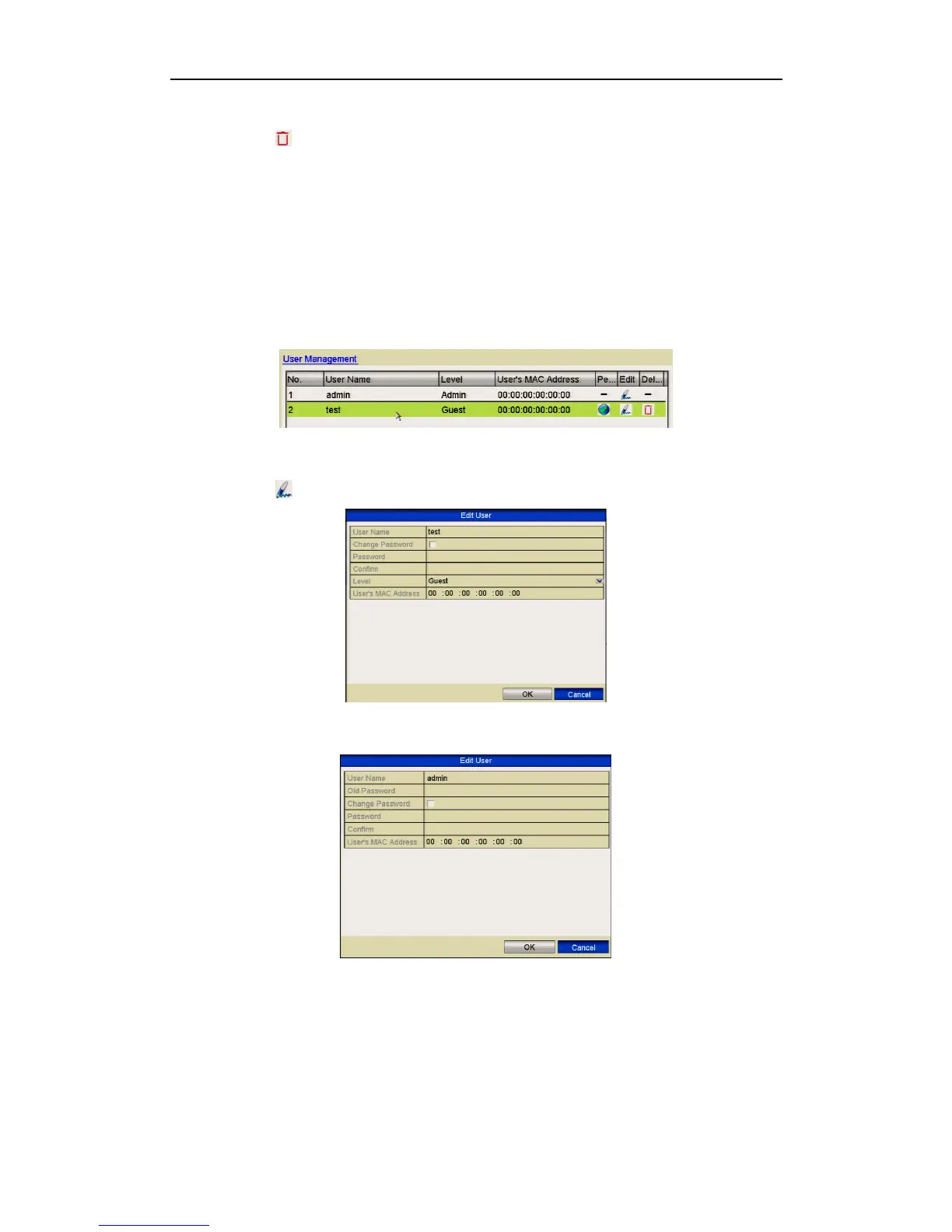
2. Select the user to be edited from the list.
Figure 12.5.3.1 Edit a User
3. Click the icon to enter the Edit User interface.
Figure 12.5.3.2 Edit User Interface - operator and guest
Figure 12.5.3.3 Edit User Interface - admin



 To Next Page