ALIEN MEGA/MAX USER MANUAL
71
5.6 Configuring Manual Record
Purpose:
Follow the steps to set parameters for the manual record. Using manual record, you
are overriding the record schedule and using highest record settings. Therefore disk
space will be used much quicker. This option is only used for emergency recording
when the schedule is not running 24 x 7. When the DVR is rebooted the manual
settings are cancelled.
Steps:
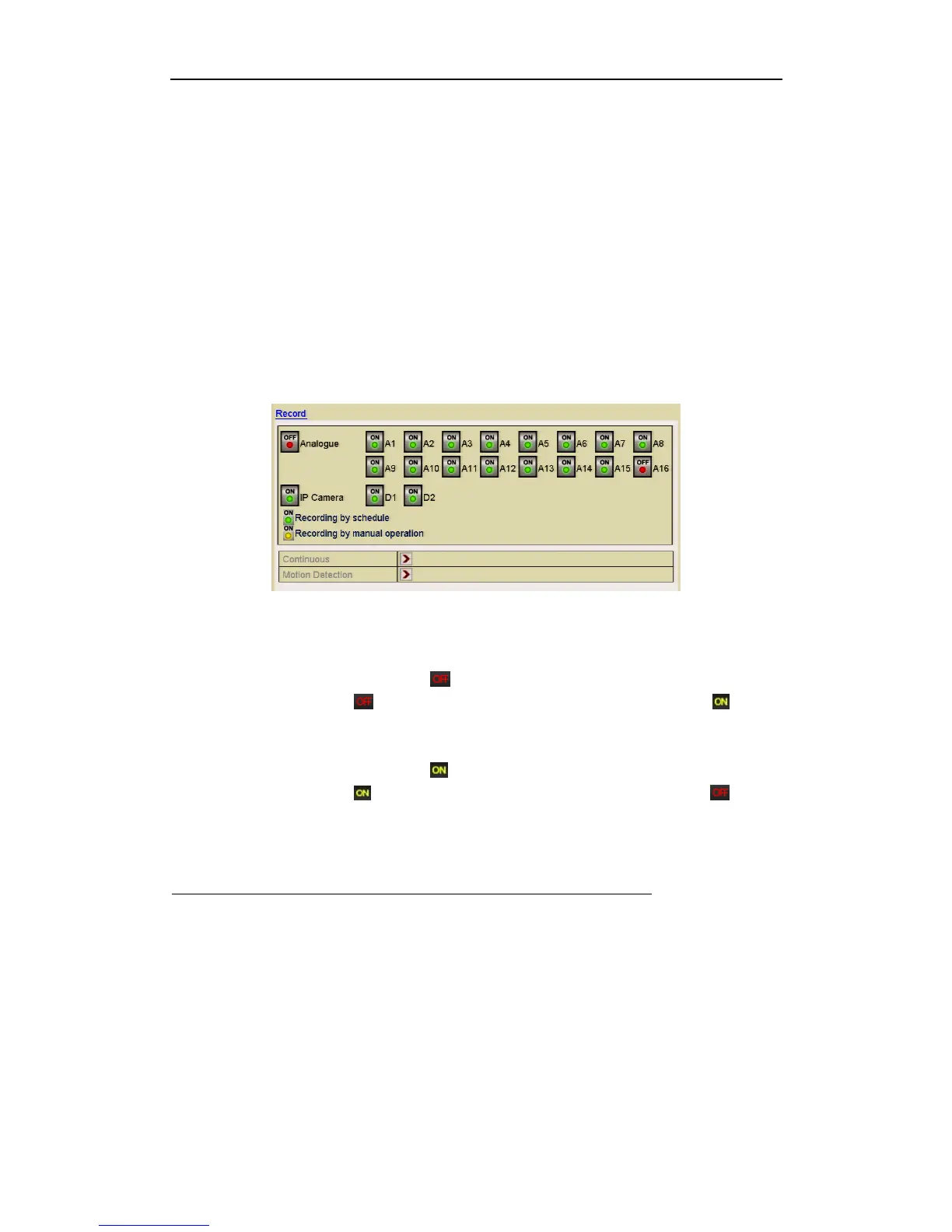
1. Enter the Manual settings interface.
Menu> Instant
Figure 5.6.1 Manual Record
2. Enable manual record.
3. Click the Analogue status icon to enable manual record on all channels
or click the required status icon to change camera number status to .
4. Disable manual record.
Click the Analogue status icon to disable manual record of all channels
or click the required status icon to change camera number status to
REMINDER
MANUAL RECORD IS CANCELLED FOLLOWING A REBOOT.



 To Next Page