ALIEN MEGA/MAX USER MANUAL
144
Figure 10.2.4 Add IP SAN Disk
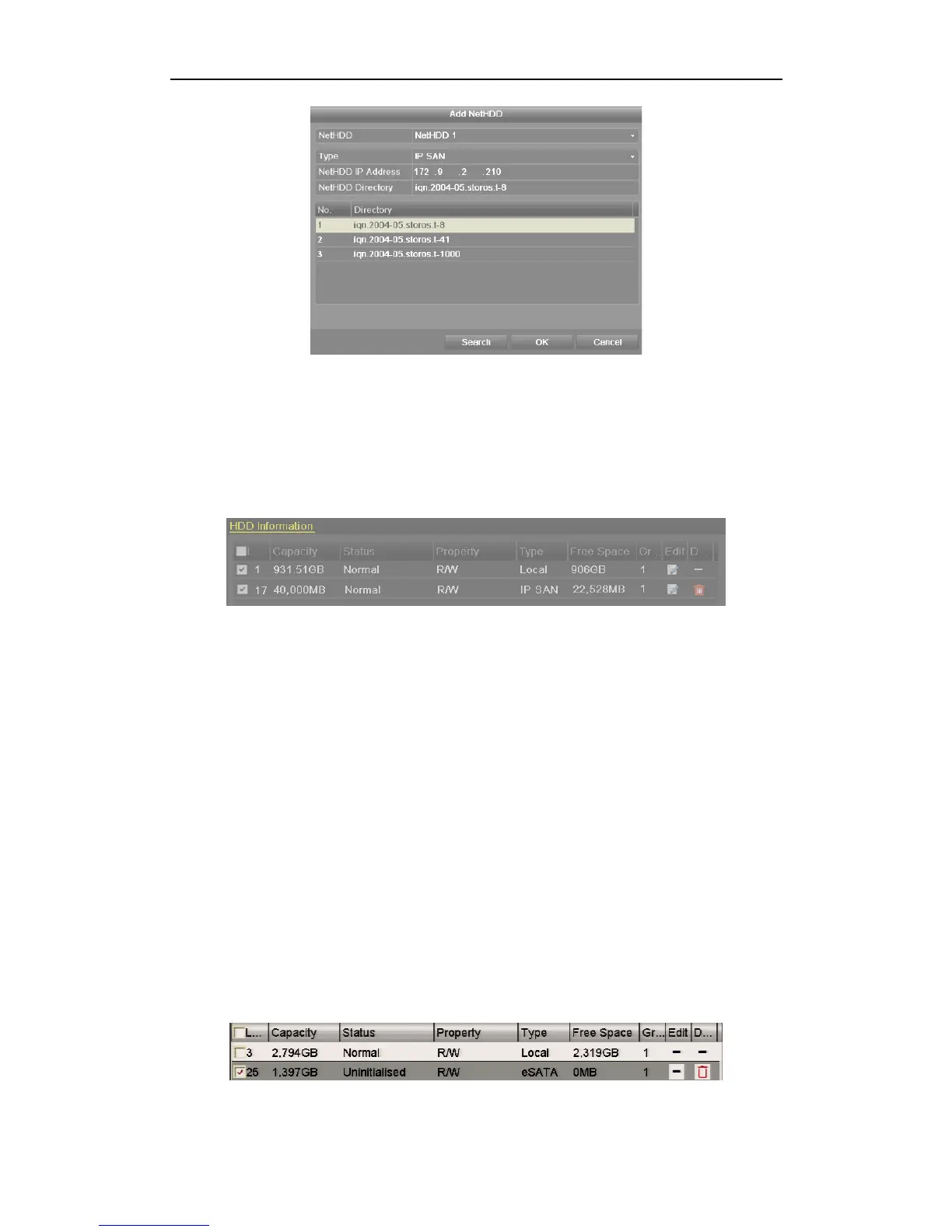
5) After having successfully added the NAS or IP SAN disk, return to the HDD
Information menu. The added NetHDD will be displayed in the list.
If the added NetHDD is uninitialised, please select it and click the Init button for
initialisation.
Figure 10.2.5 Initialise Added NetHDD
10.3 Managing eSATA
Purpose:
When there is an external eSATA device connected to the DVR, you can configure
eSATA for Recording (Record) or Backup (Export) and you can manage the eSATA in
the DVR.
Steps:
1. Enter the Advanced Record Settings interface.
Menu >Record>Advanced
2. Select the eSATA type to Export or Record from the dropdown list of eSATA.
Export: use the eSATA for backup. Refer to Backup using eSATA HDDs in
Chapter 7.1.1 Backing up by Normal Video Search for operating instructions.
Record: use the eSATA for record. Refer to the following steps for operating
instructions.
Figure 10.3.1 Set eSATA Mode



 To Next Page