ALIEN MEGA/MAX USER MANUAL
36
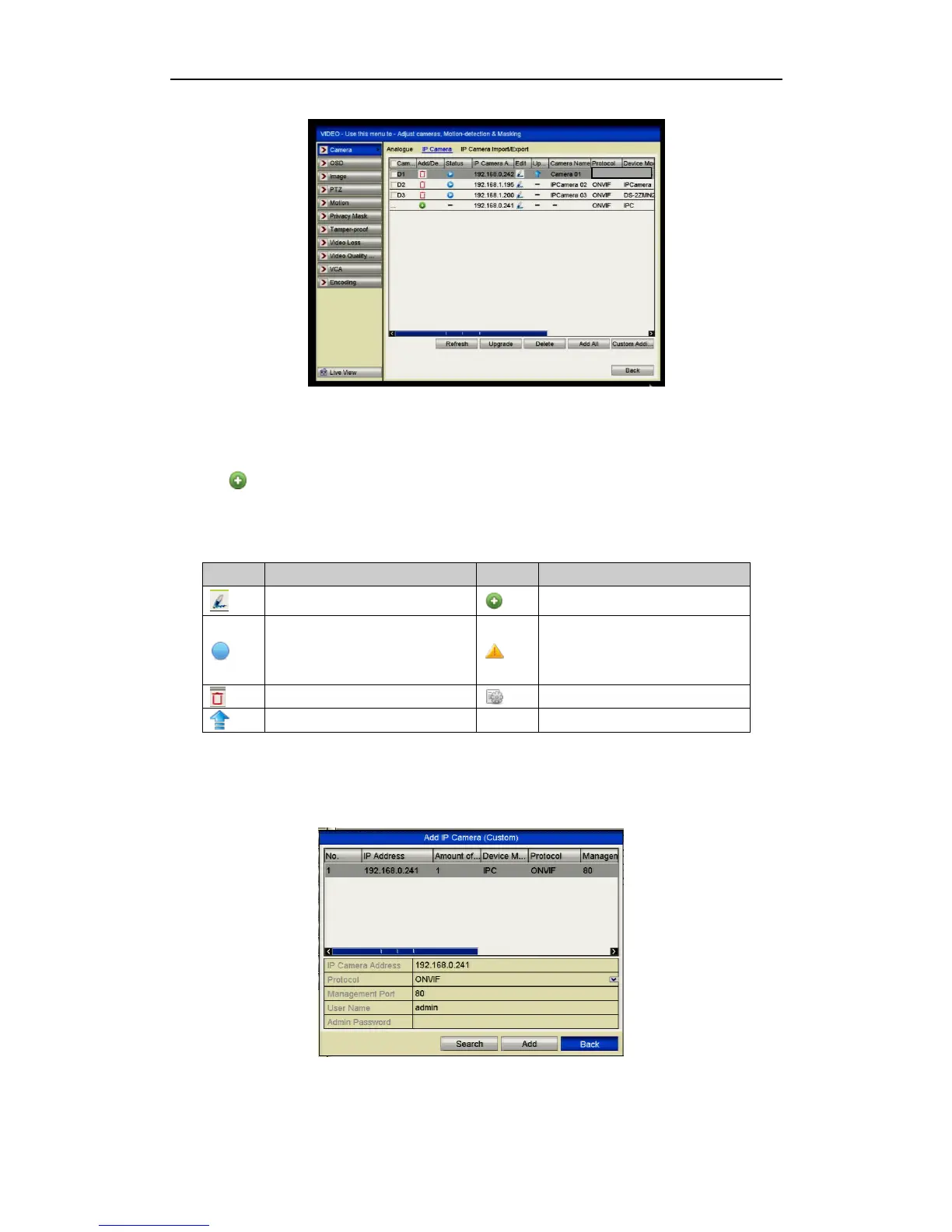
Figure 2.3.1.2 Adding IP Camera Interface
3. The online cameras with same subnet will be displayed in the camera list. Click
the button to add the camera or you can click the Add All button to add all
the detected online IP cameras.
Edit basic parameters of the camera
Add the detected IP camera.
The camera is disconnected; you can
click the icon to get the exception
information of camera.
Advanced settings of the camera.
4. To add other IP cameras:
1) Click the Custom Adding button to pop up the Add IP Camera (Custom)
interface.
Figure 2.3.1.3 Custom Adding IP Camera Interface



 To Next Page