ALIEN MEGA/MAX USER MANUAL
85
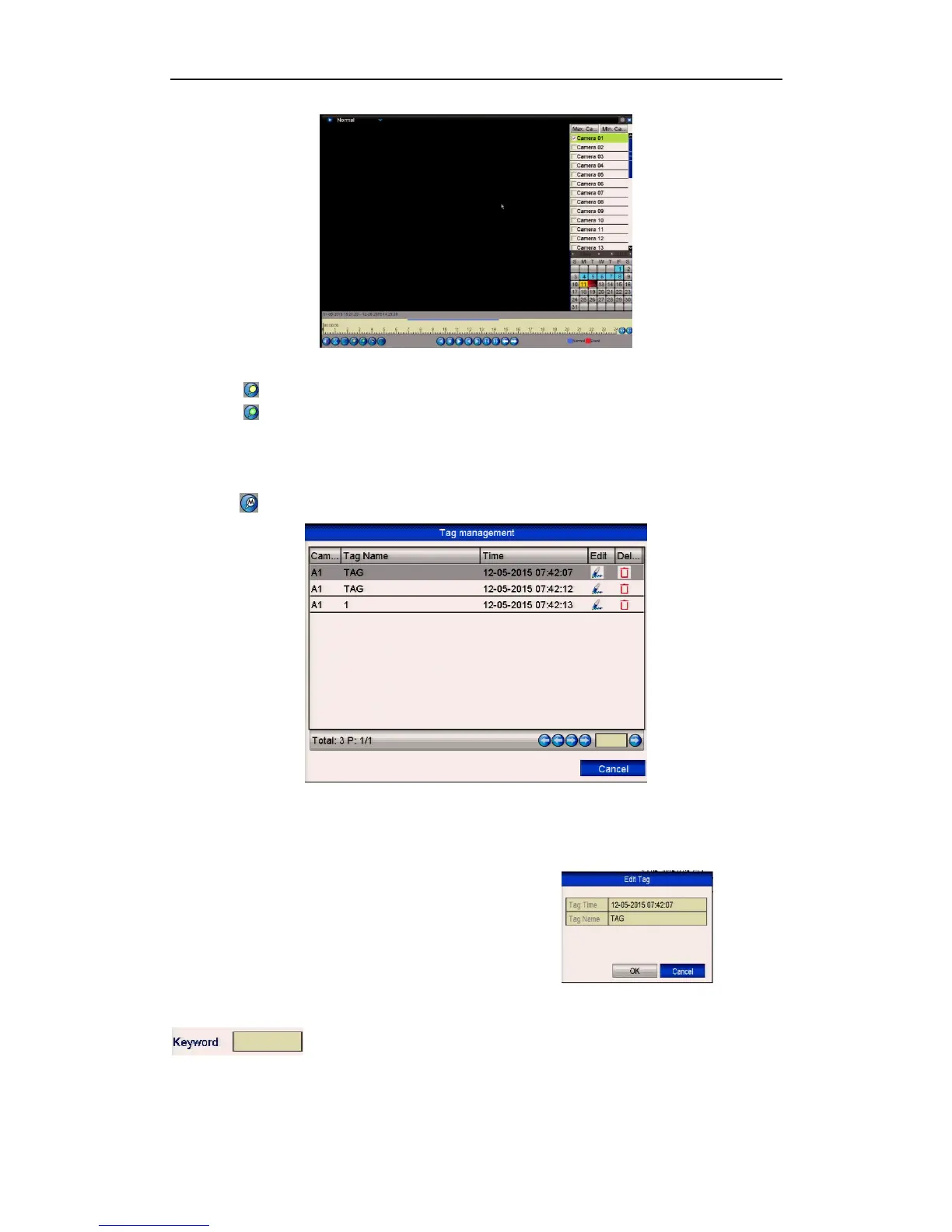
Figure 6.1.4.1 Normal Playback Interface
Click button to add default tag.
Click button to add customised tag and input tag name.
Max. 64 tags can be added to a single video file.
3. Tag management.
Click button to check, edit and delete tag(s).
Figure 6.1.4.2 Tag Management Interface
Steps:
1. Select the Tag from the drop-down list in the Playback interface.
2. Choose channels, edit start time and end time,
and then click Search to enter Search Result
interface.
You can enter keyword in the textbox
to search the tag in your command. See below.



 To Next Page