ALIEN MEGA/MAX USER MANUAL
111
Intrusion Detection: This function can be used for detecting whether there are
people, vehicles and objects intruding into the pre-defined region longer than the
set duration. You can set the duration for the alarm response actions, such as full
screen monitoring, audible warning.
4. Click the Enable checkbox to enable the selected VCA detection.
5. Click the Settings to configure the trigger channel, arming schedule and
linkage actions.
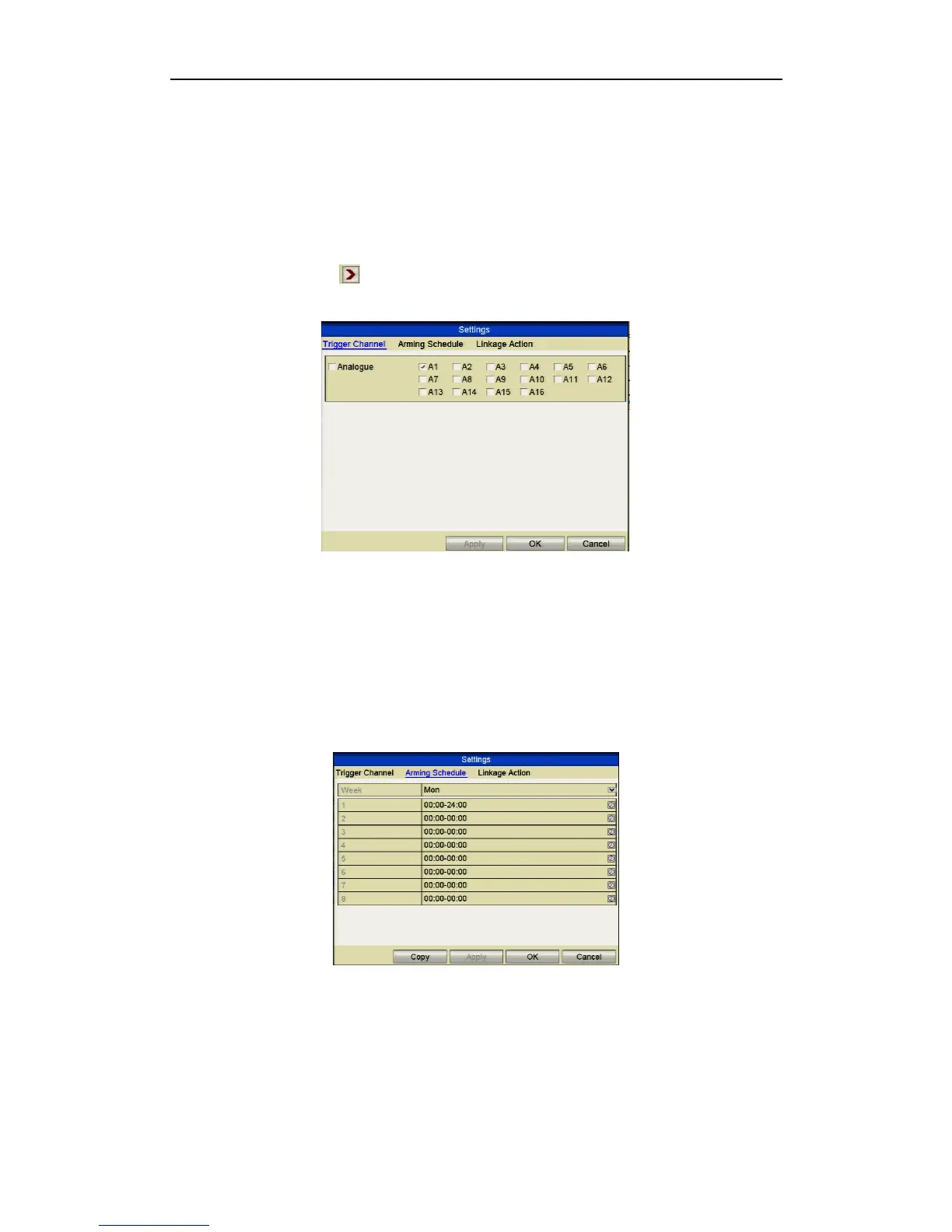
Figure 8.5.2 Set Triggering Channel for VCA Alarm
1) Select Trigger Channel tab and select one or more channels which will start to
record/capture or become full-screen monitoring when a VCA alarm is
triggered, and click Apply to save the settings.
2) Select Arming Schedule tab to set the arming schedule for handling actions.
Figure 8.5.3 Set Arming Schedule for VCA Alarm



 To Next Page