ALIEN MEGA/MAX USER MANUAL
152
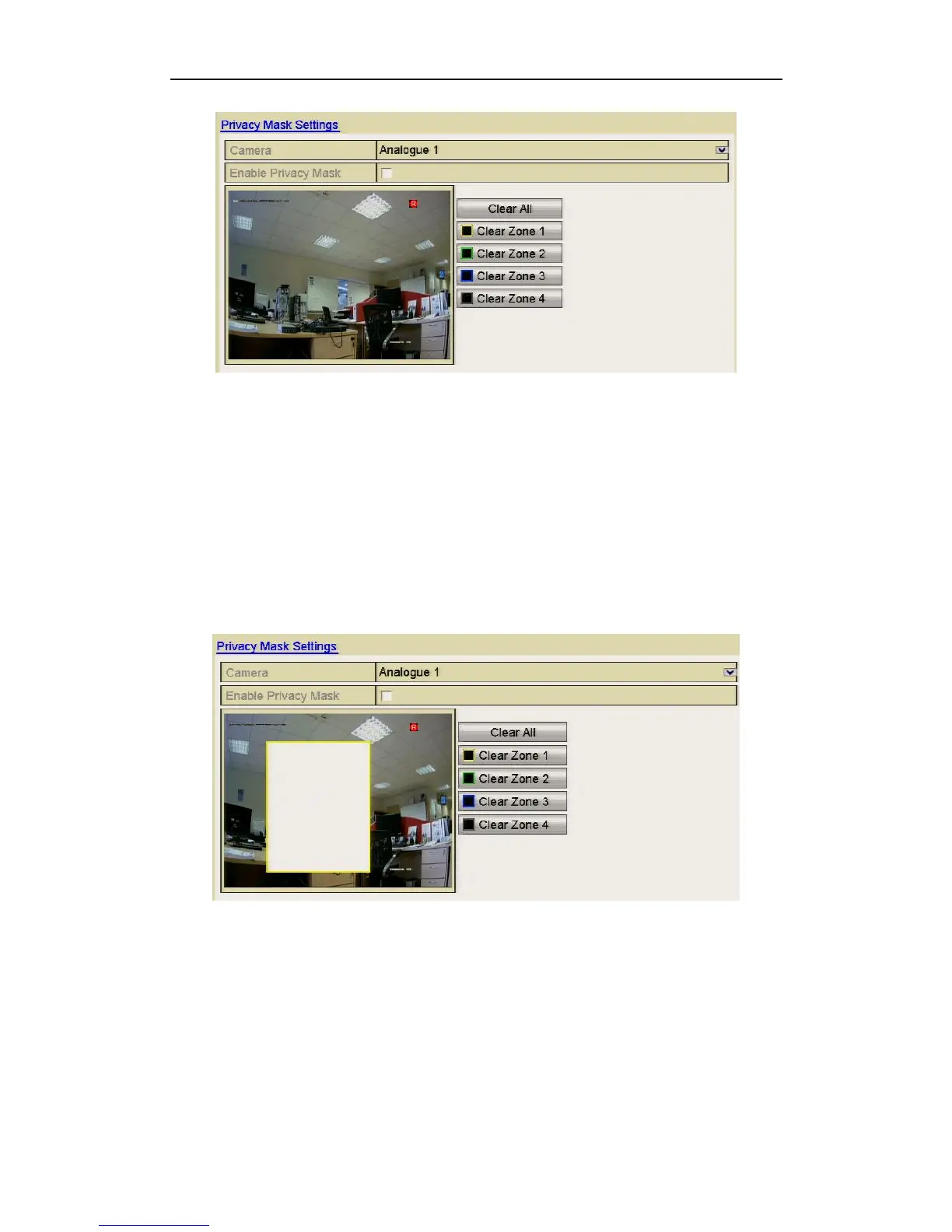
Figure 10.9.1 Privacy Mask Settings Interface
4. Use the mouse to draw a zone on the window. The zones will be marked with
different frame colours.
Up to 4 privacy mask zones can be configured, and the size of each area can be
adjusted.
5. The configured privacy mask zones on the window can be cleared by clicking the
corresponding Clear Zone1-4 icons on the right side of the window or click Clear
All to clear all zones.
Figure 10.9.2 Set Privacy Mask Area
6. You can click the Copy button to copy the privacy mask settings of the current
camera to other cameras.
7. Click the Apply button to save the settings.



 To Next Page