ALIEN MEGA/MAX USER MANUAL
23
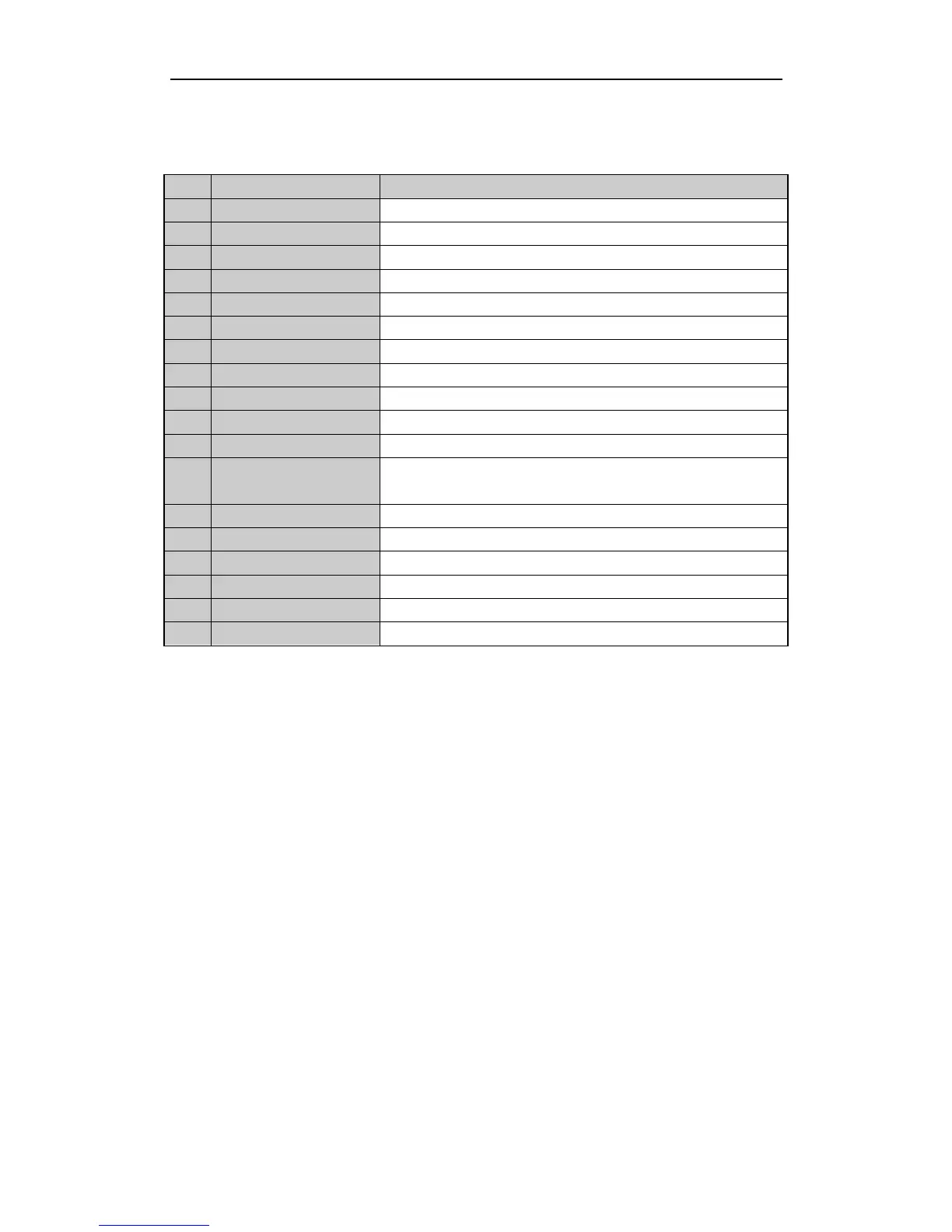
Figure 1.2.1 Remote Control
The keys on the remote control closely resemble the ones found on the front panel.
Enables/Disables Remote Control.
Same as Alphanumeric buttons on front panel.
Same as EDIT/IRIS+ button on front panel.
Same as A/FOCUS+ button on front panel.
Same as REC/SHOT button on front panel.
Same as the PLAY/AUTO button on front panel.
Same as the ZOOM+ button on front panel.
Same as the MAIN/SPOT/ZOOM- button on front panel.
Same as the MENU/WIPER button on front panel.
Same as the PREV/FOCUS- button on front panel.
Same as the DIRECTION/ENTER buttons on front panel.
Same as the PTZ/IRIS- button on front panel.
Same as the ESC button on front panel.
Reserved for future usage.
Same as the F1/LIGHT button on front panel.
Buttons to adjust the iris, focus and zoom of a PTZ camera.
Same as the F2/AUX button on front panel.
Troubleshooting Remote Control:
Make sure you have install batteries properly in the remote control. Aim the remote
control at the IR receiver on the front panel. If there is no response after you press any
button on the remote, follow the procedure below to troubleshoot.
Steps:
1. Go into Menu > Settings > General > More Settings by operating the front
control panel or the mouse.
2. Check and remember DVR ID number. The default ID is 255. Press the DEV
button on the remote control.
3. Enter the DVR ID number in step 2.
4. Press the ENTER button on the remote.
If the Status indicator on the front panel turns blue, the remote control is operating
properly. If the Status indicator does not turn blue and there is still no response from
the remote, please check the following:
1. Batteries are installed correctly and the polarities of the batteries are not
reversed.
2. Batteries are fresh and not flat.
3. IR receiver is not obstructed.
If the remote still cannot function properly, please change the remote and try again.



 To Next Page