ALIEN MEGA/MAX USER MANUAL
61
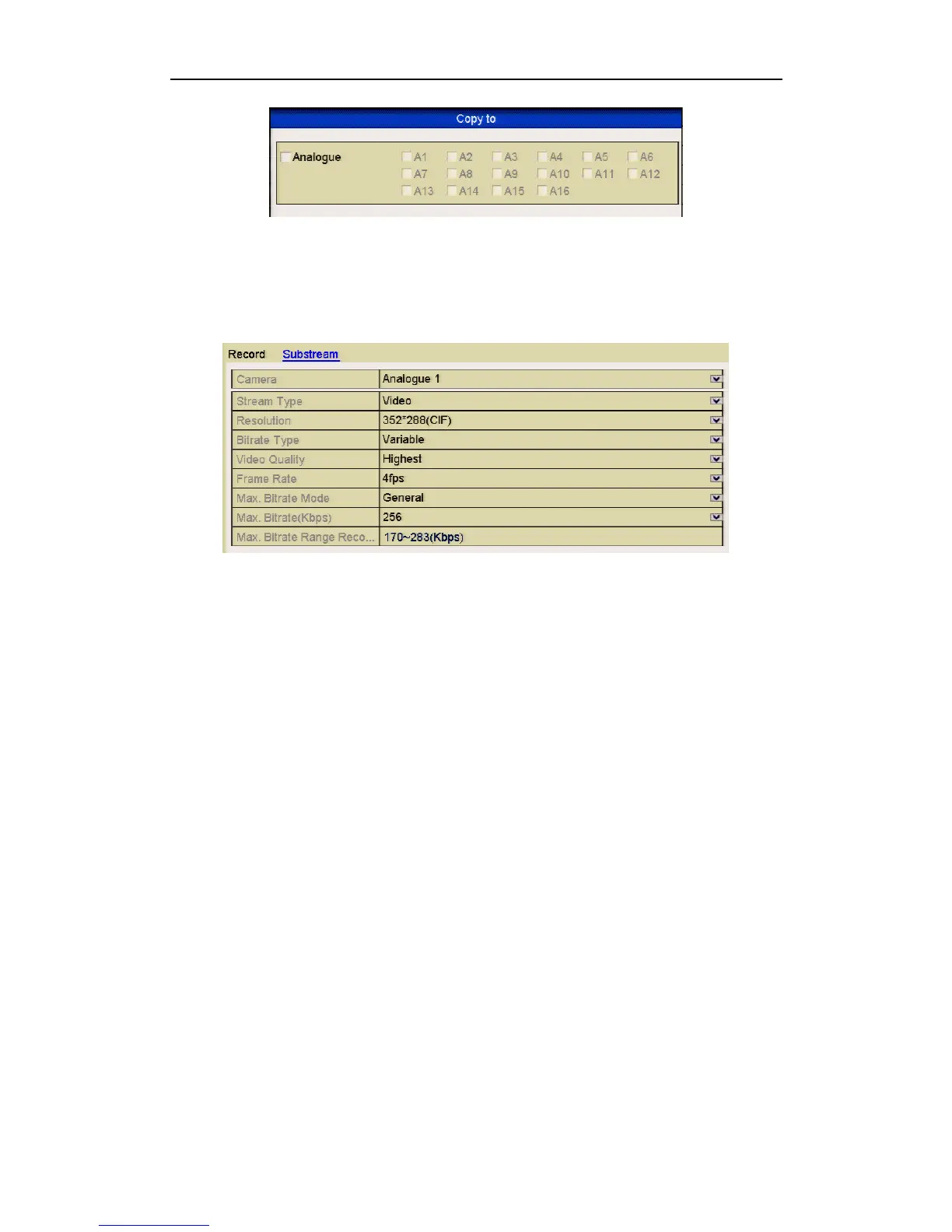
Figure 5.1.4 Copy Camera Settings
3. Set encoding parameters for sub-stream.
1) Select the Substream tab.
Figure 5.1.5 Sub-stream Encoding
2) Select a camera in the camera dropdown list.
3) Configure the parameters.
4) Click Apply to save the settings.
5) (Optional) If the parameters can also be used to other cameras, click Copy to
copy the settings to other channels.
You can only copy the same settings to other cameras of the same type e.g. if
channels 1, 2 and 3 are connected to TVI cameras and the channel 4 is connected
to an analogue camera, the settings set for channel 1 can only be copied to
channels 2 and 3.



 To Next Page