156 Intellex
®
LT Digital Video Management System
Archive Operation
Format tape — This option is disabled during background
archiving.
Recover data from tape — This option is disabled during
background archiving.
Close — Click to close the Archive Options screen and return
to the main screen.
Help — Click to display online help for this screen.
3. When you select Stop image backup, a confirmation screen
appears. Select one of the following options and click Next:
Yes — Select this option to interrupt the back up. The unit dis-
plays a wait message.
No — Select this option to close this screen and return to the
main screen. Background archiving is not interrupted.
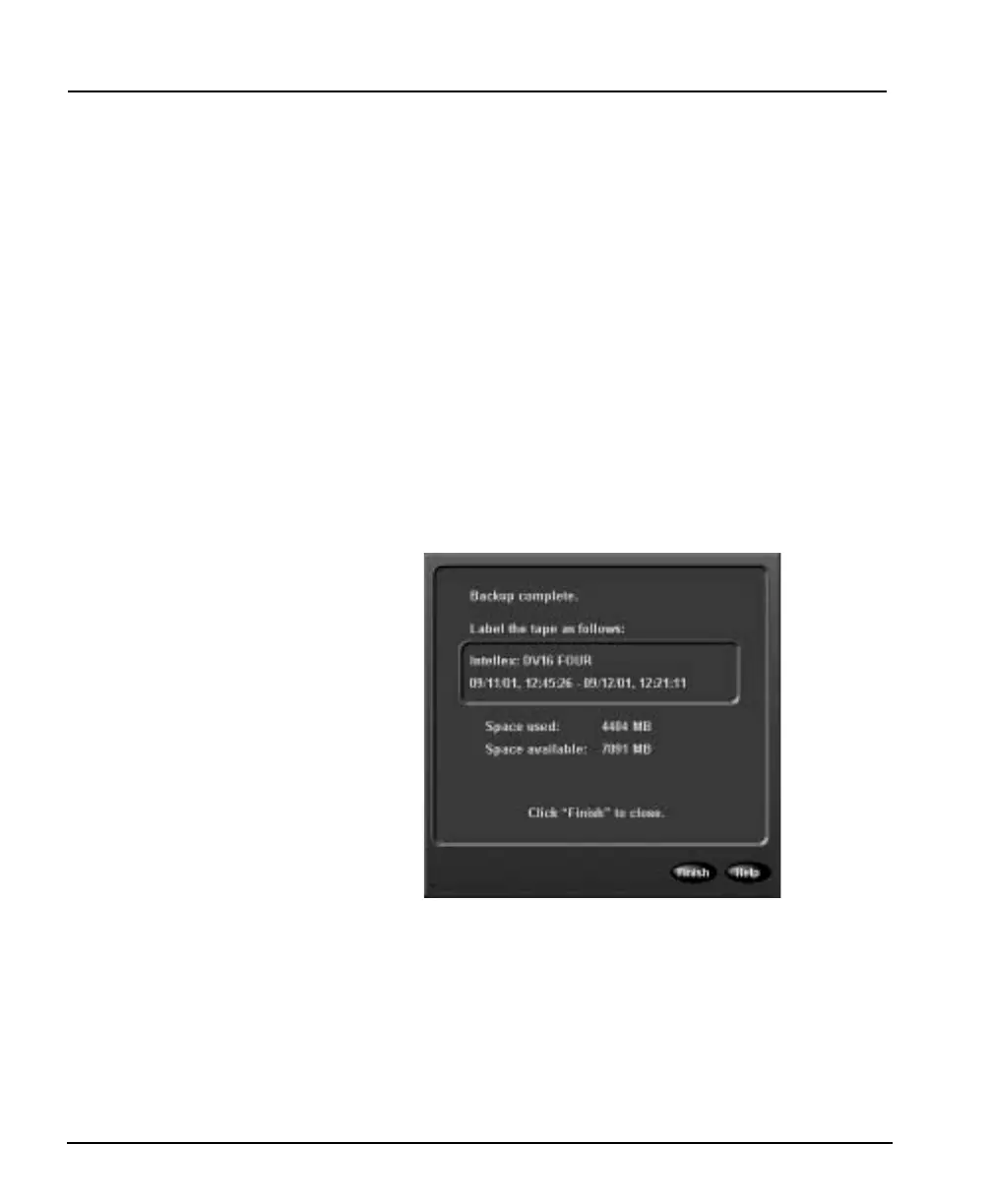
4. When the unit stops the backup, it displays the following
screen:
5. Remove the tape and label it as indicated on this screen.
6. Click Finish to return to the main screen.
Foreground Archiving Select this option to stop recording and back up the image database
immediately. This is called foreground archiving because the unit
interrupts normal operation and will not record any images during
the backup process.



 To Next Page