168 Intellex
®
LT Digital Video Management System
Linear Mode Operation
Select one of the following options and click OK:
Halt when database is full. — Select this option to halt image
recording when the image database is full.
You must click the Begin Record button on the Utility Options
screen to start recording again (see Utility Options on page 105).
Notify me again when 90% full. — This option is disabled when
the image database is at least 90% full.
Continue at beginning when full. — Select this option to
continue recording images from the beginning of the image
database. When the database becomes full, the unit behaves as if
circular mode is selected, recording over the oldest images.
Help — Click to display online help for the screen.
Database Full
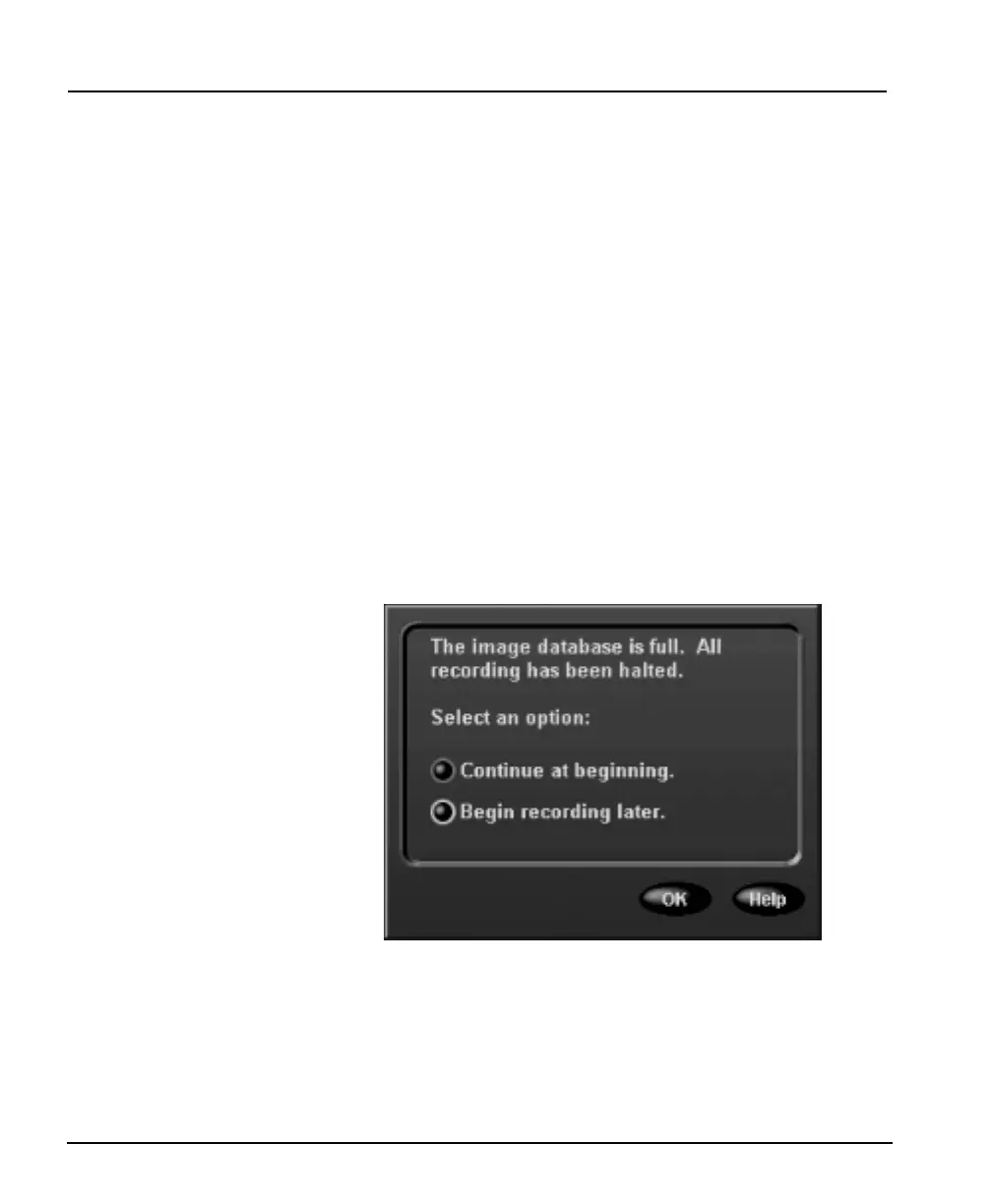
When the image database is full, and none of the images have been
archived, the unit stops recording. It flashes the Alarms indicator
on the front panel. It also energizes alarm output 16 if the Message
Alert option is selected (see Alarms Setup on page 78). Then it
displays the following screen:
NOTE: This screen only appears when Linear is selected on the
Record Mode screen.
Select one of the following options and click OK:



 To Next Page