Installation and Operating Instructions 163
Archive Operation
9. Click OK to restore the segments. The unit displays the
current restore status.
10. To interrupt the restore process, click Cancel at any time.
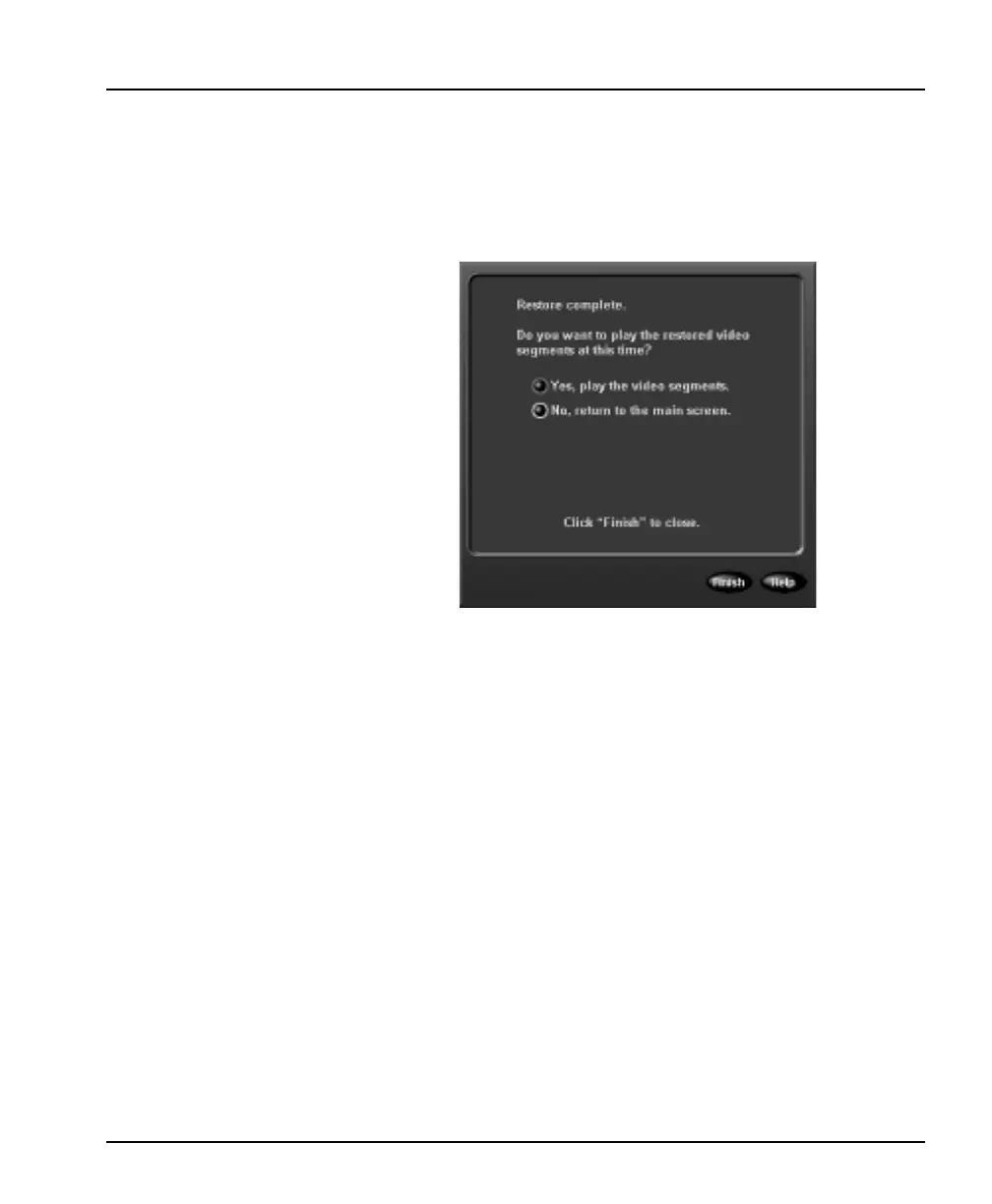
11. When the restore process is complete, the unit displays the
following screen:
12. 1Select one of the following options and click Finish:
Yes — Select this option to play the video segments. The unit
switches to playback operation. You can use all playback func-
tions on the restored images (see Playback Operation on
page 111).
No — Select this option to close this screen and return to the
main screen. At any time, you can play back these images (see
Play Restored Images on page 163).
Help — Click to display online help for the screen.
Play Restored Images
Select this option to play video segments from the restored images
database. Images in this database were previously restored from an
archive tape.
NOTE: Playing restored images is a protected feature. You must
possess the Archive Playback privilege to access it (see
Security Setup on page 39).



 To Next Page