162 Intellex
®
LT Digital Video Management System
Archive Operation
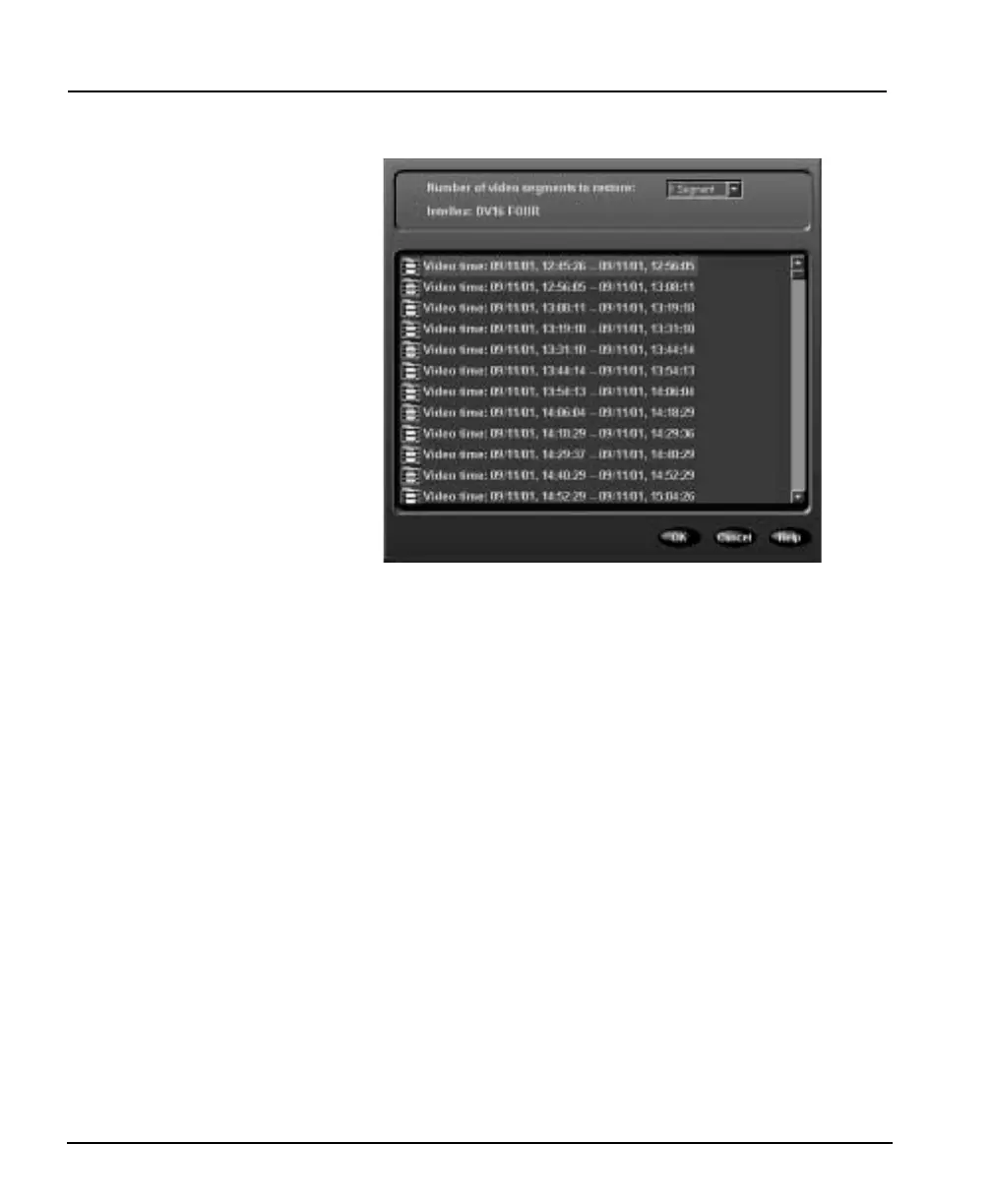
5. As soon as the unit verifies the tape, the following screen
appears:
This screen displays the name of the Intellex unit that archived
these images. It also lists each video segment on the archive
tape. An asterisk (*) marks all segments containing alarm
images.
Whenever this list is too long for the display area, a scroll bar
appears along the right side.
6. Use the scroll bar to display hidden video segments. Click up
arrow or down arrow or drag the scroll button up or down.
Double-click a video segment to display cameras included in
the segment. An asterisk (*) marks all cameras with alarm
images. Double-click the segment again to hide the camera
information.
7. Select the first video segment to restore.
8. You can restore up to 50 consecutive video segments at one
time.
Click down arrow at the top of the screen. Then select the
number of segments to restore: 1, 5, 15, 30 or 50. A total of 1, 5,
15, 30 or 50 segments are highlighted, starting with the selected
segment.



 To Next Page