Installation and Operating Instructions 155
Archive Operation
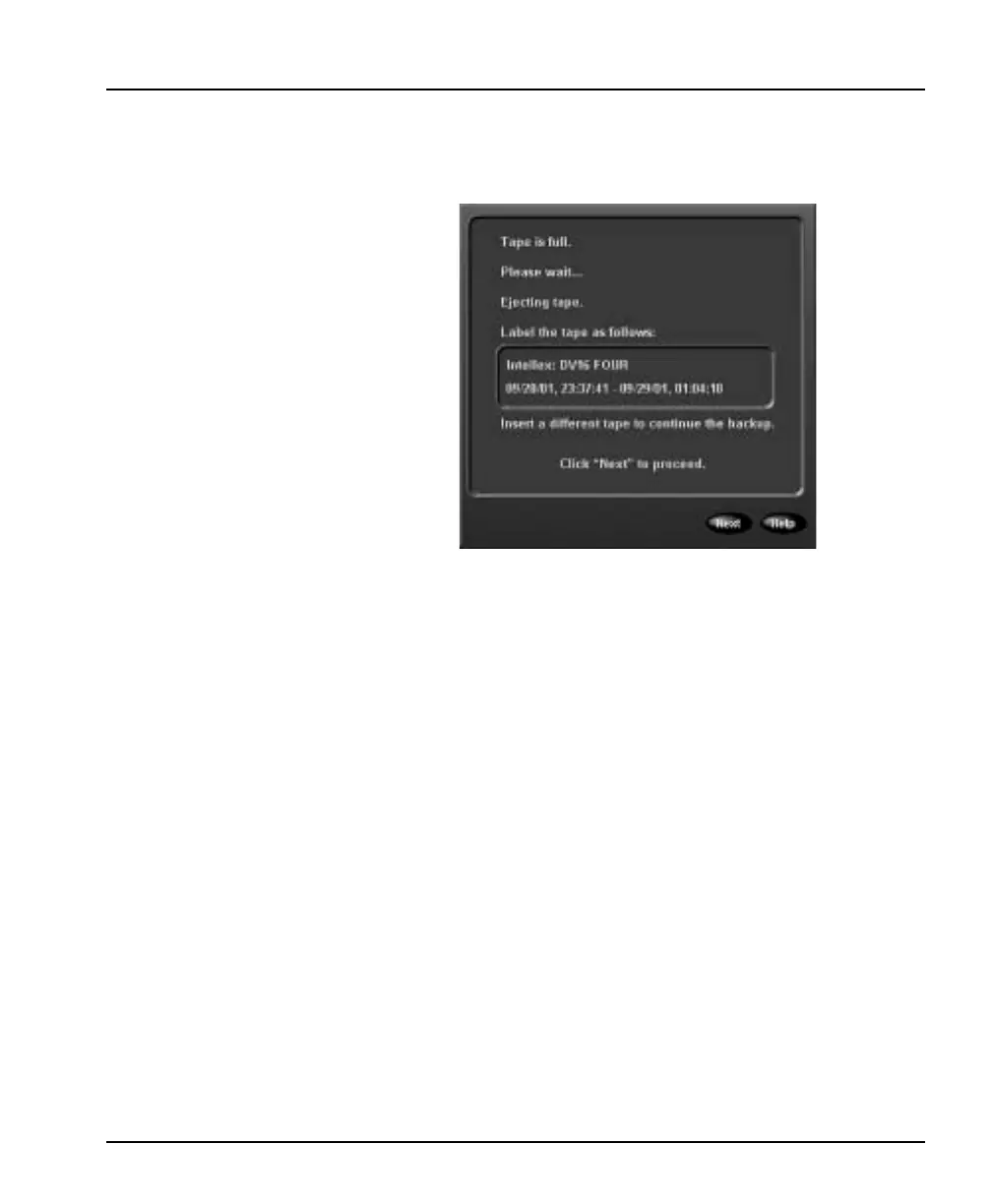
6. When the tape is full, the unit flashes the Alarms indicator
on the front panel. It also energizes alarm output 16 if the
Message Alert option is selected (see Alarms Setup on
page 78). Then it displays the following screen:
a. After the unit ejects the tape, label it as indicated on this
screen.
b. Insert a new tape. After the tape drive lights stop
blinking, click Next. The unit checks the new tape and
continues the backup.
Interrupting Background
Archiving
Since background archiving operates during normal operation,
you can only interrupt it using the following steps.
To interrupt background archiving:
1. From the main screen, click the Archive button. The Archive
Options screen appears.
2. Select one of the following options:
Stop image backup — Click to interrupt background
archiving.
Restore images from tape — This option is disabled during
background archiving.
Play restored images — Click to review images that were
copied from a backup tape to the system (see Play Restored
Images on page 163).



 To Next Page