Installation and Operating Instructions 165
Archive Operation
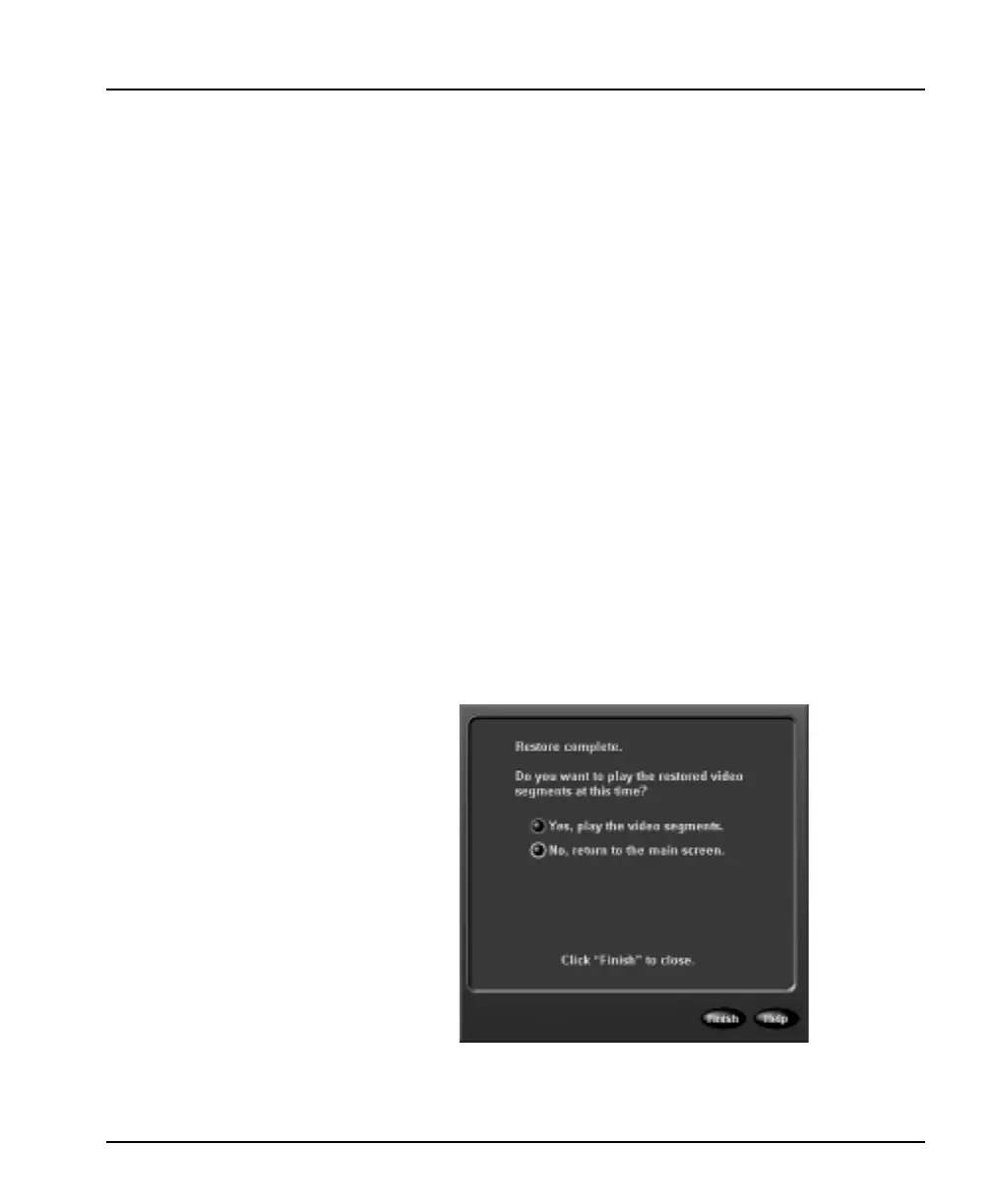
6. When the format is complete, a message screen appears.
Remove the tape and click Finish to return to the main
screen.
Recover Data from Tape
When an archive is interrupted, the data on the tape must be
recovered. Select this option to recover data from an archive tape.
The unit guides you through the following steps:
NOTE: Recovering data from an archive tape is a protected
feature. You must possess the Archive Enable privilege
to access it.
1. Insert the archive tape to recover data from.
2. After the tape drive lights stop blinking, click the Next
button. The unit checks the tape. If a tape problem occurs, the
unit displays a message. Refer to the Intellex Troubleshooting
Guide to identify the appropriate action.
Each message screen provides one or more options in addition
to the following two buttons:
Click Cancel to cancel the operation and return to the main
screen. Click Help to display online help for the screen.
3. The unit recovers the data on the tape.
4. When the data is recovered, the unit displays the following
screen:
a. Remove the tape and label it as indicated on this screen.
b. Click Finish to return to the main screen.



 To Next Page