158 Intellex
®
LT Digital Video Management System
Archive Operation
Overwrite the images on the tape. — Select this option to
write to the tape as if it is blank.
Use a different tape. — Select this option to eject the tape.
Start over with step 1.
Click Cancel to cancel the operation and return to the main screen.
Click Help to display online help for the screen.
4. The unit stops recording, and displays a screen showing the
current backup status.
NOTE: If an accidental interruption occurs during background
archiving, see Recovering from an Interruption on
page 159 in this chapter.
5. To interrupt the backup at any time, click Cancel. When the
unit stops the backup, it displays the Backup complete
screen.
6. When the backup is complete, the unit displays the Backup
Complete screen.
a. After the unit ejects the tape, label it as indicated on this
screen.
b. Click Finish to return to the main screen.
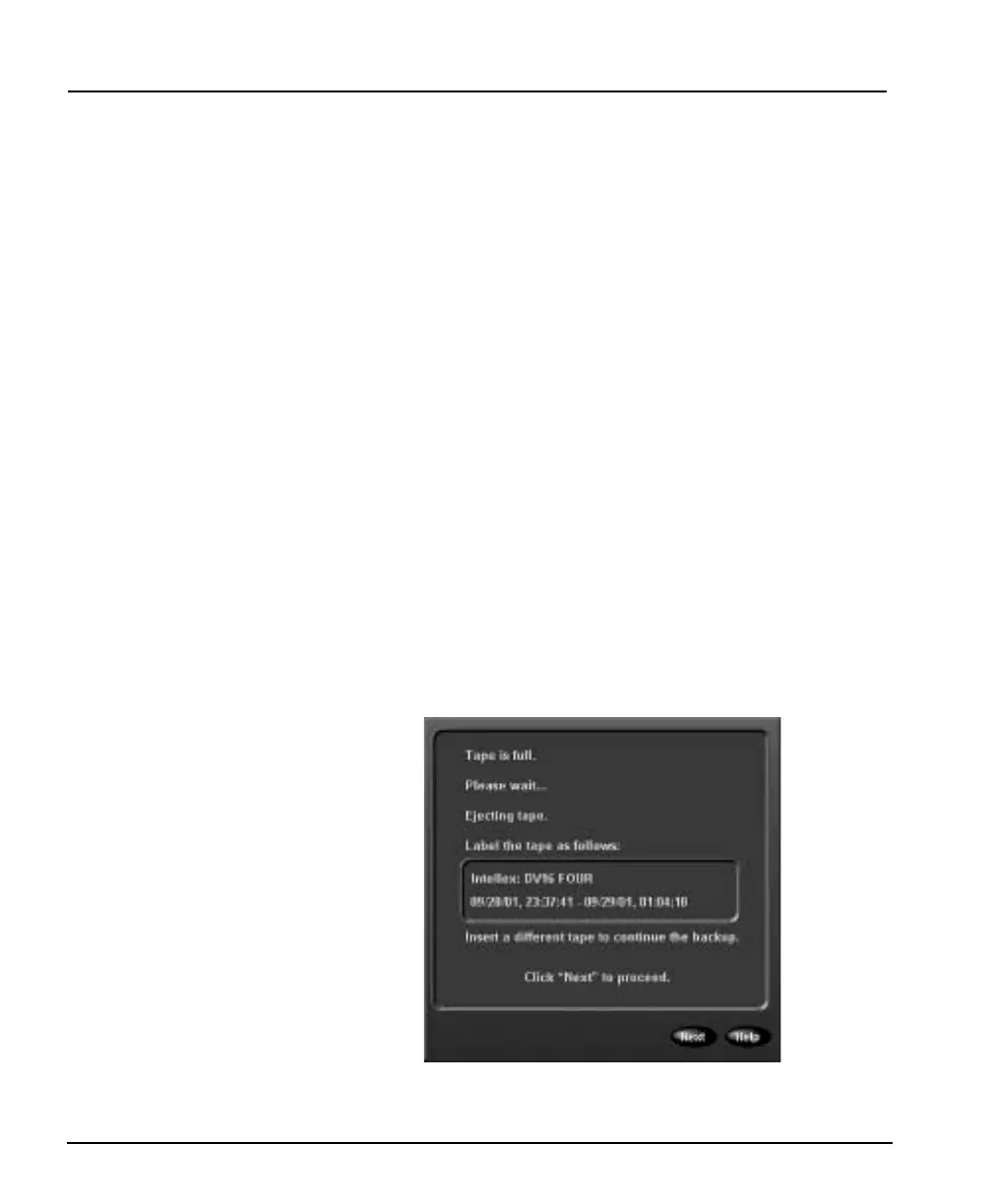
7. When the tape is full, the unit displays the following screen:



 To Next Page