Installation and Operating Instructions 71
Schedule Setup
Sensitivity — The unit uses this setting to distinguish between
valid and invalid changes in the target area. At higher settings,
small changes trigger the filter. At lower settings, larger changes are
required to trigger the filter.
1 … 100 — Use this slide control to set the sensitivity for the
filter from minimum (1) to maximum (100). The sensitivity
number represents the area of changing video relative to the
active zone area. Maximum sensitivity (1) requires that a larger
fraction of the active zone change before the alarm is generated.
Default — Click to reset the sensitivity to its default middle
position (50).
NOTE: When setting the filter sensitivity level, be sure to
consider the variations in lighting conditions, such as
exterior cameras recording from day to night or interior
cameras recording areas with lighting turned on or off. To
ensure that useful video is recorded or filtered, nominal
lighting in the area is required. You should adjust the filter
sensitivity for the lowest lighting condition that applies
(e.g., low sensitivity for low lighting), and then test the
filter to ensure its proper activation. More lighting in the
area will allow higher sensitivity settings to be safely
used.
NOTE: You can configure one or more motion detection target
areas at a time.
1. Set the Sensitivity: 1 to 100.
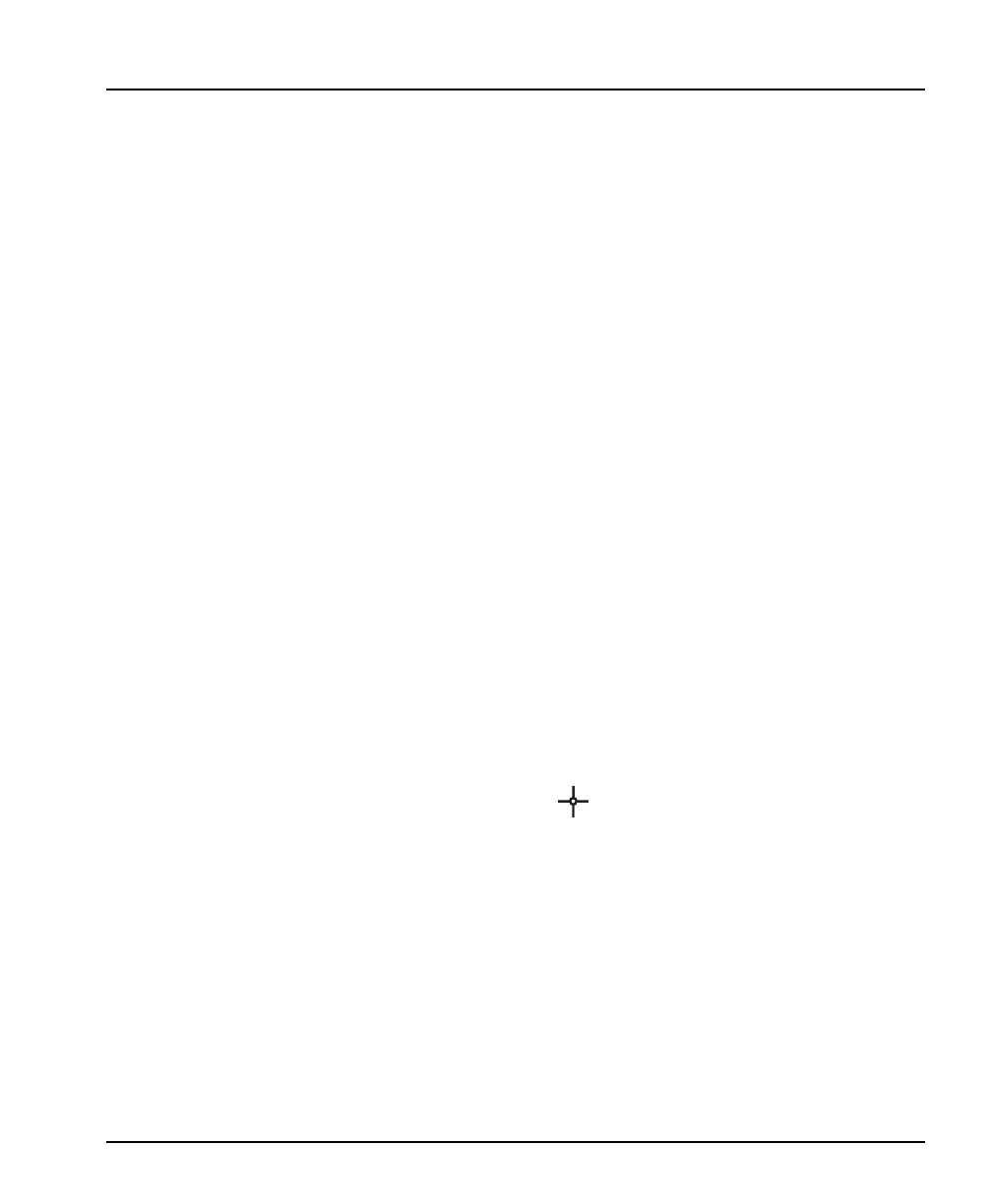
2. Move the mouse pointer to the image area. The mouse
pointer changes to .
3. Draw the boundaries of the target area.
NOTE: The target area must be enclosed to activate the filter.
a. Move the mouse pointer to the first corner of the target area
and click the mouse button.
NOTE: To erase the last endpoint, double-click the right mouse
button.
b. Move the mouse pointer to the next corner of the target area.
The unit draws a line as the pointer moves.



 To Next Page