7-14
129390199 Operator Manual Cycle and Control Value Programming
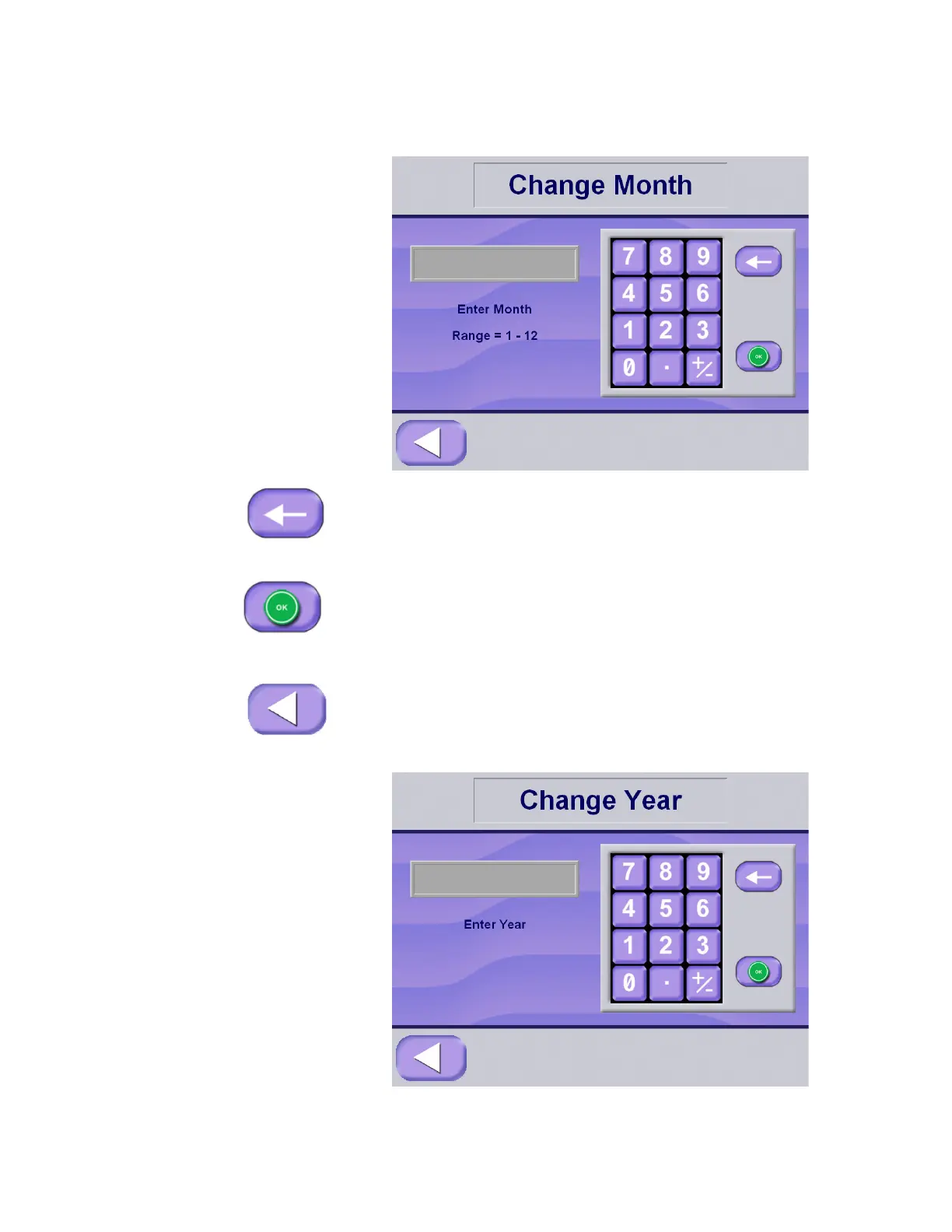
Enter the correct month value using the keypad. The month value
must be between 1 and 12.
4. If an incorrect value is entered, press the backspace key to clear
the entry, then use the keypad to enter the correct value.
5. Once the correct month value has been entered, press OK to
accept.
NOTE: The day of the week is automatically registered by the
control.
6. Press EXIT to return to Change Time and Date screen.
Enter the correct year value using the keypad.






 To Next Page