7-26
129390199 Operator Manual Cycle and Control Value Programming
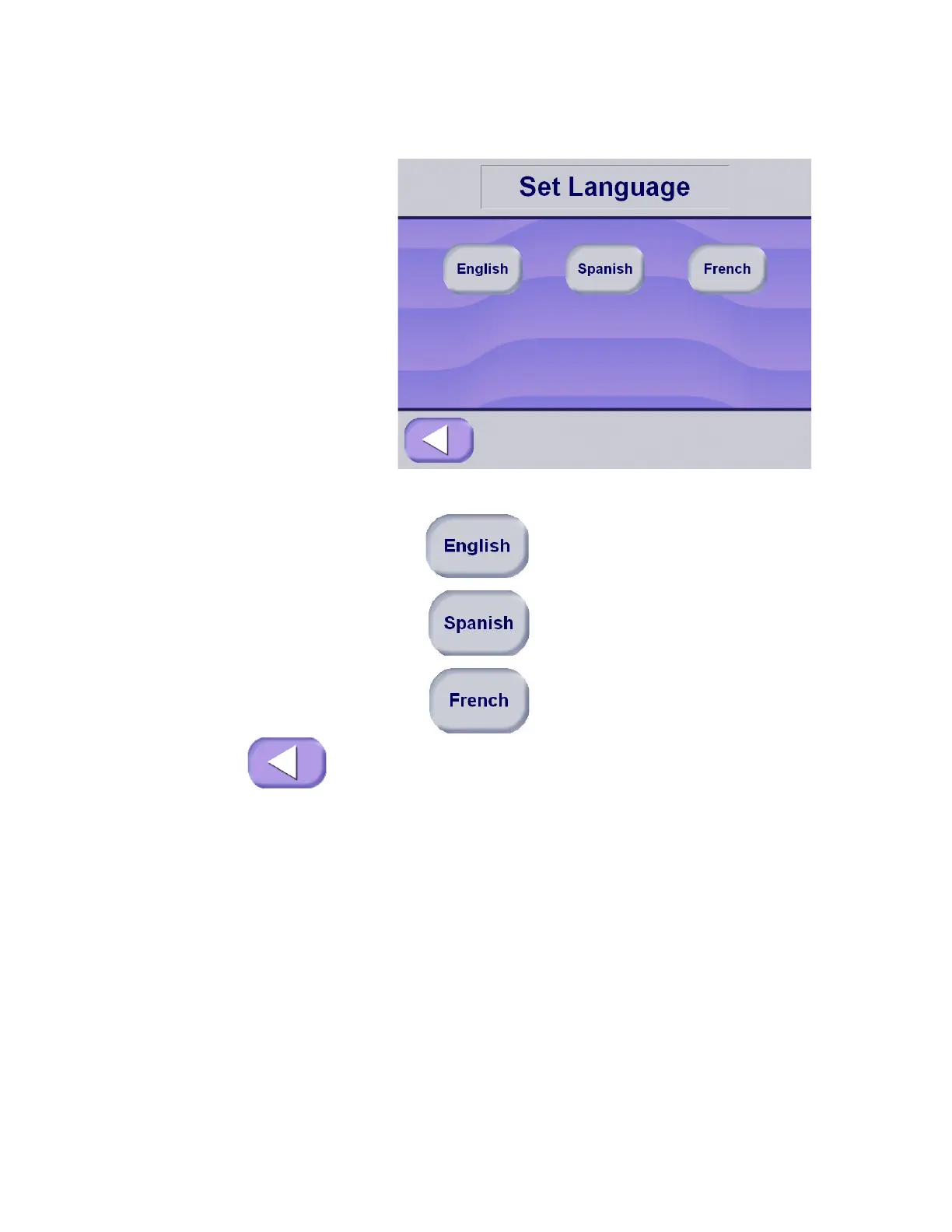
3. Select the appropriate language by pressing one of the buttons
in the middle of the display.
The buttons and corresponding languages are listed below.
English Language
Spanish Language
French Language
4. Once the appropriate language is selected press Exit to return
to the Change Machine Setup screen.






 To Next Page