6-37
Sterilizer Operation Operator Manual 129390199
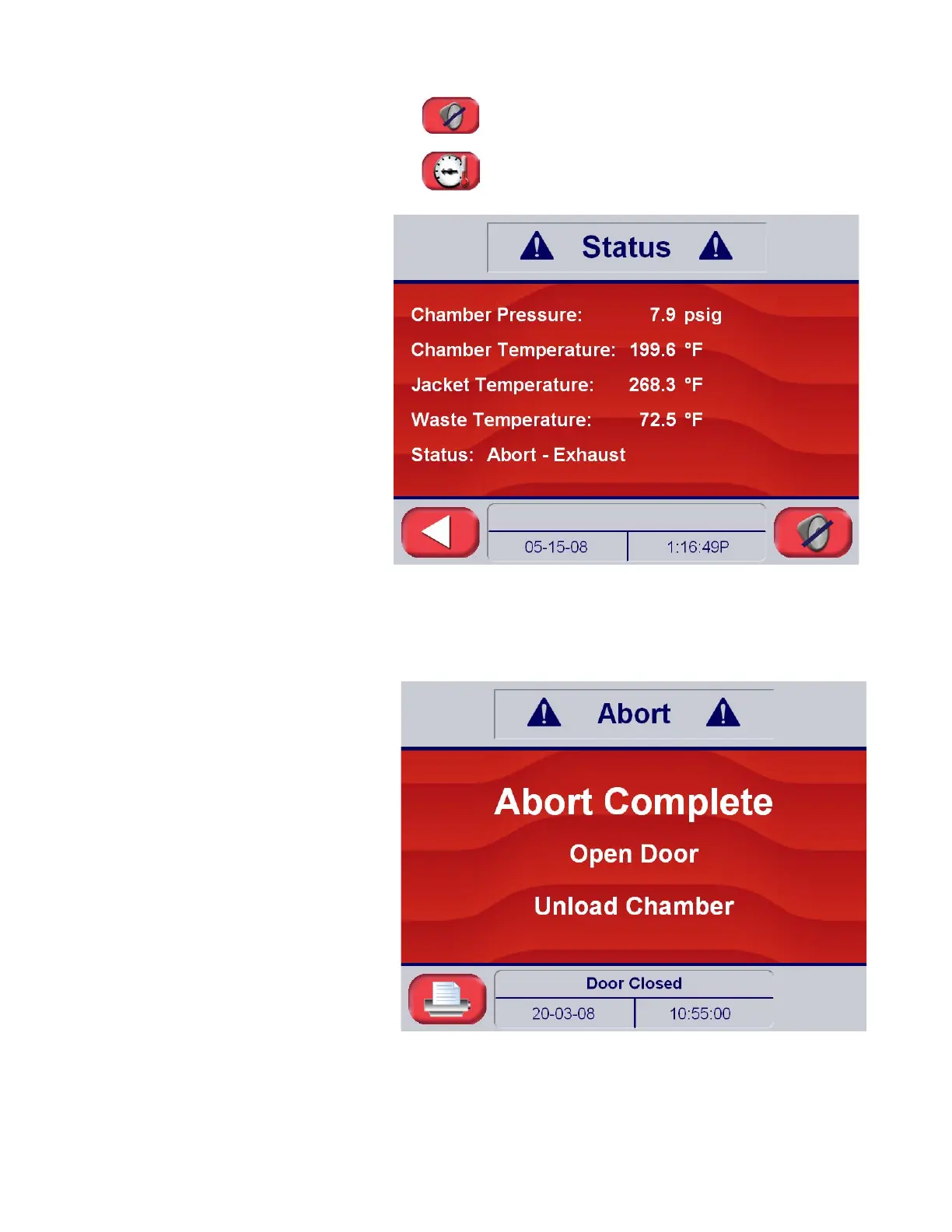
Press the silence alarm button to turn off the alarm
speaker during the abort sequence.
Press the status touch pad in the lower left hand
corner of the screen at any time to display an abort-
status screen (typical sample below):
3. Once vapor removal is over, display changes to Abort Complete.
When complete the sterilizer chamber can be unloaded
following the instructions in S
ECTION 6.7, UNLOADING THE
S
TERILIZER, on PAGE 6-11.






 To Next Page