4-71
4.3 CDMA Transmitter and Receiver Test --- TX and RX Tester Mode
(5) Power meter: Power Meter screen
Use the power sensor or IF level meter to measure the average power on the
Power Meter screen. When the Call Processing state is the “Loop Back” or
“Conversation”, and power meter uses the IF Level Meter; the Tx level of the
mobile station can also be measured.
• Display the Power Meter screen according to the following steps:
Step Key operation Description
1. [Main Func on off] F6 Sets the Main Func on to display the Main Menu at the bottom of the screen.
2. [TX&RX Tester] F1 Sets TX&RX Tester mode.
The Setup Common Parameter screen appears.
3. [TX Measure] F1 Displays the first page of the TX Measure menu.
4. [Power Meter] F12 Displays the Power Meter screen.
1
MT8801 99-12-31 12:00:00 Measure : Continuous
<< Power Meter (CDMA) >>
Power
->
Back
Screen
Range Up
Zero Set
Range Down
Set
Relative
POWER : ******* dBm
******* dB
**** pW
(Range : +20dBm)
Adjust
Range
M
U
1
2
Channel : 1CH Frequency : 825.030 000MHz Level : 30dBm
BS Output
Level
Main Func
On Off
#
###
#
Power
->
Back
Screen
Power
Control
Bit Pattern
BS Output
Level Cal.
Power
Measure
Method
#
#
1
1
2
2
Closed Loop
Power
Control
Sync
Channel
Level
Paging
Channel
Level
Traffic
Channel
Level
Pilot
Channel
Level
*
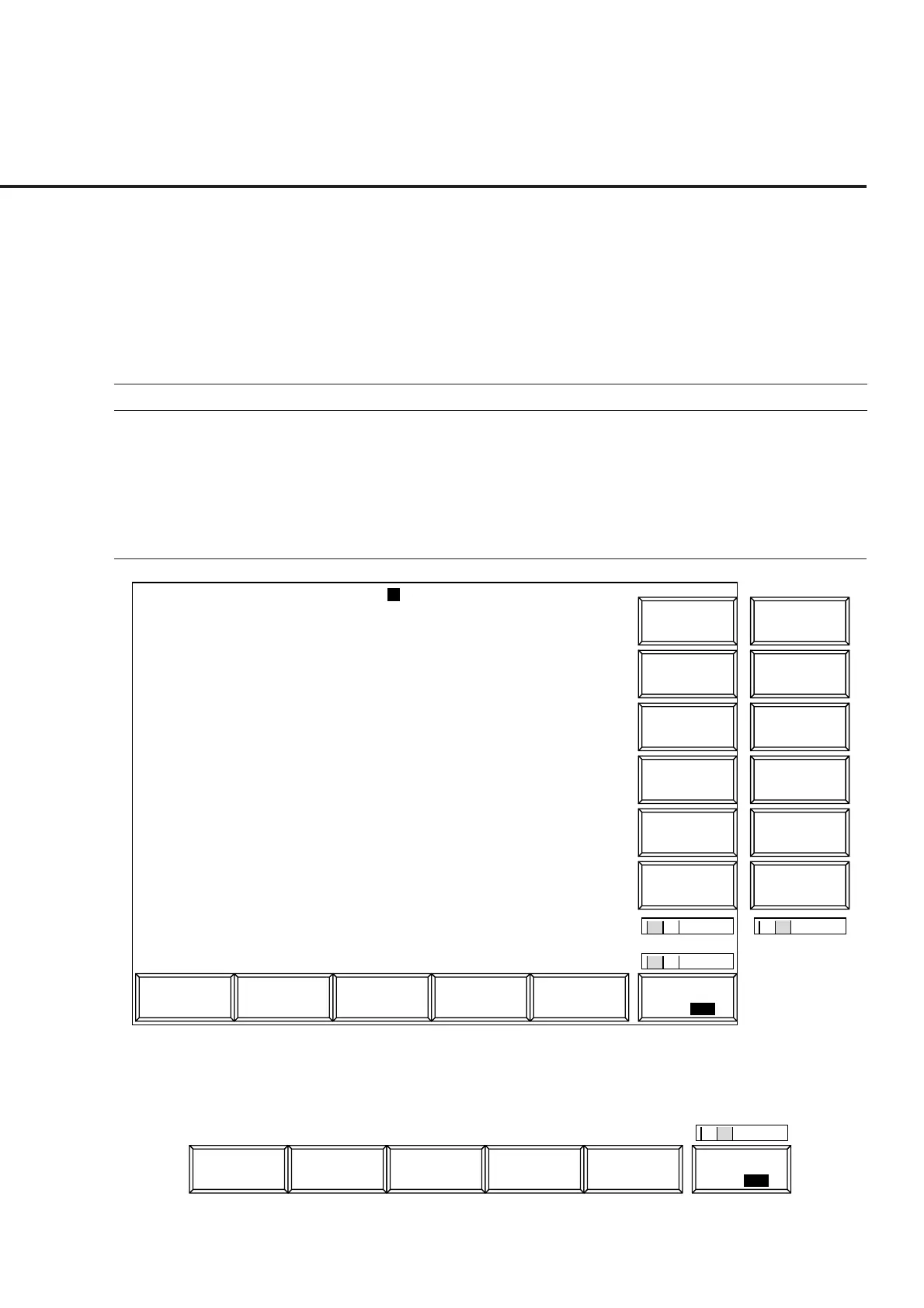
Fig. 4-9 (1/2) Power Meter Screen (using Power Meter)
The 2nd page of main function key on the Power Meter screen (using Power Meter)
1
Channel
Main Func
On Off
#
2













 To Next Page