Section 4 Operation
4-94
(b) Setting spurious template screen: Setup Spurious Template Screen
• Display the Setup Spurious Template Screen in the following operation.
Step Key operation Description
1. [Main Func on off] F6 Turns on the Main Func, and displays the main menu on the bottom of the
screen.
2. [TX & RX Tester] F1 Switches to the TX Tester mode.
Displays the Setup Common Parameter Screen.
3. [TX Measure] F1 Displays the first page of the TX Measure menu.
4. [Next Menu] [ ] Displays the second page of the TX Measure menu.
5. [Spurious close to the Carrier] F11
Displays the Spurious close to the Carrier Screen.
Displays the first page of the Spurious close to the Carrier menu.
6. Next Menu [ ] Displays the second page of the Spurious close to the Carrier menu.
7. [Setup Template] F8 Displays the Setup Spurious Template screen.
1
Main Func
On Off
Line Level
1) [-54.0 dB]
2) [-42.0 dB]
3) ( 0.0 dB)
->
Back
Screen
*
Setup Temp.
Template
Spurious
Standard
Template
Reverse Template : IS-95(Reverse, Relative)
Offset Frequency
a) [0.90 MHz]
b) [1.23 MHz]
-10
[dB]
-20
-30
-40
-50
-60
-70
-80
-90
-100
*
Line Level
Rel./Abs.
*
3
1
2
1
2
MT8801 99-04-30 12:00:00
<< Setup Spurious Template (CDMA) >>
a
b
Save
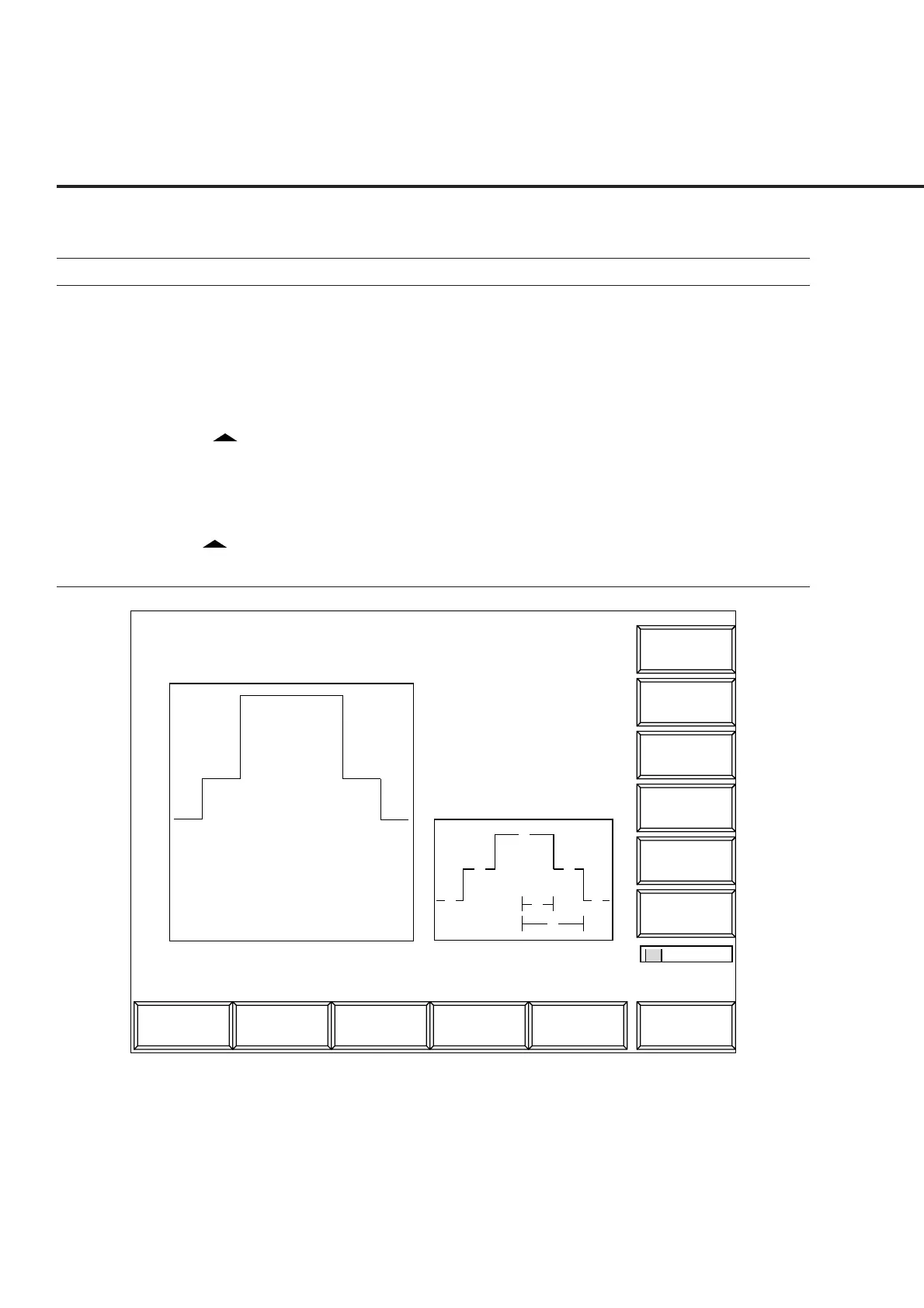
Fig. 4-15 Setup Spurious Template Screen (IS-95 Standard Relative-value display)













 To Next Page