Section 4 Operation
4-118
4.3.8 CDMA Receiver measurement
On the Setup Common Parameter screen; set the Control Band to C800MHz or
C1.9GHz, and press the [RX Measure] F2 main function key to set CDMA receiver
measurement mode.
This paragraph describes how to set parameters (on the Setup RX Measure Parameter
screen) and how to measure the frame error rate (on the Frame Error Rate screen) for
CDMA receiver measurement.
(1) Setting the parameters: Setup RX Measure Parameter screen
The following describes how to set parameters (on the Setup RX Measure Pa-
rameter screen) for receiver measurement.
Display the Setup RX Measure Parameter screen according to the following
steps, then set the RX parameters.
Step Key operation Description
1. [Main Func on off] F6 Sets the Main Func on to display the Main Menu at the bottom of the screen.
2. [TX&RX Tester] F1 Sets TX&RX Tester mode.
The Setup Common Parameter screen appears.
3. [RX Measure] F2 Displays the first page of the RX Measure menu.
4. Next Menu [ ] Displays the second page of the RX Measure menu.
5. [Setup RX Parameter] F9 Displays the Setup RX Measure Parameter screen.
1
Main Func
On Off
1
->
Back
Screen
RX Parameter
MT8801 99-12-31 12:00:00
<< Setup RX Measure Parameter (CDMA) >>
FER Parameters
Sample : [1000Frame]
Confidence Level : [ 95.0%]
FER : [ 3.0%]
FER Upper Limit : [ 10.0%]
Measure Stop Mode : [On ]
User Cal Factor : [ 0.00dB]
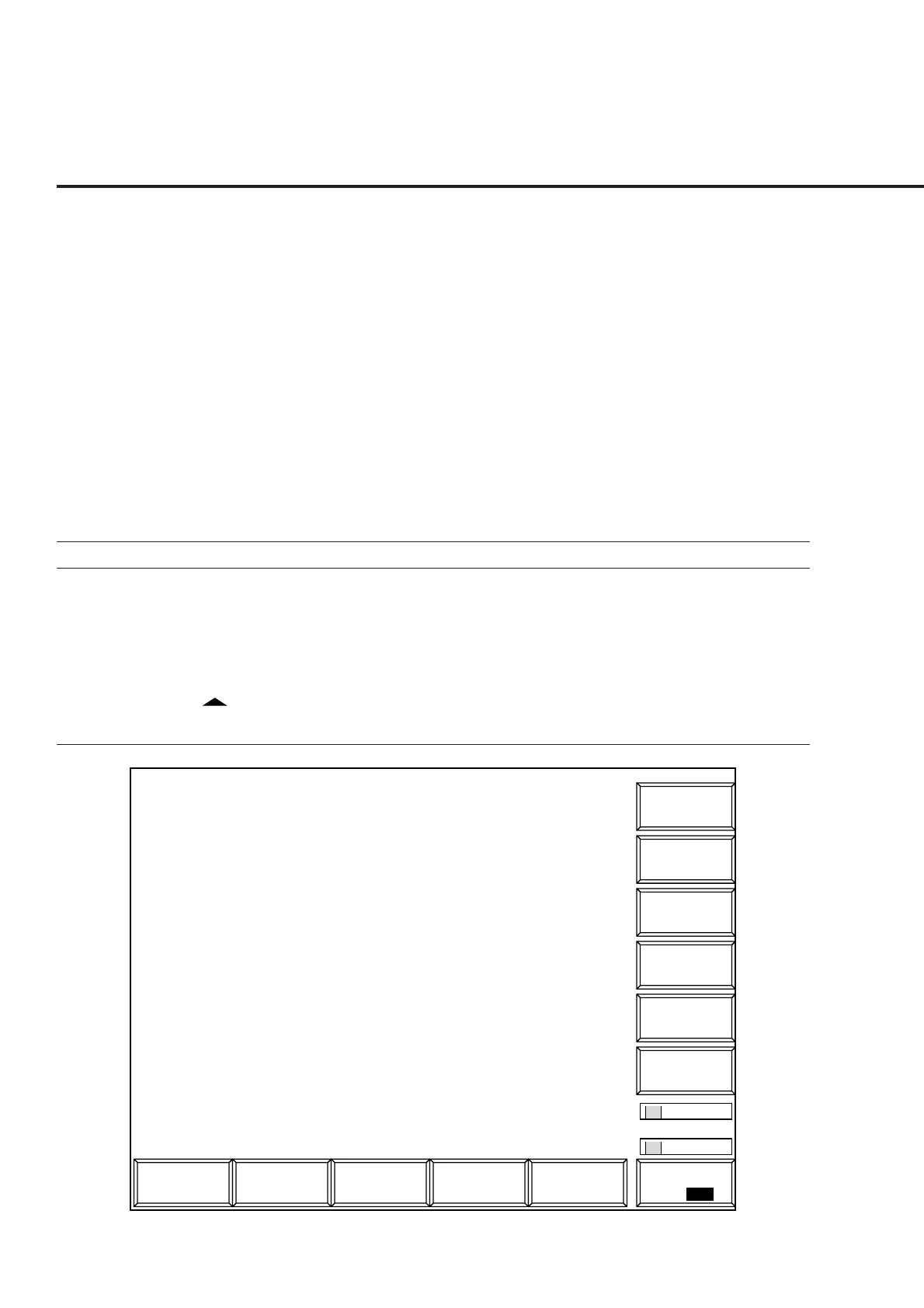
Fig. 4-21 Setup RX Measure Parameter Screen













 To Next Page