Section 4 Operation
4-130
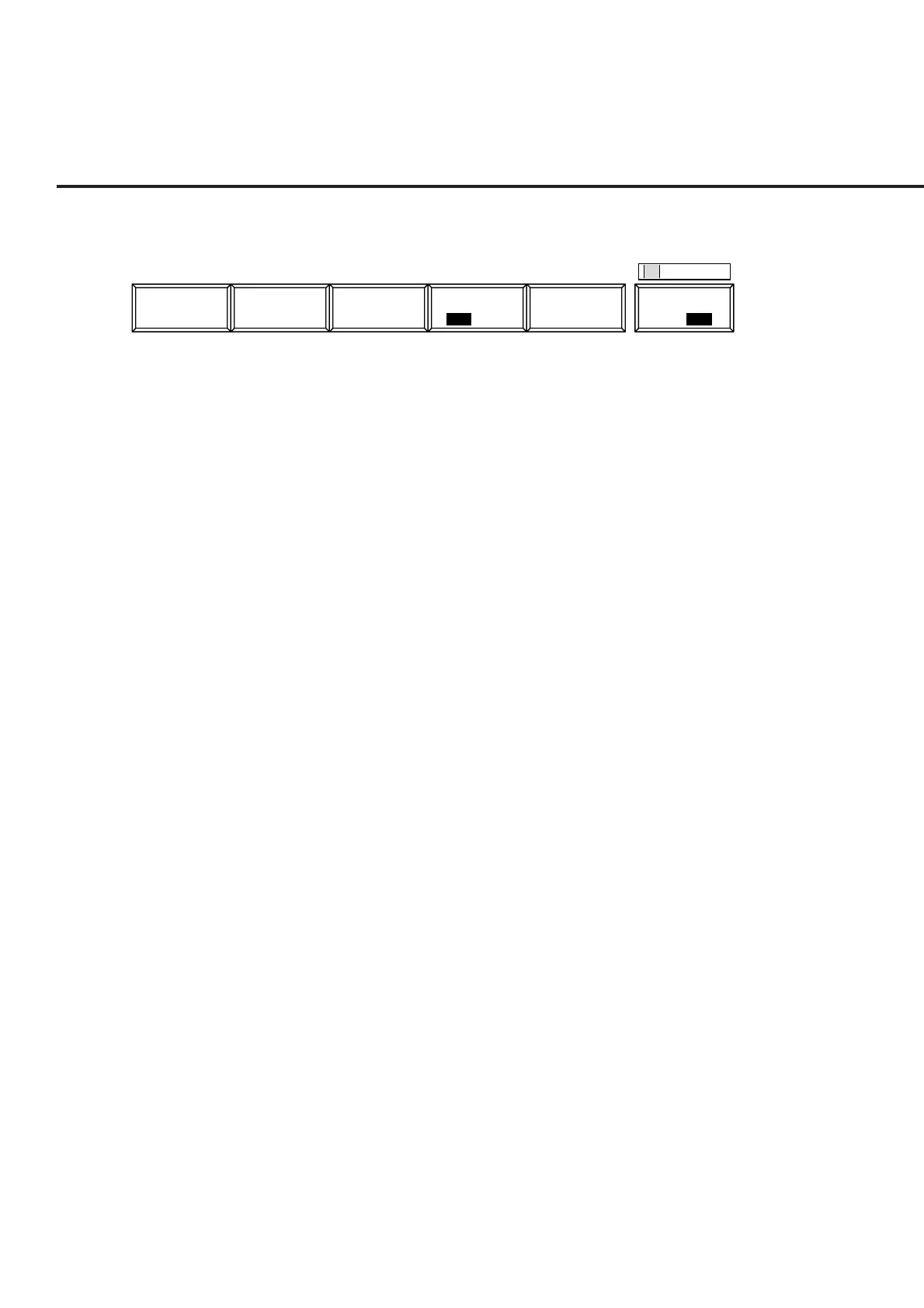
The 1st page of the main function key on the Analog RX Measure screen. (Call Proc.:
Stop)
1
Main Func
On Off
AF Level
RF
Level
RF Level
On Off
ModulationRF
Frequency
Note 1:
Relative value (of AF Level, which is always displayed) is displayed with --.-
dB until the [Set Relative] F8 key is pressed.
Note 2:
When the Call Proc. State is “conversation,” AF Osc.1 is used for SAT modu-
lation and it cannot be changed.
• Main function keys:
[AF Level] F1 Displays the AF Level function keys on F7 to F12.
(Settings for measuring AF signal from receiver)
[RX Frequency] F2 Displays the RF Frequency function keys on F7 to F12.
(When DUT Control is Call Proc, only the frequency channel for transmission and
reception can be changed.)
[RF Level] F3 Displays the RF Level function keys on F7 to F12.
(Setting RF signal level to receiver)
[MS Power Level] F4 Changes the MS (mobile station under test) transmission level.
[Modulation] F5 Displays the Modulation function keys on F7 to F12.
(Setting RF signal modulation degree to receiver)
• AF Level function keys:
1st page
[Adjust Range] F7 Sets the AF-measurement level range to the status appropriate for AF-measurement
signals.
[Set Relative] F8 Displays the relative value with the reference value of 0 dB that is the level when this
key is pressed.
[HPF] F9 Selects the HPF of 400Hz, 300Hz, 50Hz, or Off.
Initial value: Off
Note: The HPF of 400 Hz is the filter for tone signal rejection.
[LPF] F10 Selects the LPF of 3kHz, 15kHz, or Off.
Initial value: Off
[Filter] F11 Selects the estimation filter of ITU-T P.53, C-MESSAGE, 6kHz BPF, or Off.
Initial value: Off
[Back Screen] F12 Returns to the Setup Common Parameter screen.













 To Next Page