Section 5 Measurement Examples
5-28
(27) Press the key of Next Menu to display the second page of function keys (F7
to F12).
(28) Press the F9 (Setup TX Parameter) key.
(29) Set the following items on the Setup TX Measure Parameter screen:
♦ Set Access Parameter PWR_STEP at 1.
♦ Set Access Parameter MAX_RSP_SEQ at 3.
(30) Press the F6 (Main Func On Off) key to turn On the Main Func.
(31) Press the F1 (TX & RX Tester) key.
(32) Press the F8 (Access Probe Measure) key.
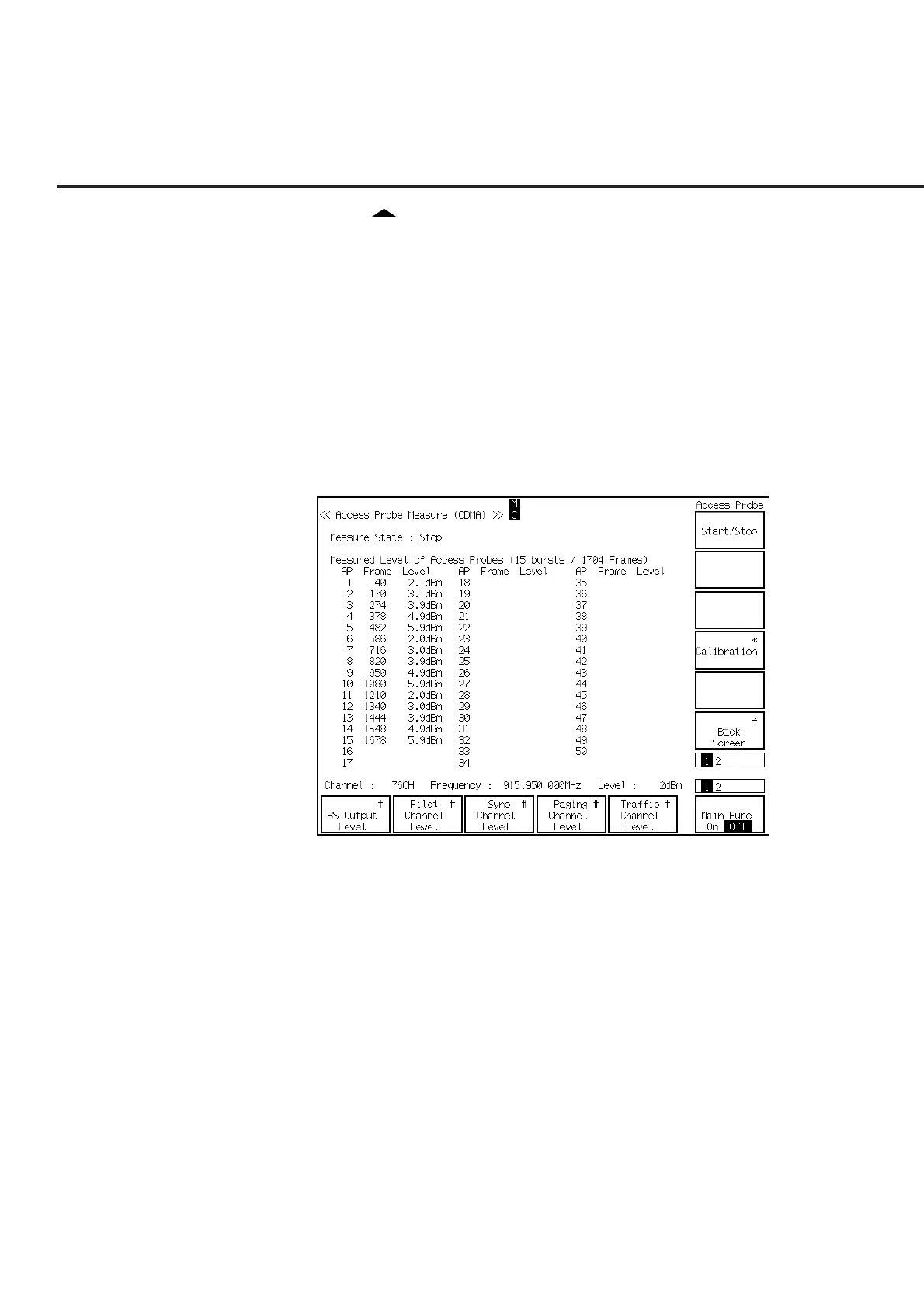
(33) The Access Probe Measure screen is displayed.
(34) Press the Single key or the Continuous key to start the access probe output
power measurement. The measurement result 2 is shown as follows:













 To Next Page