4-11
4.2 Screen Descriptions
(2) Function keys
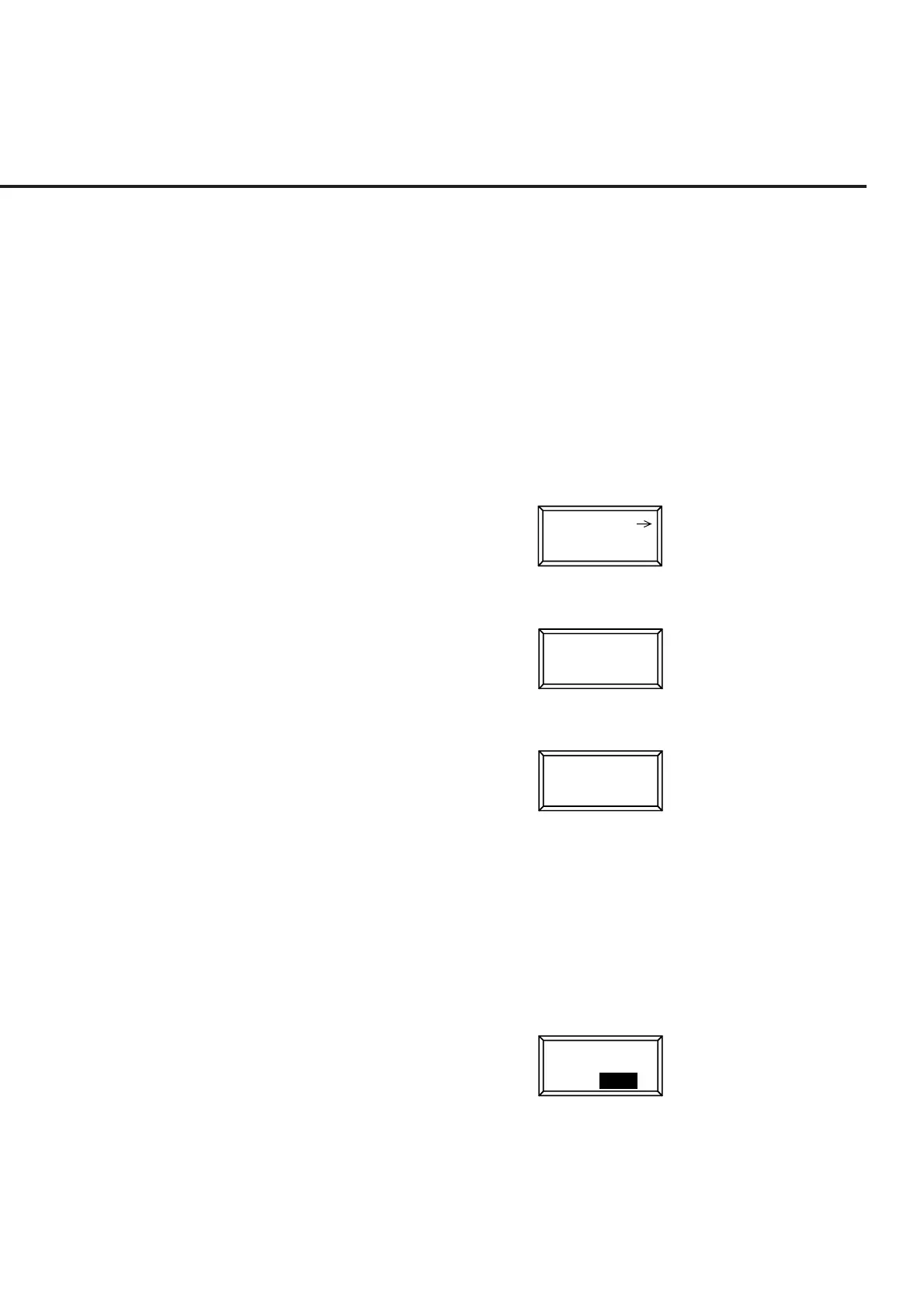
The symbols displayed on the top right of the function keys indicate the follow-
ing functions:
* : Indicates a lower level function key is displayed when this function key
is pressed.
-> : Indicates the screen is changed by pressing this function key.
# : Indicates a window is opened to set a value using the ten-keypad, Step
key, or rotary knob when this function key is pressed.
(a) Menu for transition to lower hierarchy screen
(The Back screen key switches the current screen to the higher hierarchy
screen.)
Gated Power
(b) Menu for transition to lower hierarchy menu
*
Storage
Mode
(c) Menu for opening the value setting window
TX Reference
Level
#
• Function key menu that select setting item:
One of the multiple selection keys (displayed in the same menu hierarchy) can
be selected. The top and right frames of the selected key are reverse dis-
played. (See para. (e) below.)
The setting values displayed in a key are changed alternately. When such a
key is selected, the set value is reverse displayed. (See para. (d) below.)
(d) Menu on which set items are switched alternately (alternate key menu)
Main Func
On Off













 To Next Page