4-13
4.2 Screen Descriptions
(3) Entering the data
(a) Entering numeric data by opening/closing the window
(i) Entering numeric data by moving the cursor and opening/closing the win-
dow
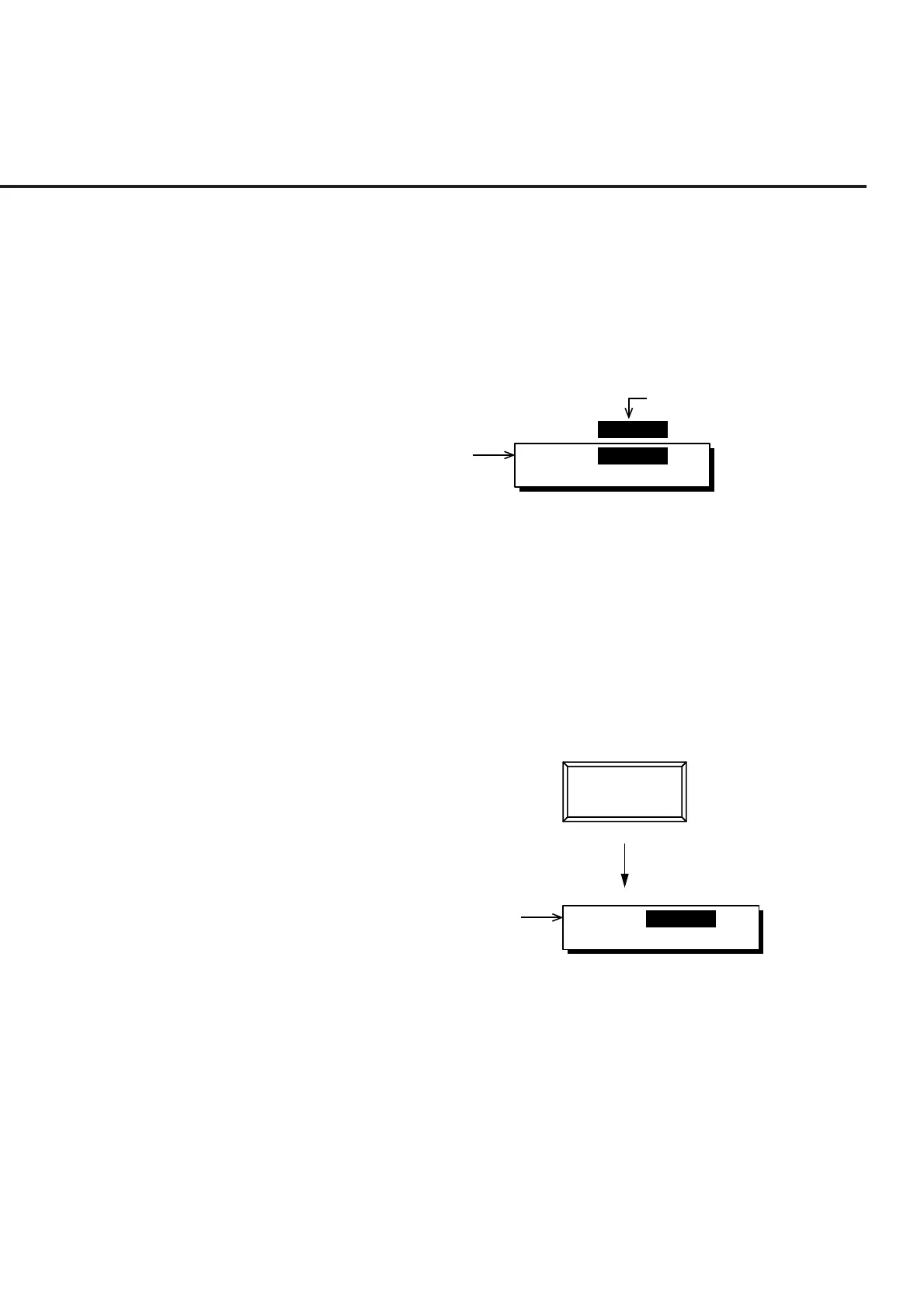
Move the cursor to the brackets enclosing the item to be set, then press the
Set key. The value setting window shown below is opened and numeric
data can be set.
TX Measure Ref Level: [ 30.0dBm ]
Entry [ 30.0dBm ]
Min -5dBm Max 42dBm
Set value of selected item
Set window
When a value is entered using the ten-keypad, Step key, or encoder, then
press the unit or Set key, the numeric data is defined and the window is
closed
If the Cancel key, a function key or main function key is pressed while the
window is open, the window is closed and the previously set value is dis-
played.
(ii) Entering numeric data by pressing a function key or main function key
When the key marked # on the top right of the menu is pressed, the value
setting window shown below is opened and numeric data can be set.
Press
Entry [ 30.0dBm ]
Min -5dBm Max 42dBm
Set window
TX Reference
Level
#
When a value is entered using the ten-key pad, Step key, or encoder, then
press the unit or Set key, the numeric data is defined and the window is
closed.
If the Cancel key, a function key or main function key is pressed while the
window is open, the window is closed and the previously set value is dis-
played.













 To Next Page