Section 4 Operation
4-14
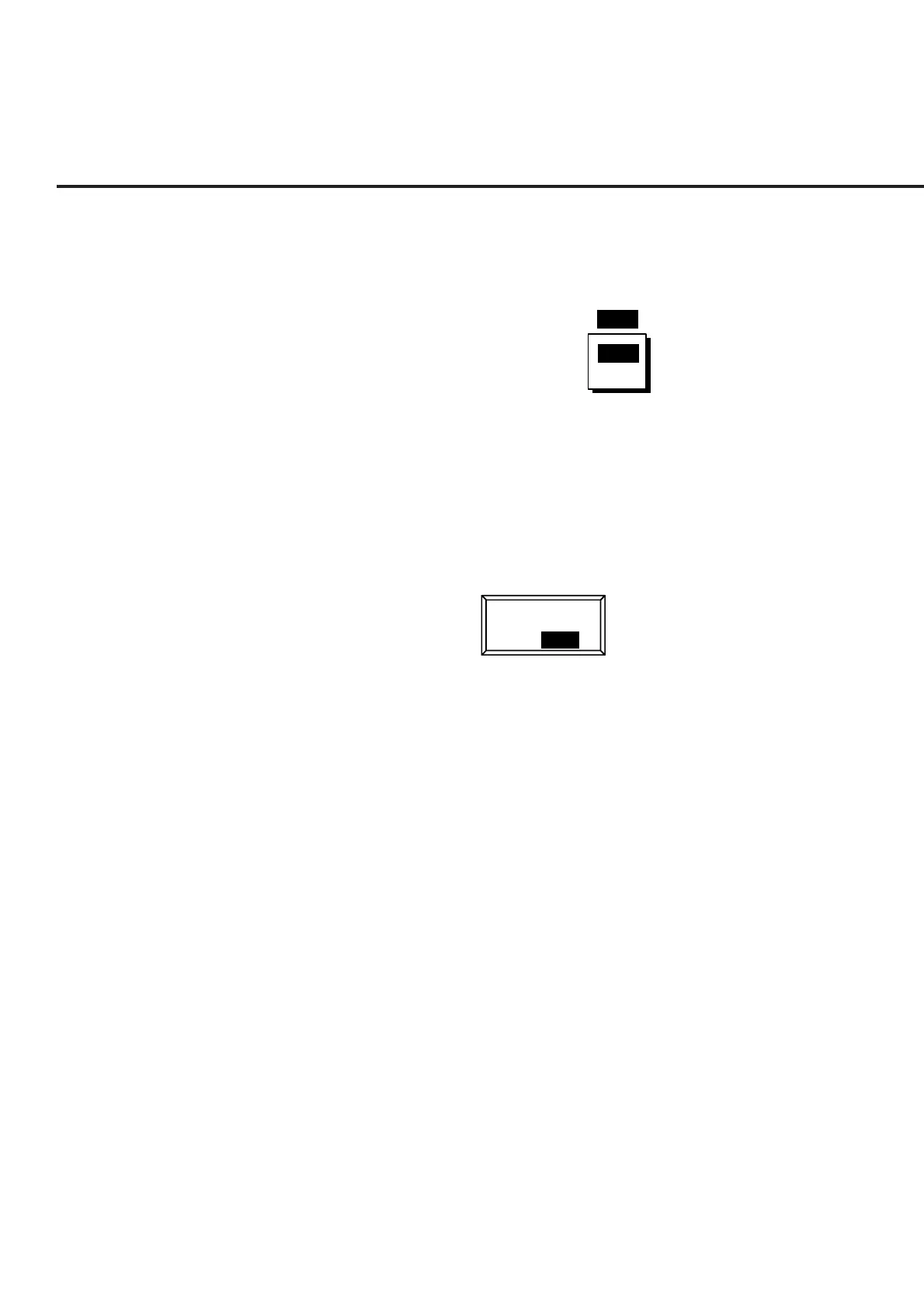
(b) Entering selection item by opening/closing the window
Move the cursor to the brackets enclosing the item to be set, then press the
Set key. The selected item setting window shown below is opened and the
selected item can be set.
RF Input : [ ]
Main
AUX
Main
When an item in the window is selected using the cursor keys and the Set
key is pressed, the set value is defined and the window is closed.
(c) Entering selected items using alternate keys
Selection items are displayed on the function key menu. Each time one of
these keys is pressed, set values are switched alternately. The currently
selected item is reverse displayed.
RF Level
On Off













 To Next Page