4-15
4.2 Screen Descriptions
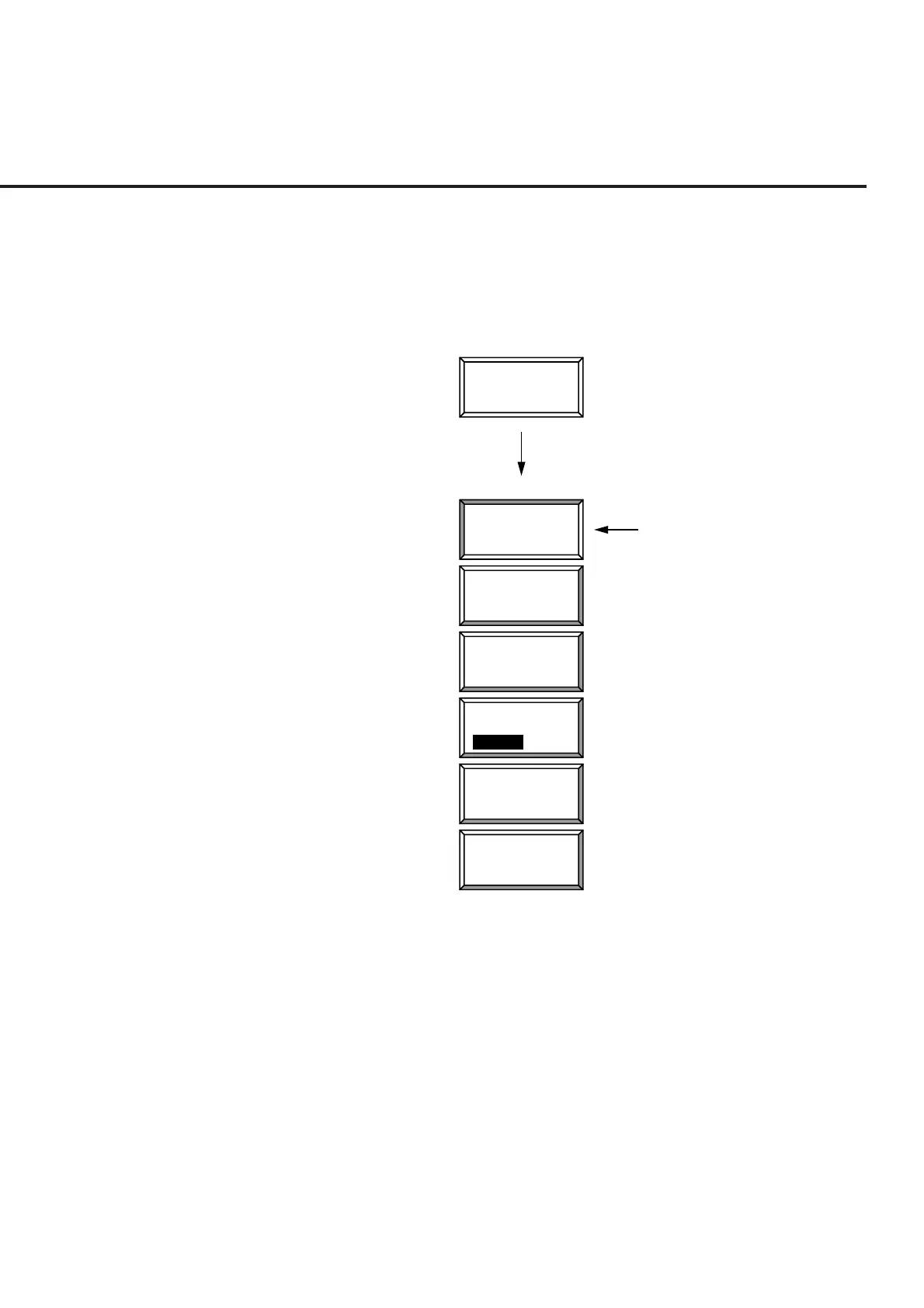
(d) Entering selected items using function keys with lower hierarchy
When the key marked * on the top right of the menu is pressed, the menu
set of the lower hierarchy shown below is displayed.
Select an item from the menu set and press the corresponding function key.
The menu display of the selected item is changed. When the return func-
tion key is pressed, display returns to the menu set of the higher hierarchy.
*
#
Storage
Press
Mode
Normal
Average
Average
Count
Wide
Dynamic
Range
return
Storage Mode
Selected item
Reflesh
Interval
Every Once
(e) Entering the title
See paragraph 4.3.3, “Instrument Setup screen.”













 To Next Page