Parts Identification
40
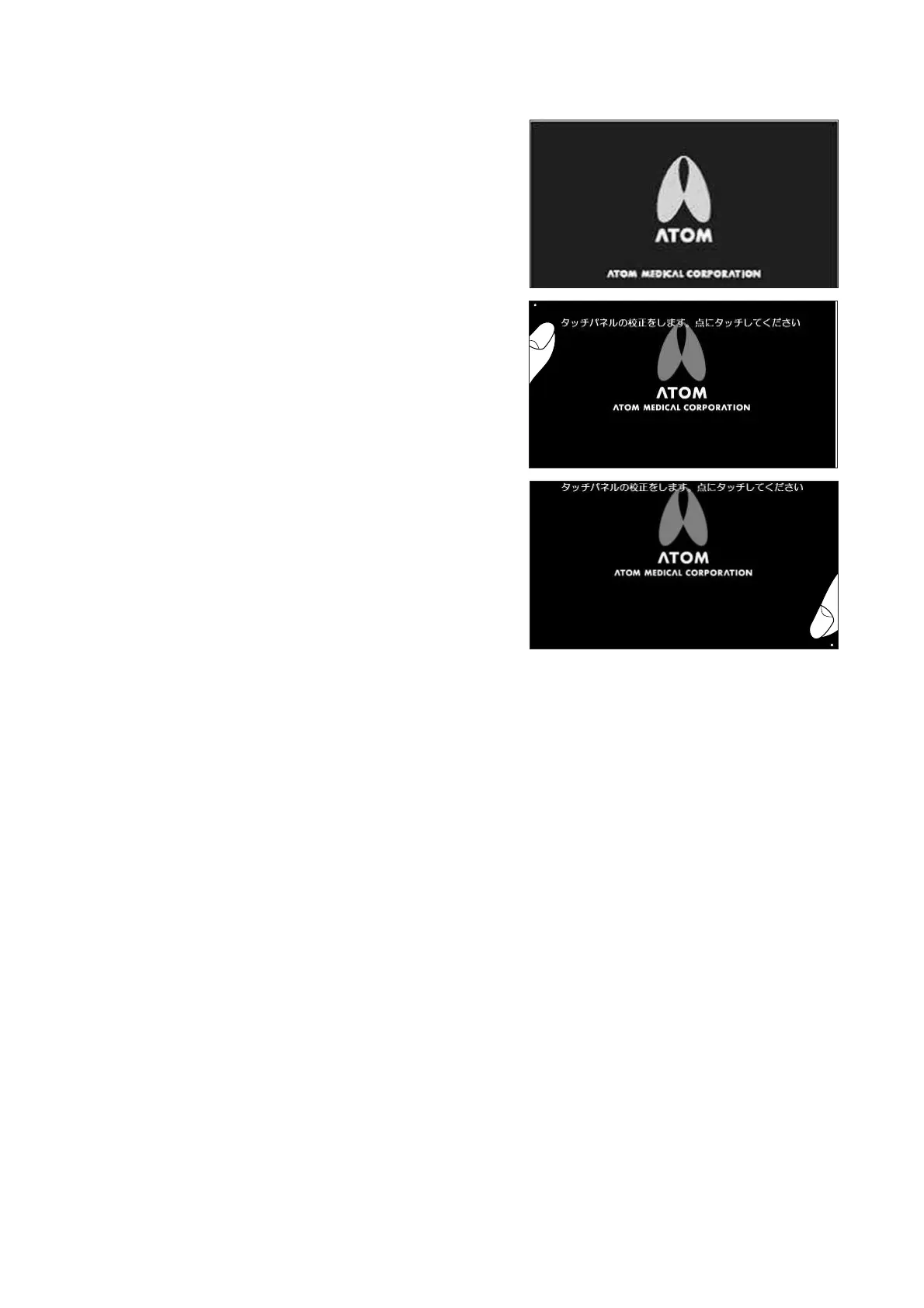
2-4-3. Calibrating the Touch Panel
(1) Turn the power on and the start screen will appear.
Touch this screen three times.
(2) A message “Touch Screen Calibration. Point to the
dot” will appear. Touch the dot displayed on the up-
per left corner of the screen.
(3) Then a dot will be displayed on the lower right cor-
ner of the screen. Touch the dot. The touch panel
will have been calibrated successfully if the main
screen is displayed.



 To Next Page