Troubleshooting
84
@1 “Disconnect power and check the fan is properly attached.”
NO
YES
NO
YES
NO
NO
YES
NO
YES
YES
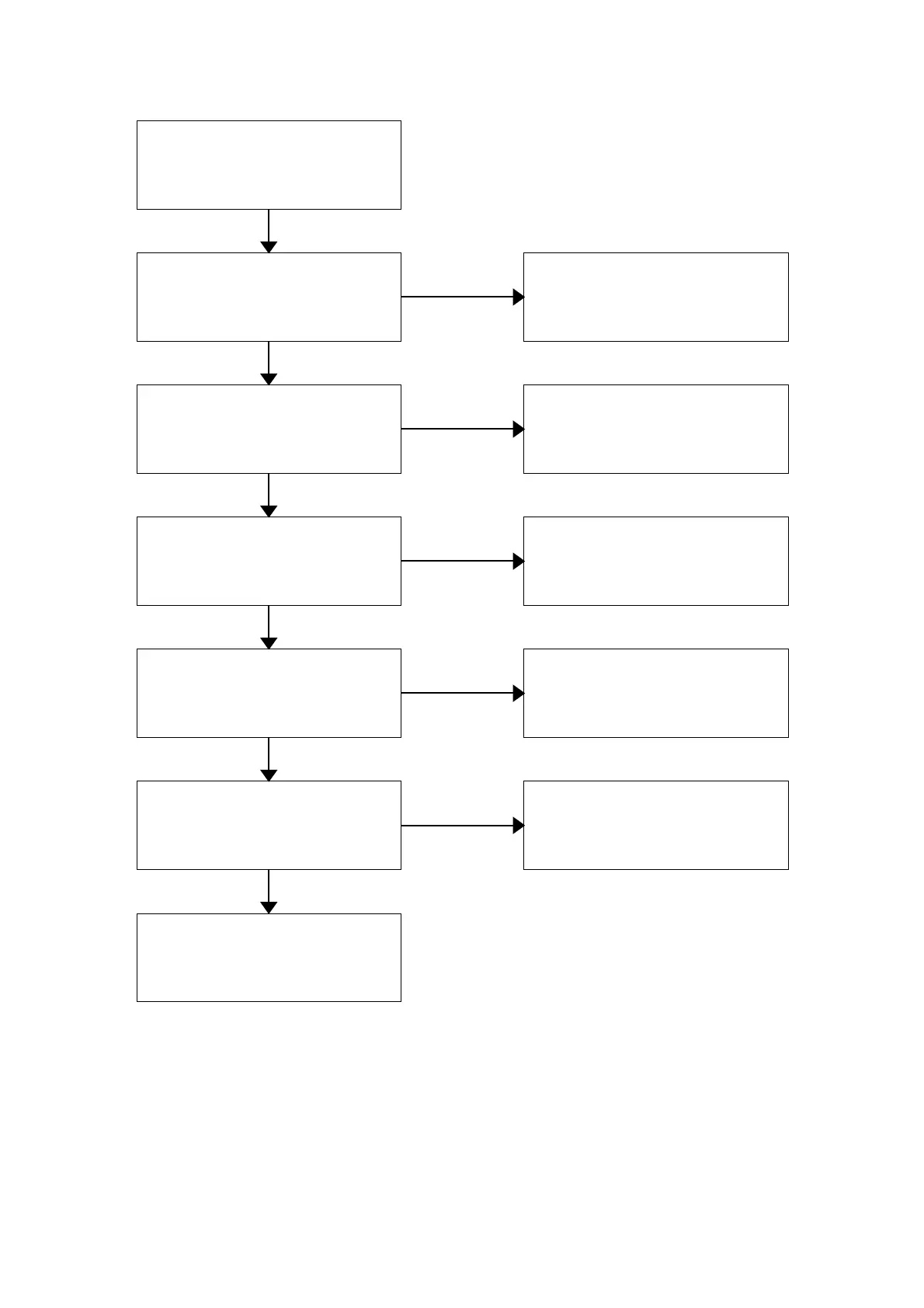
Turn off the power switch.
The fan, the middle board and the
fan cover are attached.
Attach the fan, the middle board
and the fan cover.
The fan, the middle board or the fan
cover is damaged.
Replace the fan, the middle board
or the fan cover.
The fan is inserted securely up to
the bottom of the fan motor axis.
Insert the fan securely up to the
bottom of the fan motor axis.
The fan revolves when the power
switch is turned on.
Failure of the motor
The connector of the position
detection boar of the motor is
connected.
Connect the connector securely.
Failure of the position detection
board



 To Next Page