Troubleshooting
MAINTENANCE
85
@2 “Check the fan cover is properly attached.”
NO
YES
NO
YES
NO
YES
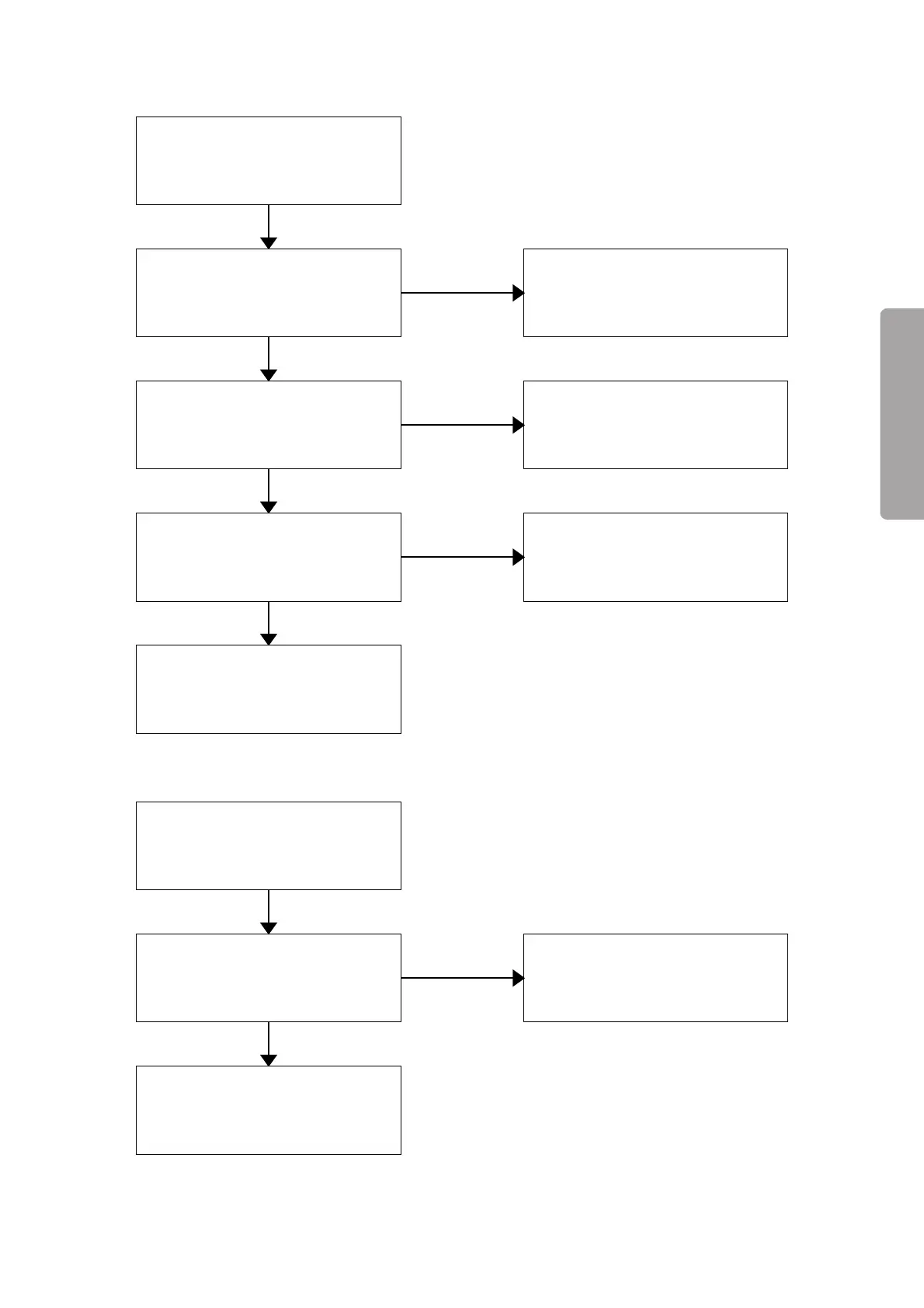
Turn off the power switch.
The middle board and the fan cover
are attached.
Attach the middle board and the fan
cover.
The middle board or the fan cover is
visibly damaged.
Replace the middle board or the fan
cover.
The connector of the position
detection board is connected.
Connect the connector securely.
Failure of the position detection
board
@3 “Revolving speed of the fan is decreased. (E4)”
NO
YES
Turn off the power switch.
Something is blocking the rotation
of the fan.
Failure of the motor
Remove the obstacle blocking the
rotation of the fan.



 To Next Page