10‐7
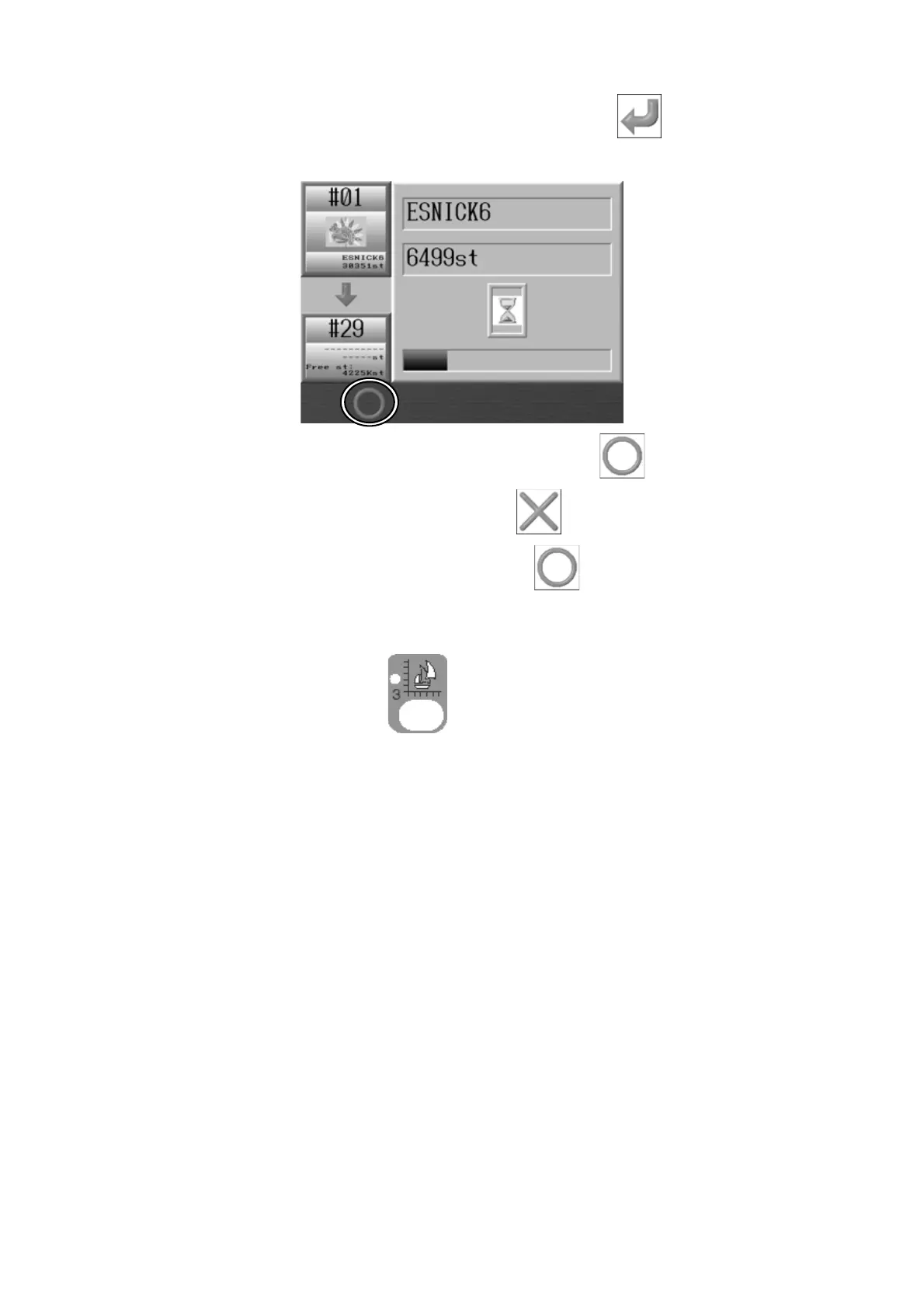
7. After changing the values, press the G-key below the
icon to save the new
design.
8. If you want to pause saving, press the B-key below the
icon.
To cancel saving: Press the A-key below the
icon.
To continue saving: Press the B-key below the
icon.
*If the saving process was cancelled in the middle of saving, the incomplete
design will be saved in Memory.
Press the Design Edit Key
again to go back to the Start screen.



 To Next Page