10‐8
4-2. Stitch Processor List
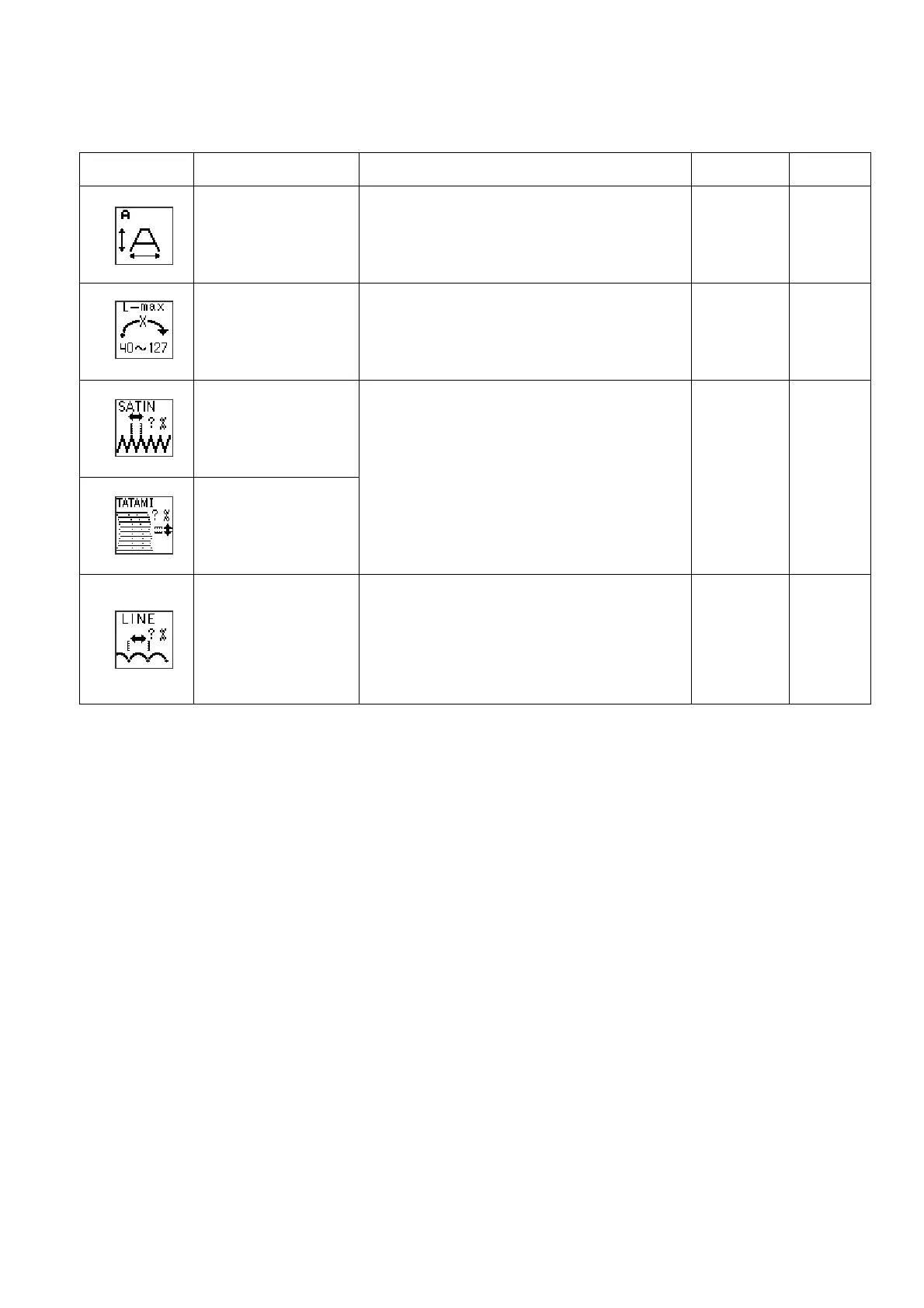
No. (Icon) Item Function Range Default
1
Scale
(Size)
Changes the design scale larger or
smaller.
50~200%
100%
2
MAX length
Sets the longest stitch length in the
design. Use this setting to shorten the
longest stitches in the design.
40~127
127
3
SATIN space
4
TATAMI space
Sets the Spacing of the Satin and Tatami
stitches.
Larger number: Stitches are less dense
Smaller number: Stitches are denser
70~130%
100%
5
LINE pitch
Sets the length of running stitches.
Larger number: Stitch length is longer
Smaller number: Stitch length is smaller
70~130%
100%



 To Next Page