11‐9
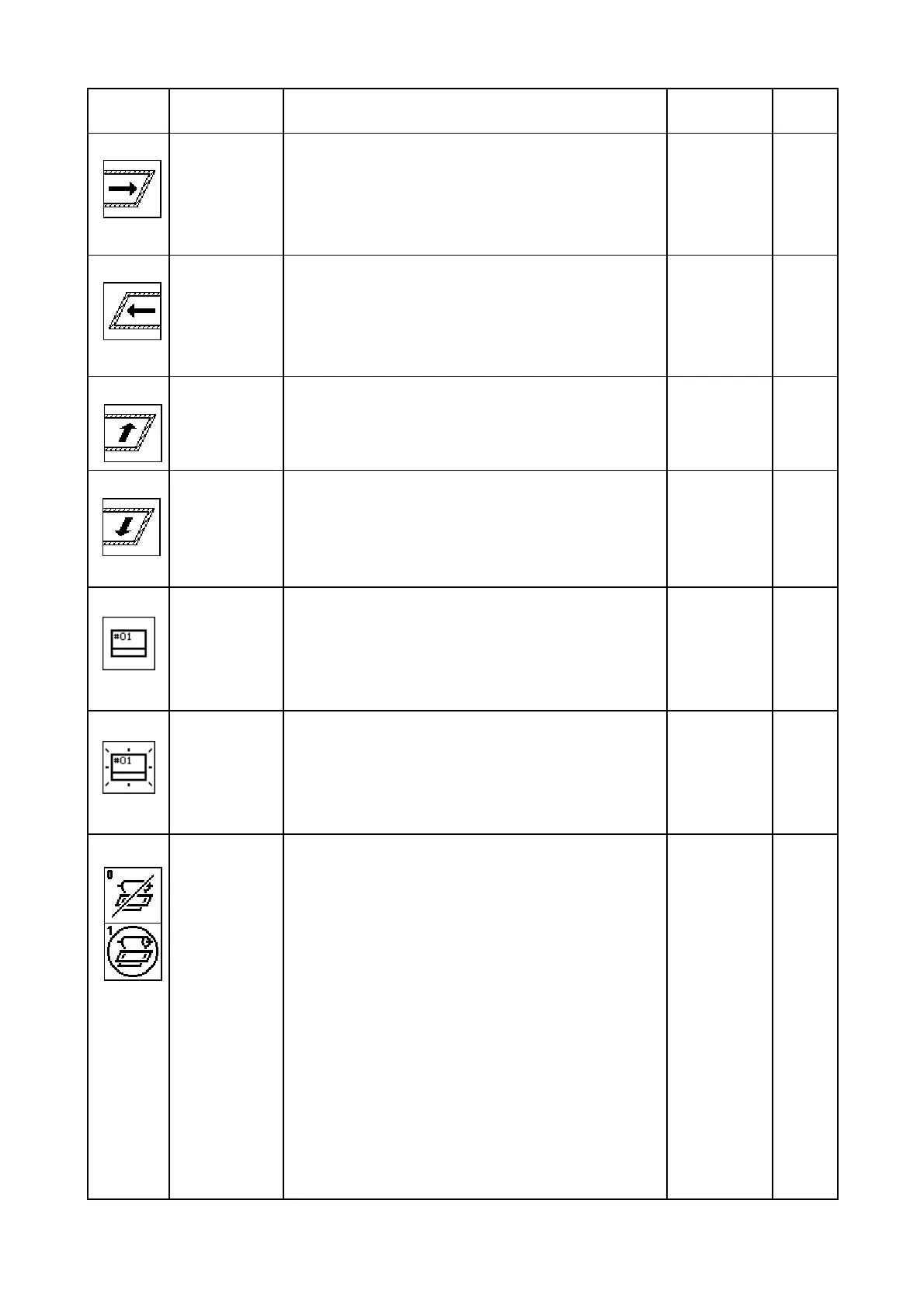
Icon Parameter
Function/Action
Range Of
Value
Default
Value
22
Right Limit
Sets right soft limit – allowable distance
pantograph can move to the right of the
mechanical origin.
0 – 3200
[mm]
500
23
Left Limit
Sets left soft limit – allowable distance
pantograph can move to the left of the
mechanical origin.
0 – 3200
[mm]
500
24
Back Limit
Sets back soft limit – allowable distance
pantograph can move to the front of the
mechanical origin
0 – 3200
[mm]
500
25
Front Limit
Sets front soft limit – allowable distance
pantograph can move to the back of the
mechanical origin
0 – 3200
[mm]
500
26
LCD Mode
Not Used
------- -----
27
LCD Bright
Sets the color mode of the LCD screen.
1: dark
2: normal
3: bright
2
28
Roll to Roll
Sets the Roll-to-Roll function active.
0 = Roll to Roll not used
1 = Manual Roll to Roll ON/ Roll to Roll m/c
* 1: Activated on
stitch with a SE function code, the
needle will remain down in the fabric (D32 Icon
will also be displayed). Panto clips should be
released and then press the start bar, the
pantograph will move back to the
start origin. Or
move the panto to the position as set by values in
F.offset (Program).
* For roll to roll m/c, set to 1 and set Roll to Roll
type (MSU2) to 1 (for normal roll fabric) or 2 (for
thinner roll fabric).
0 - 1 0



 To Next Page