11‐11
Icon Parameter
Function/Action
Range Of
Value
Default
Value
35
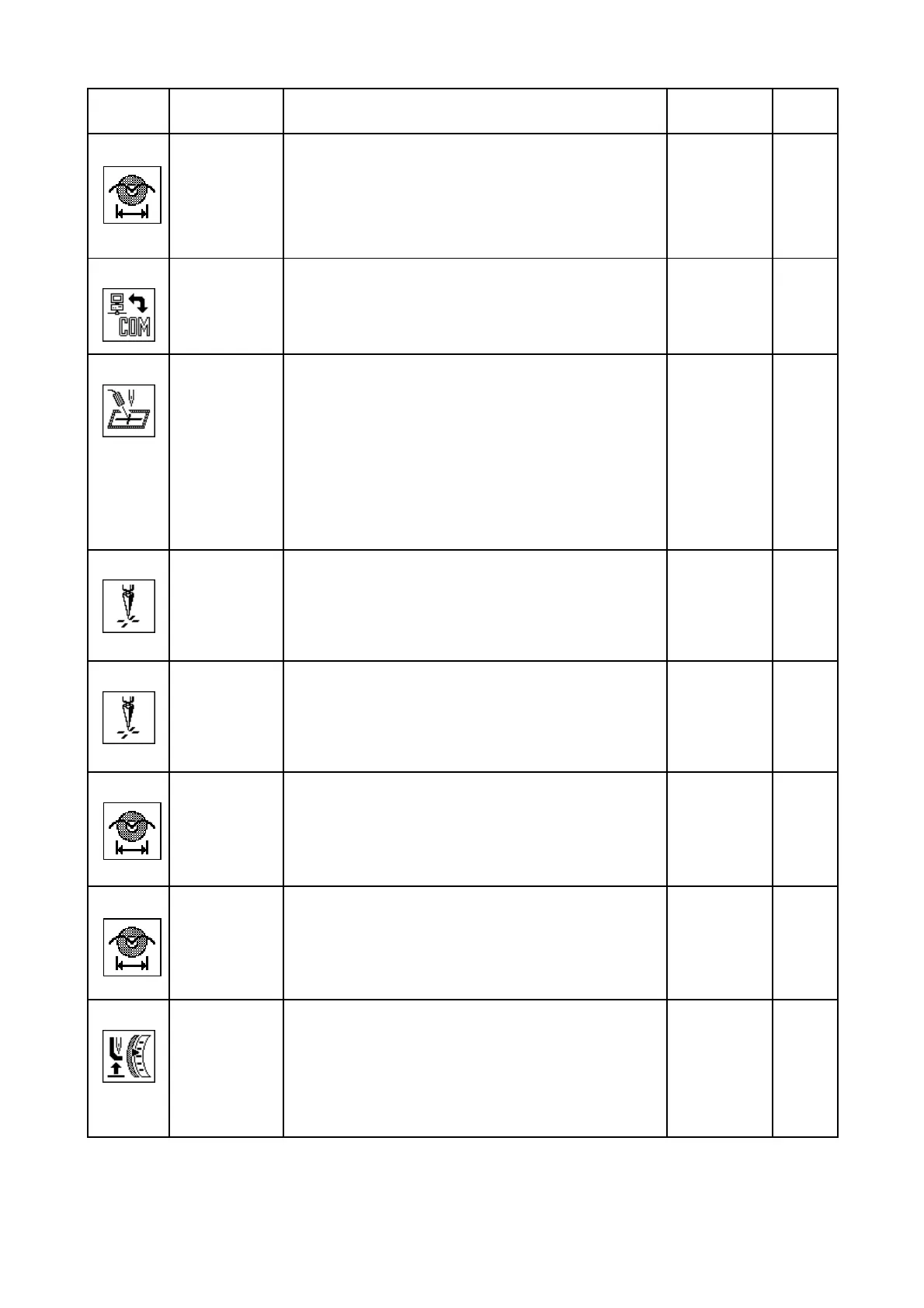
Sequin size
R1
Sets the Sequin Size Change on Right side
0-50
0
36
Network Type
Not Used
------- -----
37
Marker Type
Laser Marker operation
1: Turns ON when the machine is not sewing.
2: Turns On only in “Drive mode” and not sewing.
3: Same as above item 1 + it resets to ON
when the machine is powered ON.
4: Same as above item 2 + it resets to ON
when the machine is powered ON.
This feature is for DT/VT only.
1-4 1
38
Borer 2
Switches off the thread break detector of a needle
fitted with a boring device. Enter the number of
the needle that has the borer. Set to 0 if a boring
device is not in use.
0 – 15
[Needles]
0
39
Borer 3
Switches off the thread break detector of a needle
fitted with a boring device. Enter the number of
the needle that has the borer. Set to 0 if a boring
device is not in use.
0 – 15
[Needles]
0
40
Sequin size
L2
Sets the Sequin Size Change on Left side
0-50
0
41
Sequin size
R2
Sets the Sequin Size Change on Right side
0-50
0
42
Marker Type
Presser foot function control
0: Not used.
1: Changes Presser foot height by the Needle
number.
2: Changes the Presser foot height by the
PR function code in the color change F-list.
0-2 0



 To Next Page