3‐6
2. Panel Switches
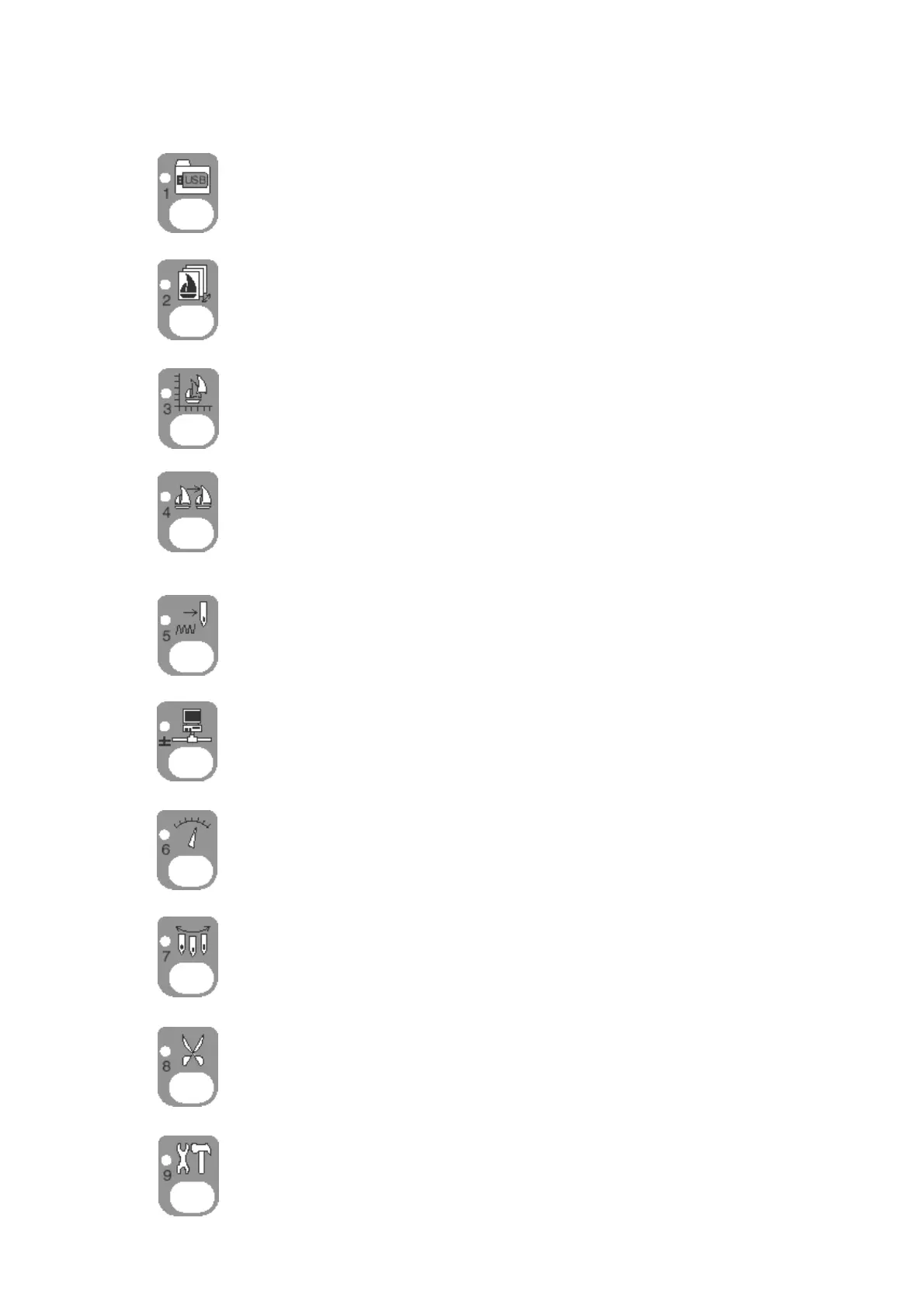
Design Loading/Downloading Key
Loads and downloads designs from the USB port etc.
Numeric Key: 1
Design Memory Key
Manages designs in memory.
Numeric Key: 2
Design Edit Key
Edits and copies designs.
Numeric Key: 3
Color Change Key
Lists the color change codes for designs in memory and allows them to be
changed.
Numeric Key: 4
Float Key
Moves the pantograph without stitching (standard and high speed modes)
Numeric Key: 5
Network Key
Reads Design data from the server, along with other network options.
Numeric Key: ± (plus or minus)
Speed Key
Varies the machine speed.
Numeric Key: 6
Needle Change Key
Manually changes the needle (Color).
Numeric Key: 7
Trimming Key
Manually trims the thread.
Numeric Key: 8
Preference Key
Used for preference settings for the Automat.
Numeric Key: 9



 To Next Page