4‐15
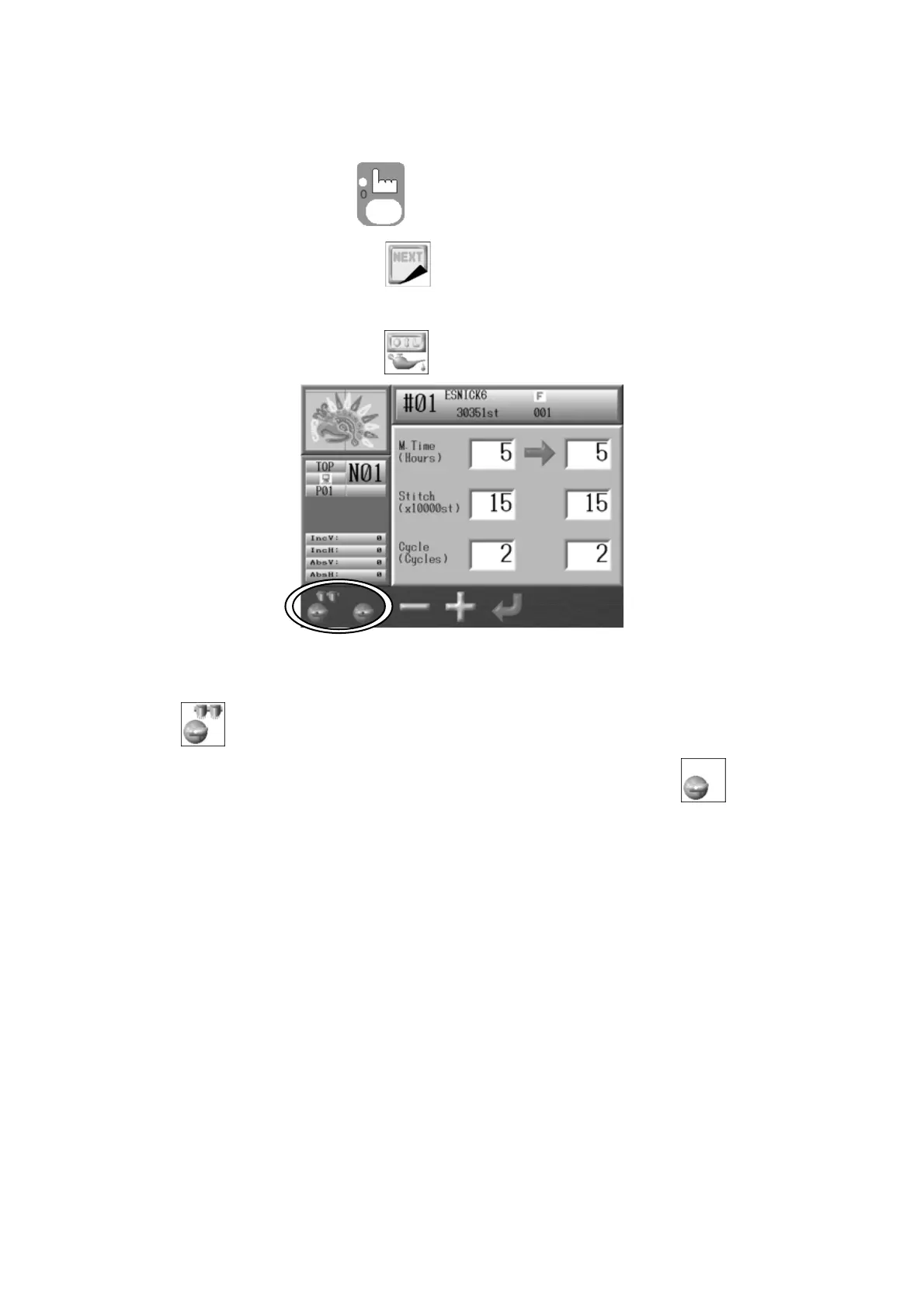
9-2. Manual Lubrication (Optional Lubrication Device installed)
1. Press the Manual Key
to open the Manual operation screen.
2. Press the G-key below the
icon.
3. Press the B-key below the
icon and the Lubrication Menu displays.
4. To lubricate the sewing heads and hook assemblies, press and hold the A-key below the
icon until the Automat makes a beep sound.
To lubricate just the hook assemblies, press the B-key below the
icon until the
Automat makes a beep sound and starts lubrication.



 To Next Page