4‐16
9-3. Automatic Lubrication (Optional Lubrication Device installed)
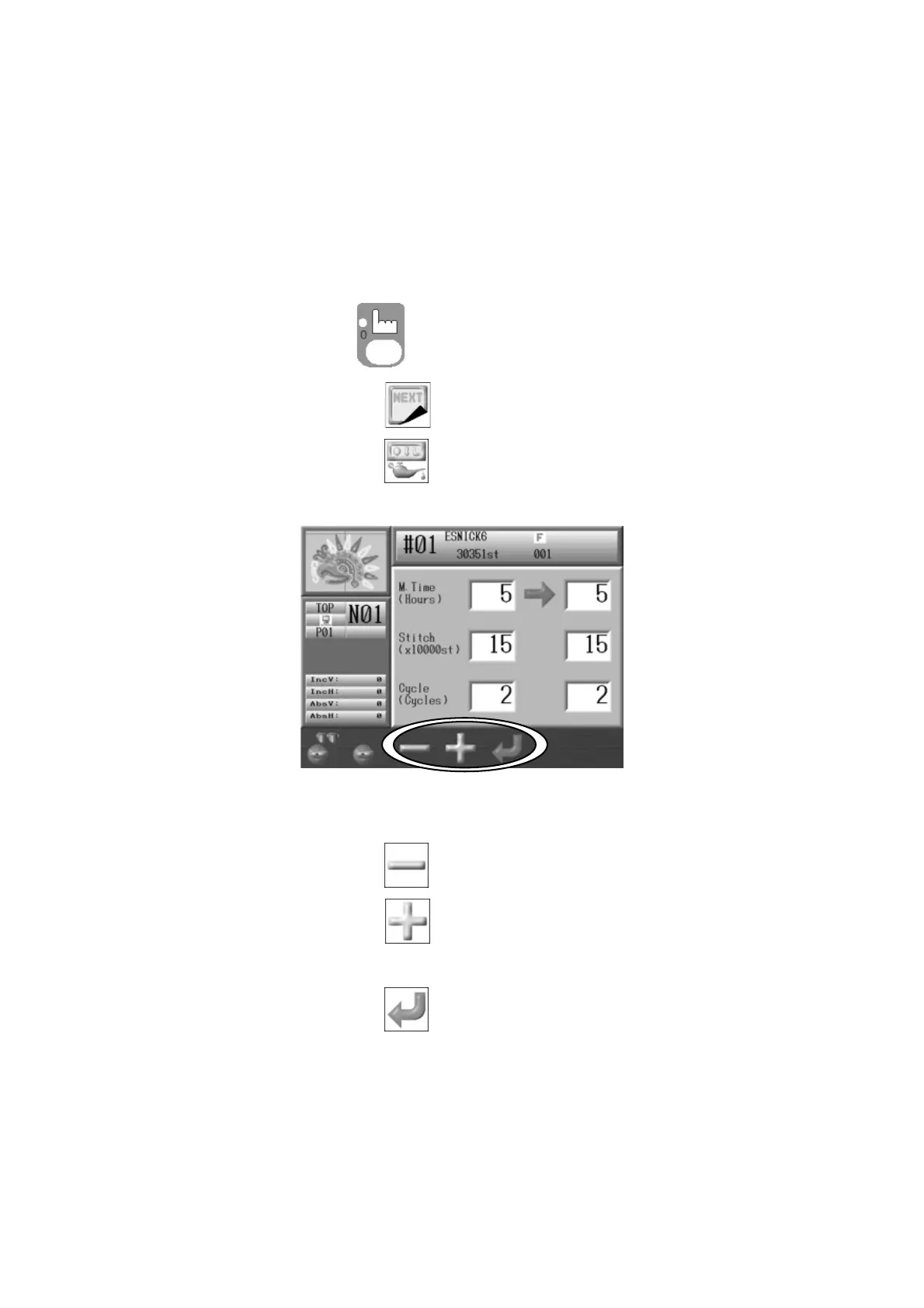
Instructions for setting the frequency of the automatic lubrication
The frequency can be set by time and stitch count. When either the time or stitch counter,
counts down to 0, this starts the lubrication and then resets the counter automatically.
When the lubrication starts both the time and stitch counter are reset.
When the value in the cycle column is 0, the automatic lubrication is turned Off.
1. Press the Manual Key
to open the Manual operation screen.
2. Press the G-key below the
icon.
3. Press the B-key below the icon and the Lubrication Menu displays.
Use the Jog keys to select an item to change.
4. To change a value,
Press the C-key below the
icon for smaller numbers.
Press the D-key below the
icon for larger numbers.
5. Press the E-key below the icon to save the new value.



 To Next Page