5‐8
6. Use the Jog Keys to select the design you want to load.
*If you want to select several designs for downloading, see the following procedure:
1. Select a design and press ORIGIN key. After that an (*) is shown beside the design to
indicate it’s been chosen.
2. Choose more designs and press the ORIGIN key to mark them.
3. If you want to cancel a chosen design with an (*), select the design again and press
the ORIGIN key to remove it.
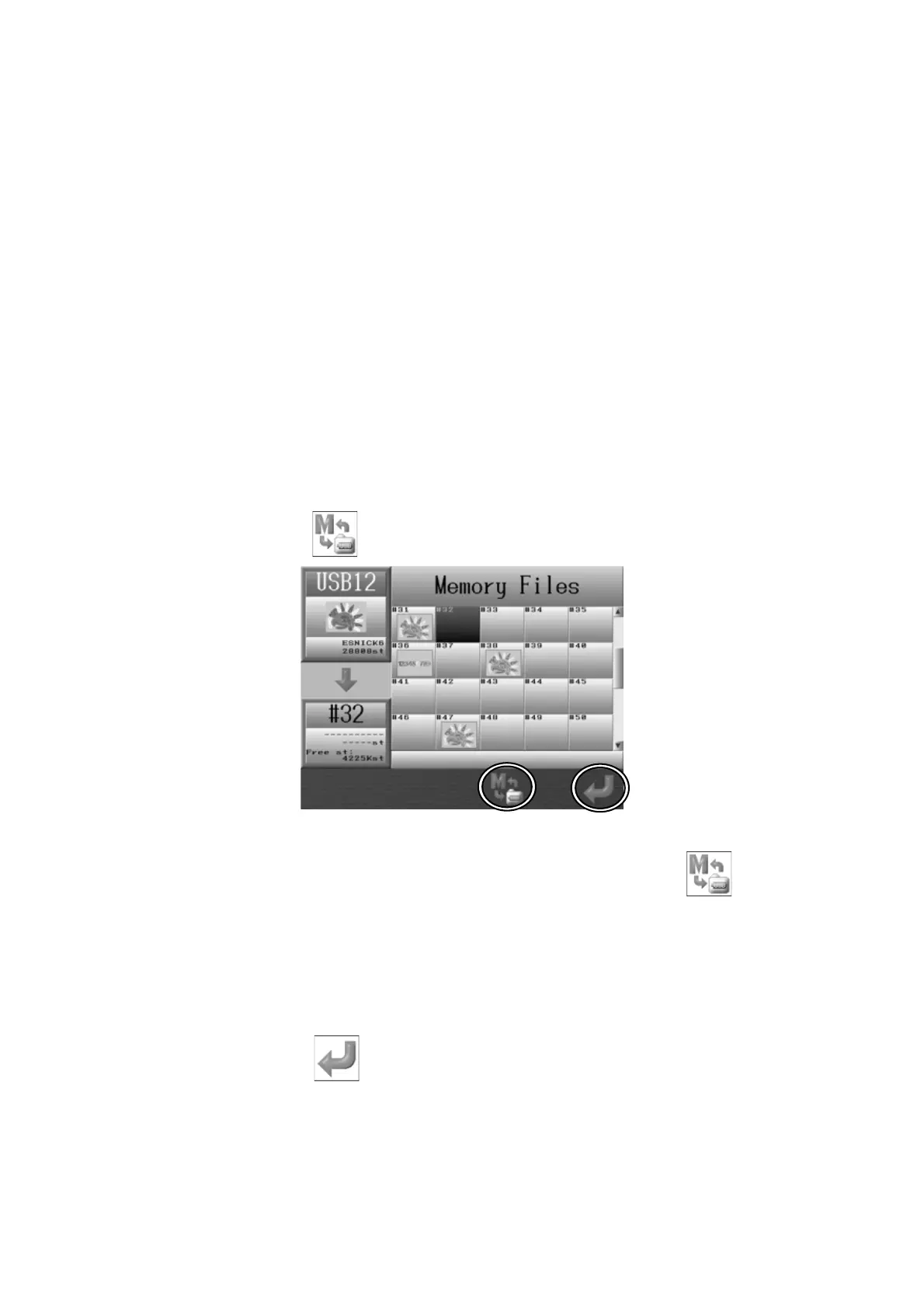
7. You can save the selected design into a specific memory location. If you do not need to,
the next empty memory location will be automatically selected for you. In this case
please jump to item 10.
8. Press the E-key,
and the Memory files list displays.
*If you need to get back to the Design Folder List, press the E-key
again.
9. Use the Jog keys to select a memory file location to load the design into.
*If several designs have been selected using the ORIGIN key, you cannot assign
specific pattern locations to load into. In this case, the designs will be automatically
saved into the next available empty memory locations.
10. Press the G-key,
to load the Design(s) into memory. The display will go back to
the start screen after downloading.



 To Next Page