5‐11
3-4. Displaying Design Information
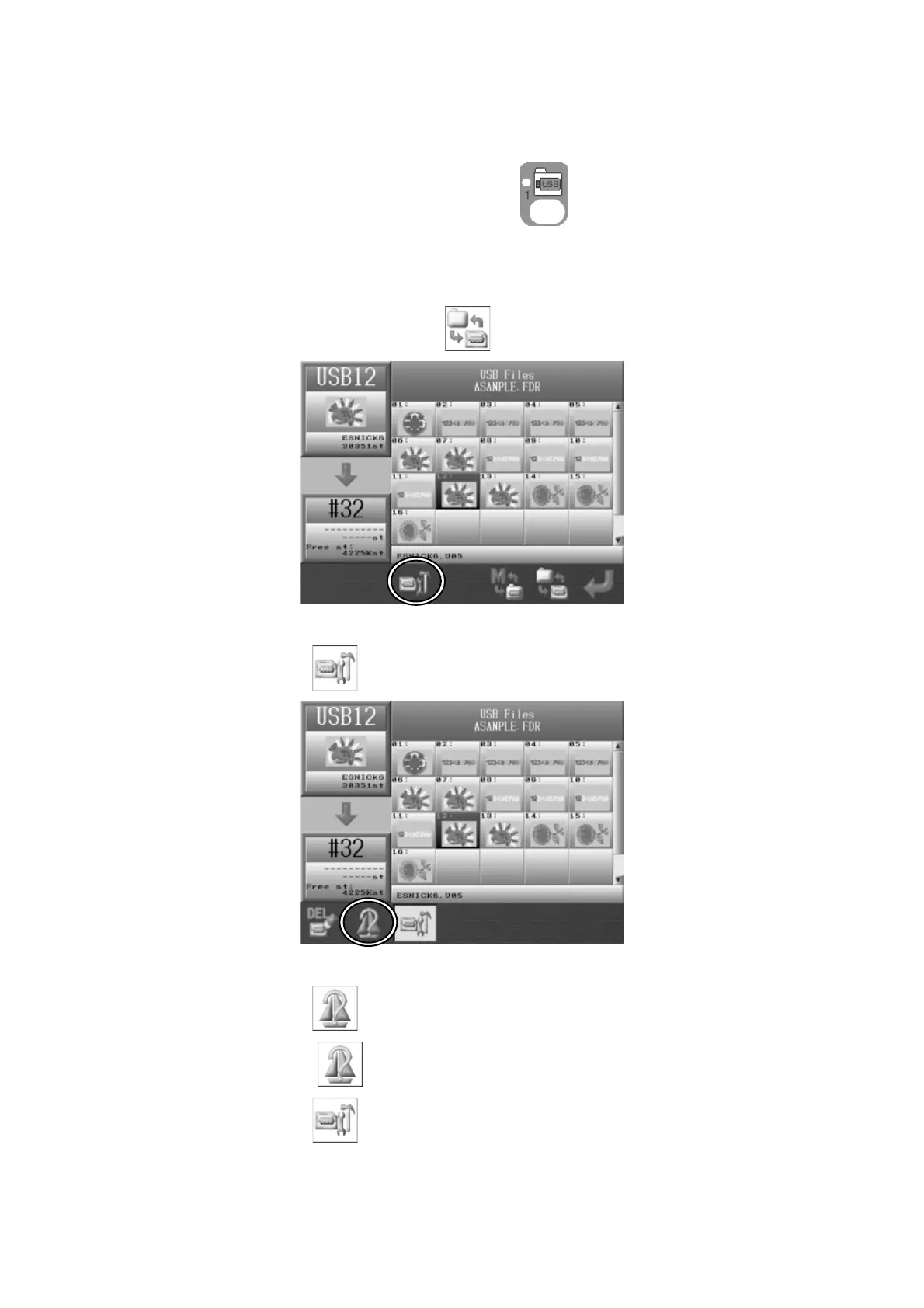
1. Press the Design Loading/Downloading Key
.
2. Use the Jog keys and select the folder that has the design you want to show the design
information.
3. Press the Origin key or the F-key,
to show the list of designs in the folder.
4. Use the Jog keys and select the design you want to show the design information.
5. Press the C-key,
to show the USB Design Administration screen.
6. Press the B-key,
to show the design information.
Press the B-key,
again to go back to the USB Design Administration screen.
Press the C-key,
again to go back to the Design List.



 To Next Page