5‐10
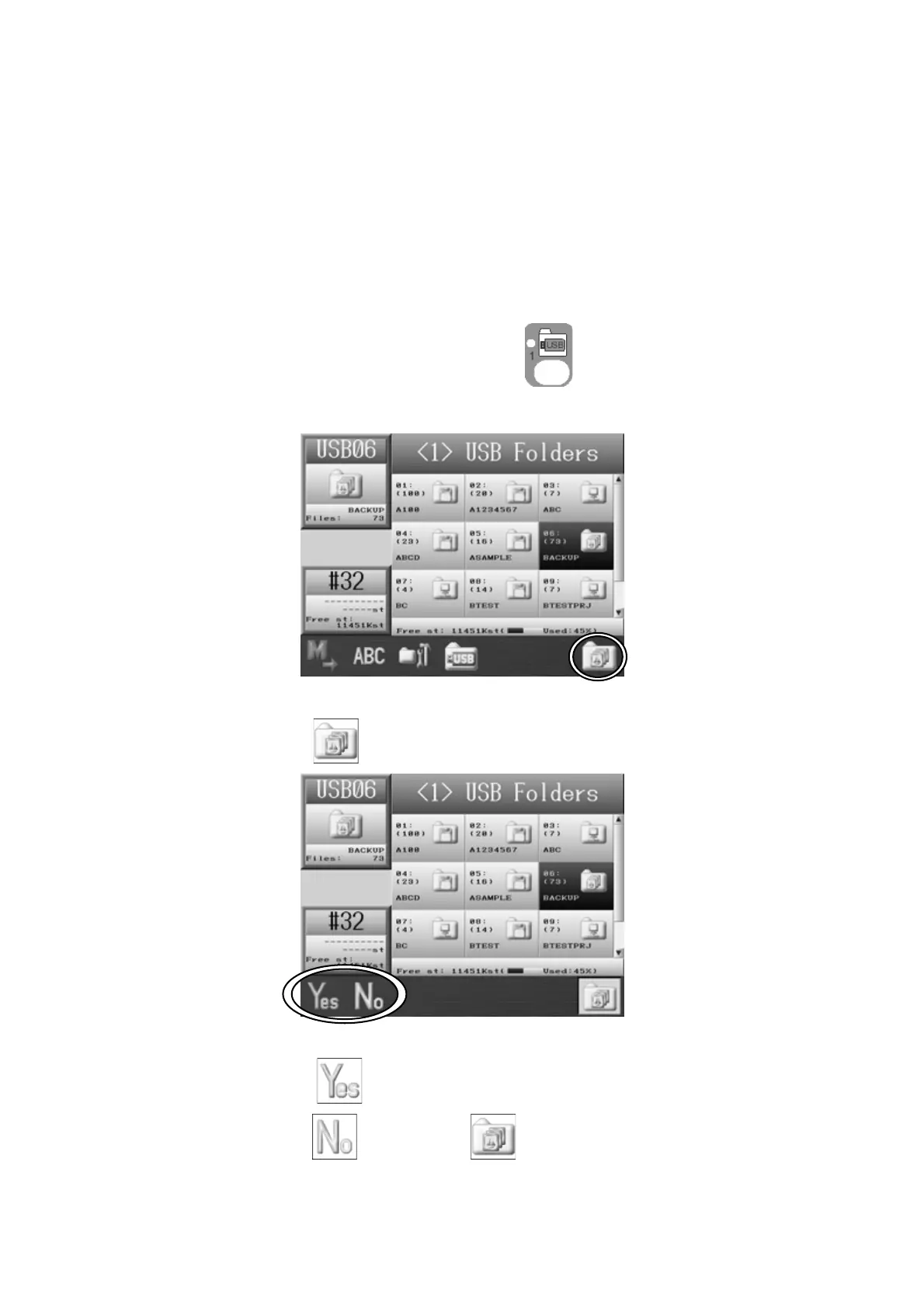
3-3. Loading a Back-up Design Folder
This function restores all the designs as they were, when the XSB memory backup folder
was saved.
Important Notice:
When this function is executed, all designs (in the memory) will be overwritten by the
backup memory.
1. Press the Design Loading/Downloading Key
.
2. Use the Jog keys and select the XSB Back-up folder that you want to restore.
3. Press the G-key
4. Press the A-key, to start loading the Back-up folder designs.
Press the B-key
or the G-key to cancel the loading and go back to the
Design Loading screen.



 To Next Page